Keymatrix.dev - Visual shortcut reference for mechanical keyboards (27 boards, 14 brands)

Hey guys

Sharing a project I’ve been working on: keymatrix dev
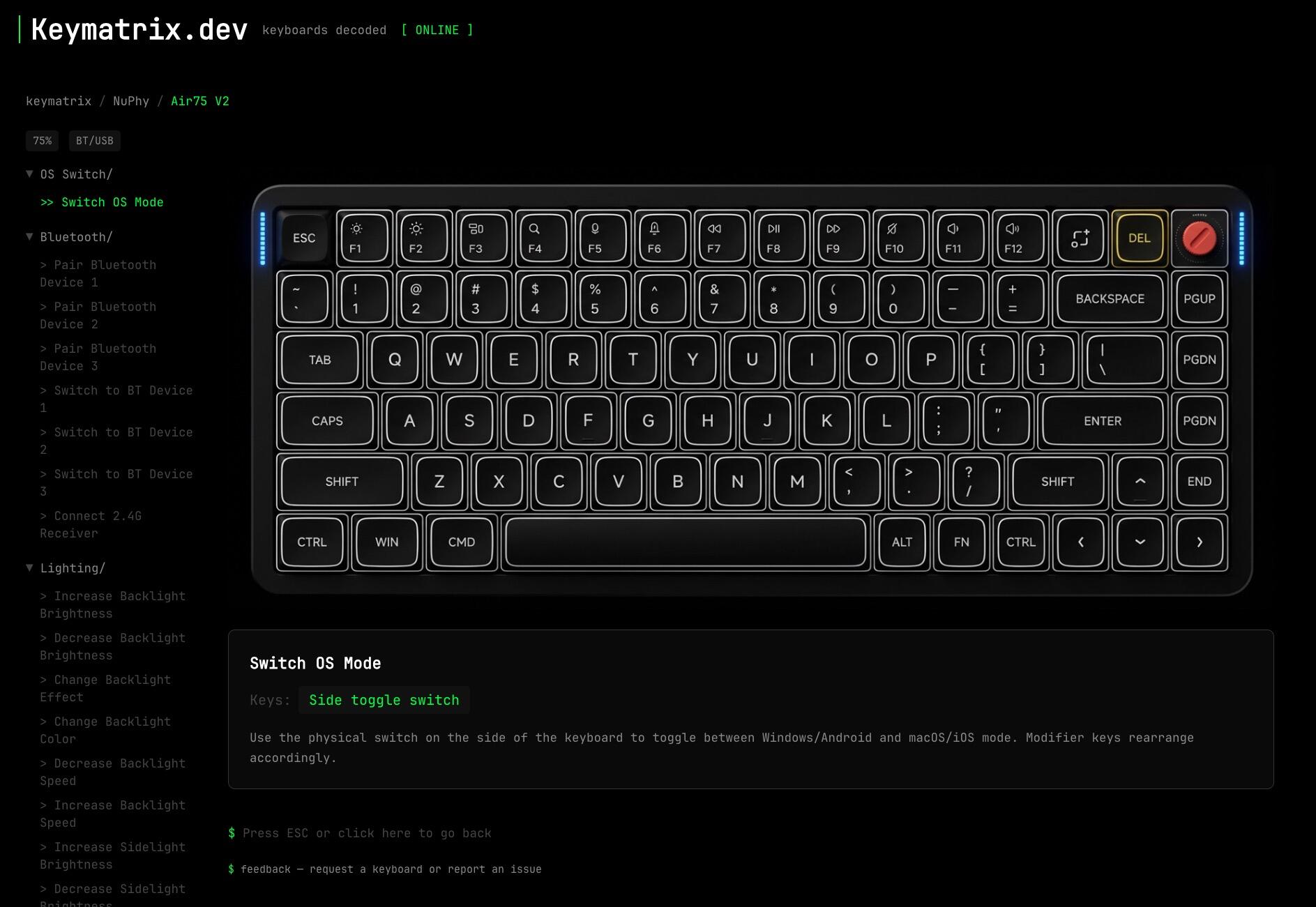
It’s a visual, interactive reference for keyboard shortcuts. The idea is simple: instead of reading through a manual to find out how to pair Bluetooth or what Fn+7 does, you click the function and the keys highlight directly on a photo of your keyboard.

What’s covered:

  • Fn layer mappings (every Fn combo documented)
  • Bluetooth pairing sequences
  • Mac/Windows mode switching
  • RGB lighting controls
  • Factory reset procedures
  • DIP switch configurations (where applicable)

Currently 27 keyboards from HHKB, Keychron, Akko, NuPhy, KBDfans, Glorious, Wooting, Leopold, Ducky, Lofree, Drop, Mode, Epomaker, and Angry Miao.

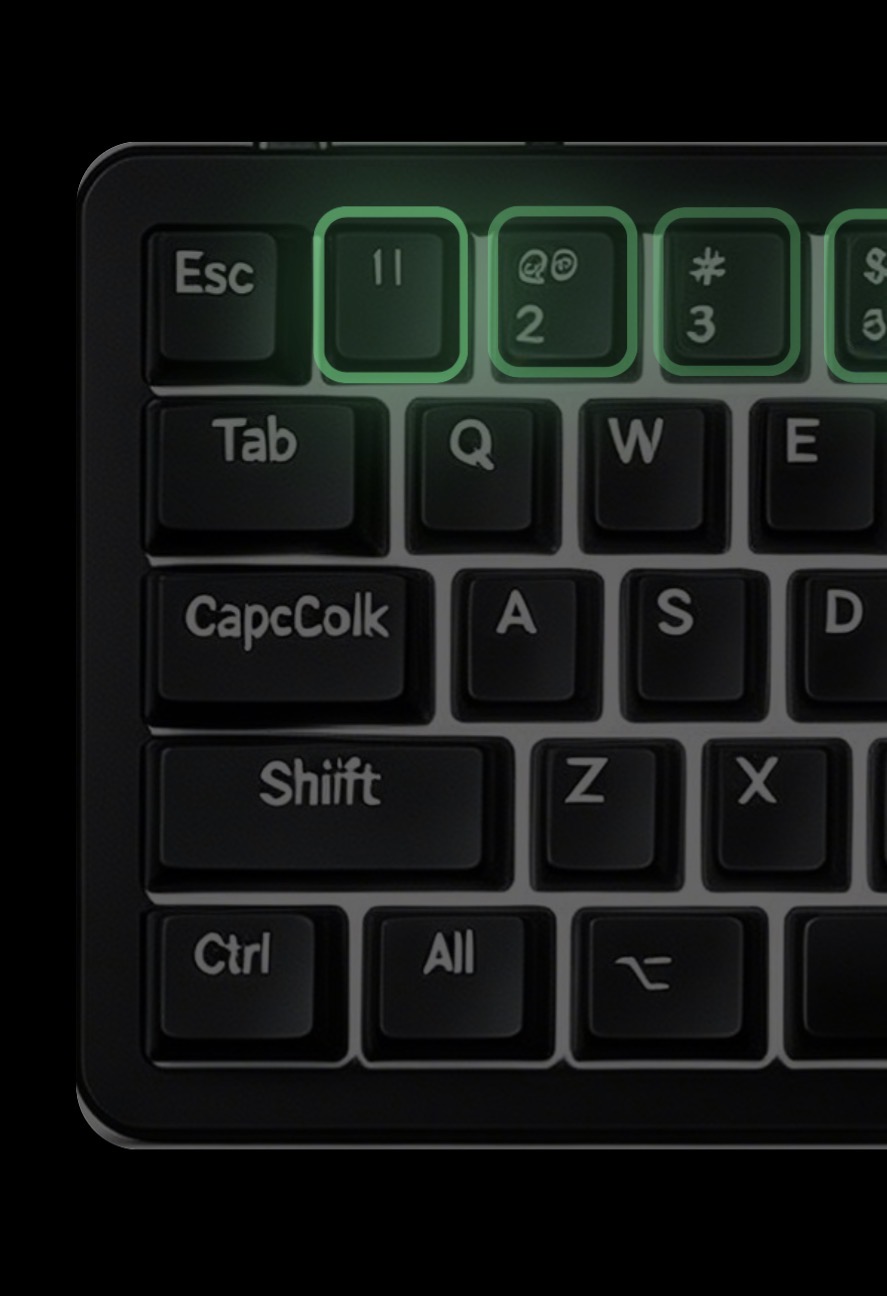
All shortcut data is extracted from official documentation. Key position coordinates are mapped onto rendered keyboard images for the highlight overlay. Tried a few AI models for boards rendering, and finally Nano Banana 2 + seedream helped out. But obviously some keyboards are not rendered perfectly yet. I will probably update them with the next batch of keyboards.

The site has a terminal-inspired interface, you can navigate by typing commands (cd keychron, ls, Tab to autocomplete) or just click normally.

Feedback and keyboard requests welcome! Would especially appreciate anyone checking the accuracy of shortcuts for keyboards they own daily.
3 Likes

Seems crazy to me to use ai to render the keyboards when perfectly good tools like keyboard layout editor exist that won’t make “imperfect models”

1 Like

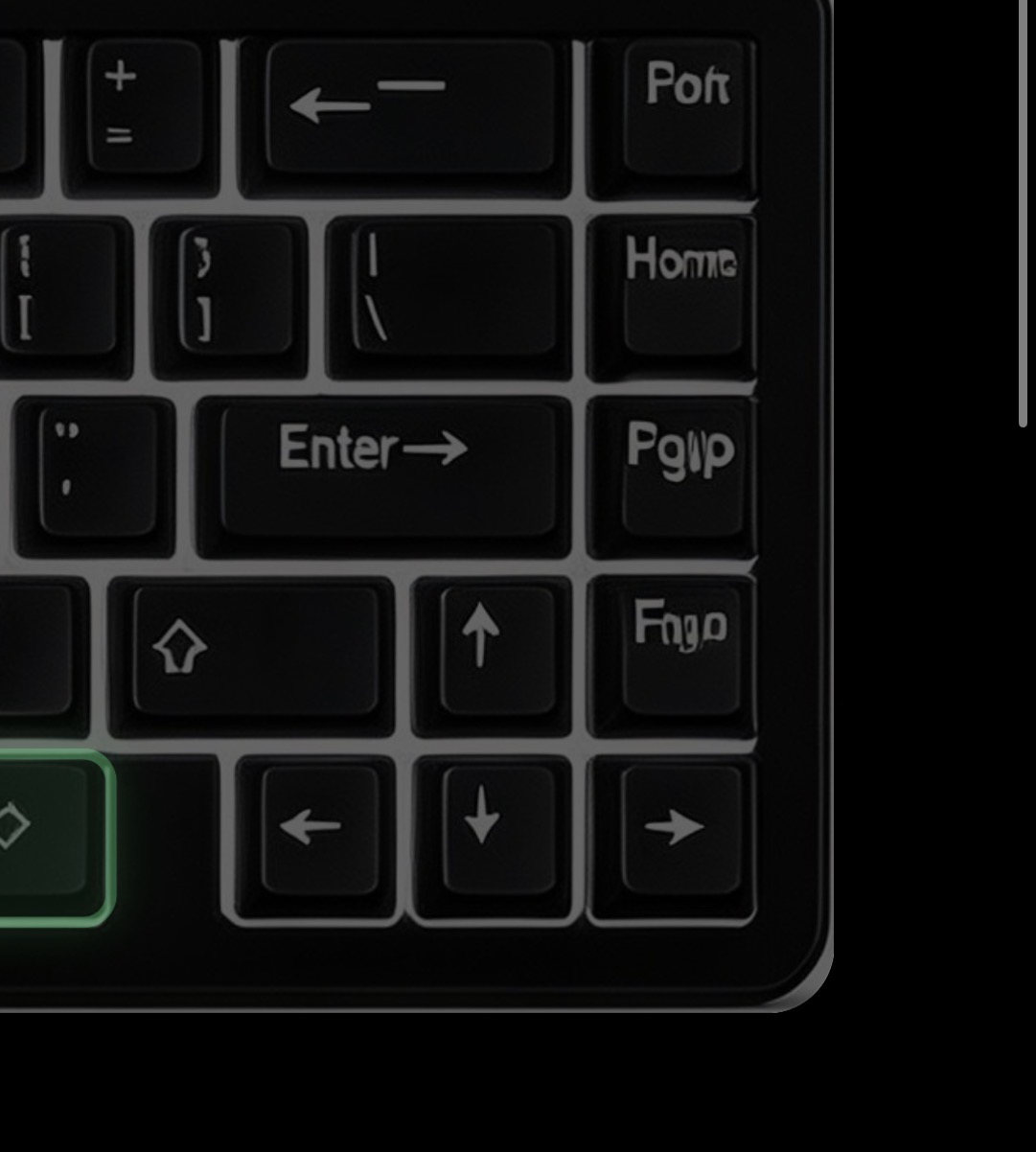
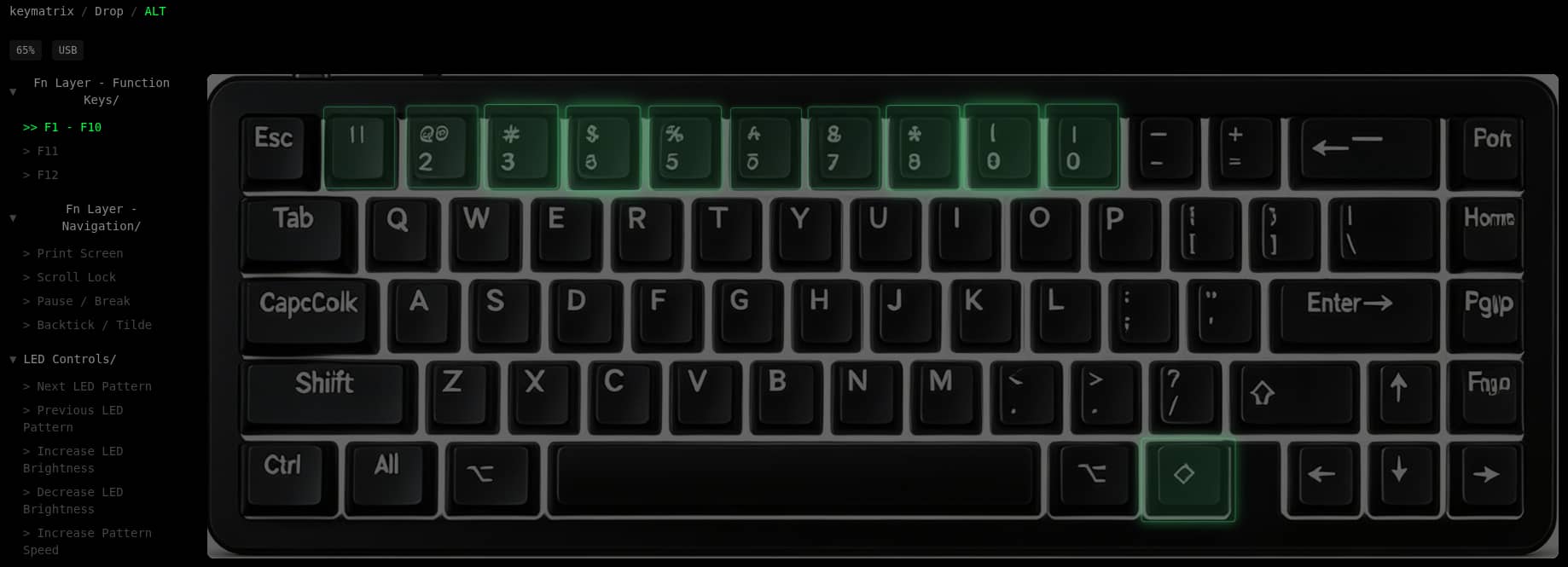
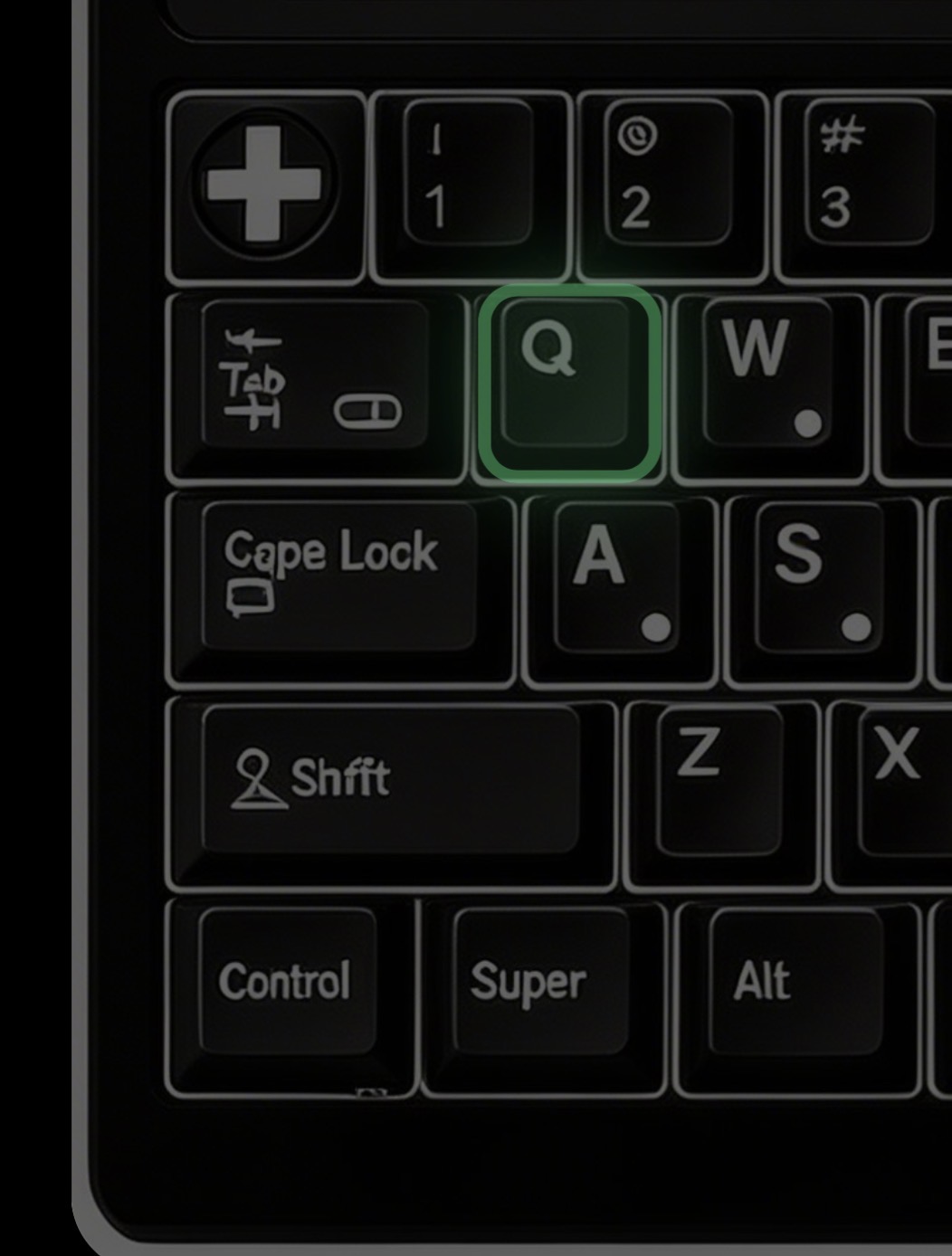
To be completely honest I would never trust the accuracy of information about keyboards on a website with keyboards that look like this:

why not use product images or ask people who have keyboard to submit images or again just use an existing to to mock up the layouts? Is the whole site just vibe coded slop?

2 Likes

The tab key and “Cope lock” from the top image need to be made into novelties. The set can be called “GMK My Electric Bill Went Up For This?”

6 Likes

The concept has potential, but this is rough. In addition to the needless use of AI to generate well-documented keyboards (“CapcColk”!), the information similarly seems to be AI summarized and incomplete if not incorrect. For instance, on the Drop Alt, it just sort of gives up after F10, presumably because the manual puts them on different lines. Not an issue if one is using an XT model IBM PC, but problematic for systems more recent than, say, the mid 1980s. If an AI solution leaves you worse off than a google search (or even a Google Gemini AI query), it’s not a solution, at least not yet.

1 Like