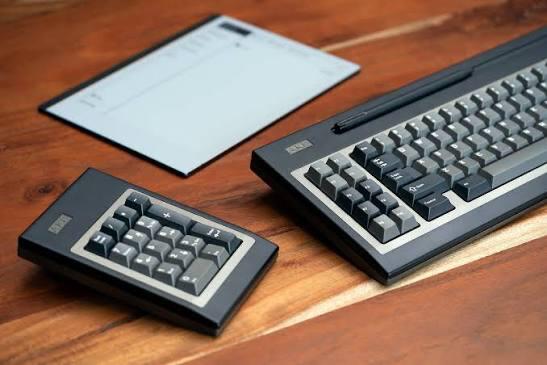
Mechanical Numpads - When Work Meets Play

There’s a time in many of our lives when the real world kicks in and we have to do spreadsheets, accounting, data entry, and dare I say it? math.

Alternatively there are times when we want to be creative and have our own way of controlling our creativity through custom scripts, hotkeys, and macros.

When these realities meet, we can think of the handy dandy trusty numpad.

Unsurprisingly in an aesthetic world where -
(posting that hurt my soul)

we find ourselves looking at macropads and numpads. In many scenarios, a programmable numpad is more comfortable and familiar to many of us, especially those of us who grew up learning to type on keyboards with our fingers as opposed to on tablets with our thumbs.

I find myself at this crossroad today and am now looking at options for numpads. What have you all when it comes to this smaller more minor facet of our lovely hobby? Do you strike yourself as more of a utilitarian “it’s on amazon and fits my basic criteria” user of numpads, or a fanciful “treat yo’self” taker of the cause (what cause? I dunno, aesthetics?").

While I am proficient at simply typing all my numbers and symbols without needing to look down at my keyboard, I still find myself with a strong desire.

39 No Frills Keyboard Shortcuts every Developer Should Know About - DEV  Community

THE NEED FOR SPEED.

What’s everyone rocking these days for numpads, if anyone is even rocking numpads anymore?

Full sized keyboard? 96% keyboard? separate numpad?

Wired? Wireless?

Off the shelf? Custom?

LEDs? Knobs?

Tactile Switches? Linear Switches? uhhh even clicky switches? (people gotta know when you be blazin’ through them spreadsheets yo).

Love to hear everyone’s thoughts on the matter as well as what you have if you use a numpad regularly for work or recreation.

Cheers!
5 Likes

Honestly if I’m really needing a numpad, I pull out my Cypher FRL. Otherwise I just use the num row on my 60%s. I rarely find myself really needing a numpad though, TBH.

3 Likes

I’m tentatively waiting for Jacky Lab’s Piglet Numpad

2 Likes

I love numpads and often use them even for very modest numerical entry, so my preferred boards are usually some cousin of an 1800, but I also have my share of numpad-less boards.

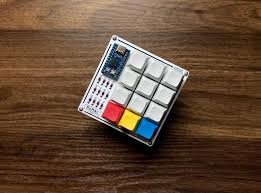
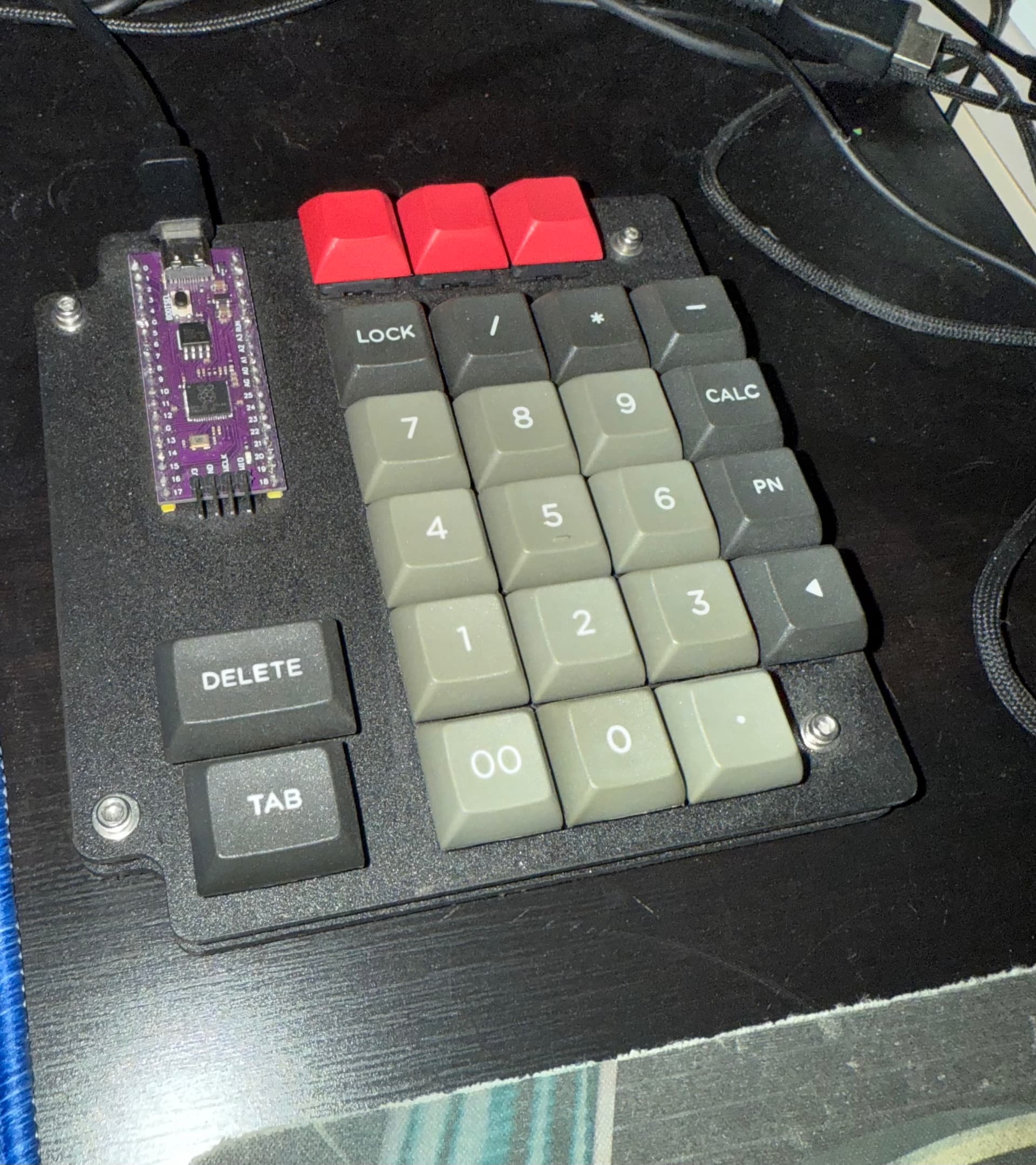
That’s when I plug in this fella, designed and built in a couple of days in a fit of pique after a previous project utterly failed. In retrospect, a v2 would have a tighter footprint and a more protection for the electronics, but it’s worked well.

7 Likes

Ouuu I didn’t know Jacky had a Piglet in the works but that’s cool to hear.

1 Like

Not a numpad but I kinda want this absurdity if it ever hits GB.

I was working on a PCB for one (RP2040 based) but got distracted and haven’t looked at it in months.

2 Likes

I hate saying this for some reason, but I’m back on Full-sized keyboards when I want a numpad. I’m so used to using them just to the right of the keyboard that I find even with the stand-alone numpad, I’m moving it there. There’s just something about the way I reach for things between the mouse and the keyboard and I want all my keys in the middle.

I have, and will use them off to the right of the mouse, but I find that’s kind of awkward and feel less fluid to me?

That all said, I’ve got a serious array of different numpads I can choose from, but the MojoPad is probably my favorite. It’s nice and small as well as being wireless.

7 Likes

@Manofinterests I’m going to put in for the Realforce reboot of the 23u called the RT1 - and or a Cipulot-pcb swap on the original 23u. Then again though I mostly do data entry/scheduling input and thats where either of these shine. The RT1 has some reprogrammability but you’re kinda stuck with the default 23u physical layout, whereas the original Realforce 23u can do at least 2 other layouts with the right metal plate pairing.

I wrote a bit about the Realforce RT1 and my findings here should you be exploring that option.

1 Like

Oops found this in my drafts!

I’m getting back into numpads again! In one of my first office jobs many (many) years ago, I used either an adding machine or a numpad all the time. I left that job and got laptops at home and work and totally lost muscle memory.

Currently, I have an FRL 1800 with the numpad on the right in my rotation, which I love - the numpad def feels like a luxury - I don’t reeeeallly need it for what I’m working on. Still, I’m working towards trying southpaw on a big board…and then maybe a separate numpad/macropad for when I don’t want to use big boards. This is not necessary for anything I do…but most of what I do in this hobby isn’t…necessarily necessary. It’s also maybe just so I can get more keycaps on my desk. For switches, it’s tactile all the way, all the time!

Isn’t there a numpad with a screen like a calculator? I’d totally get that, put some clickies in, and use when I don’t have a computer in front of me.

2 Likes

I missed this one!

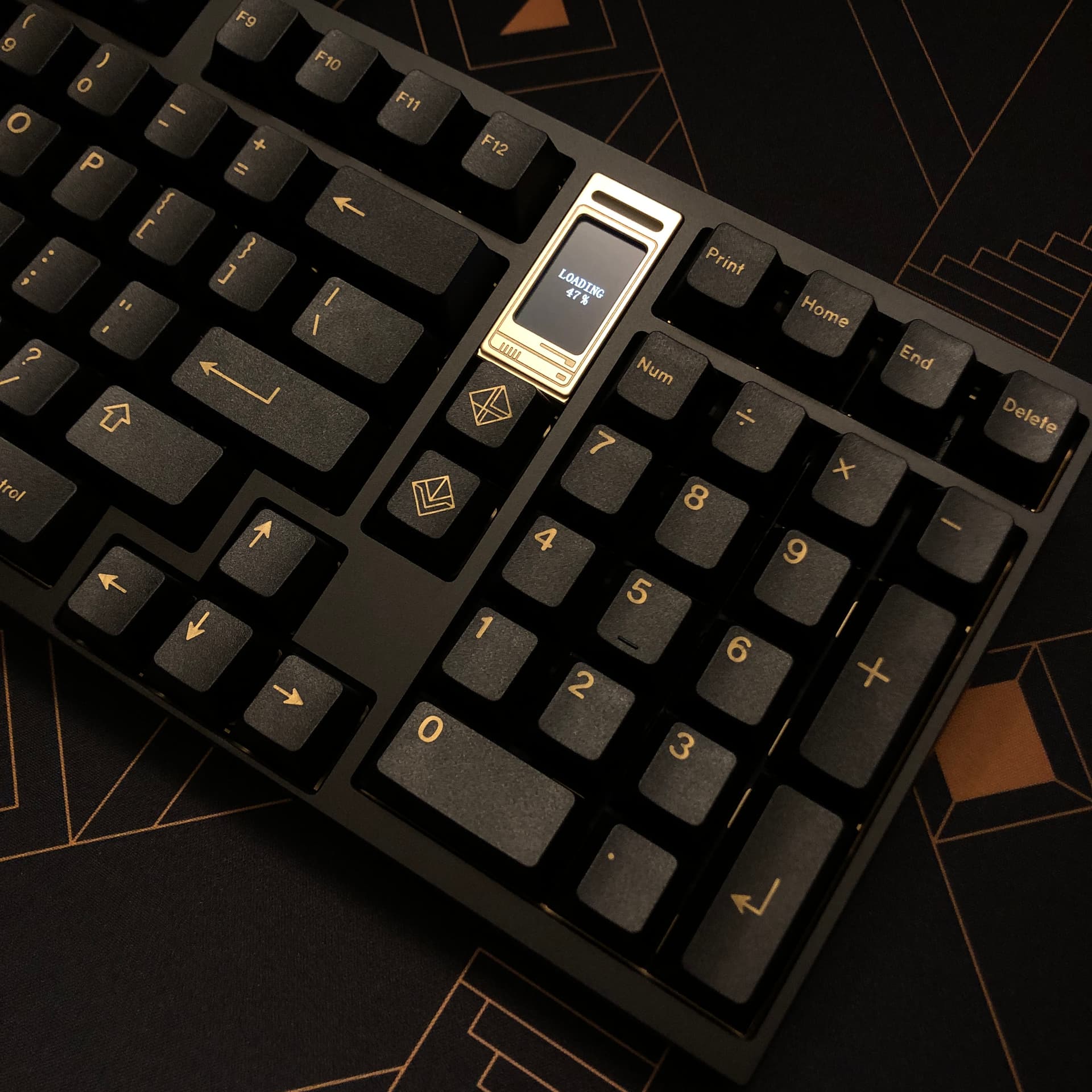
Three months ago I got my first mechanical keyboard (for myself) that has an integrated numpad. It’s a QK100, somewhere between a 96% and an 1800, being a few columns more narrow than a full-size. I felt I needed a numpad due to the large amount of number data entry at my new job.

Critically for me, it had a full-width 0 key.

I usually use it wired, but I also have it bluetooth’d to my phone and journal tablet, and I do have a 2.4ghz dongle I sometimes use at work.

These are in that in-between place; it’s not like an old-school custom, but they aren’t off the shelf, either. They make them on a monthly basis depending on how many orders they get - though I think this model is down to leftover parts so options are limited.

I put GMK Black & Gold on it to match the case’s black with gold accents, and the black FR4 plate with gold trim. (I’ve since ordered a PC plate to lean into silence more.)

I’m using Invokeys Nightshade silent linears; they sound and feel great, but I think some could use films as the housings seem to settle and tick on occasion, though they are generally solid feeling.

This version doesn’t have backlighting, but does have an RGB indicator strip and a little TFT screen that you can program with gifs. I have a whole collection I’ve formatted to use with this keyboard (240x135 <120 frames), here’s just a few of my favorites:

Silly gifs

ace_QK

Seemed relevant


cat_qk

Favorite to use with the speed reactive mode


beavis_QK

heh


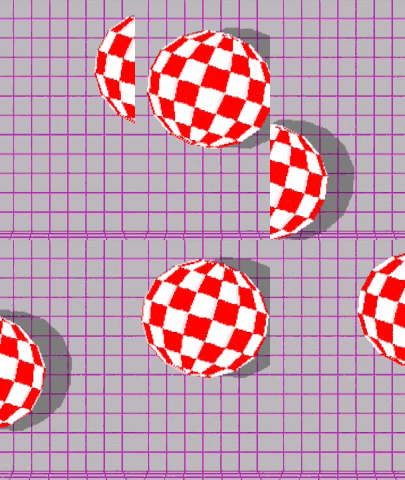
Amiga_QK

Long live the Amiga bouncy ball


Juggler_QK

And the Juggler


galaxy_QK

Mesmerizing


optics1_QK

Maybe a little too mesmerizing


mez_qk

More classically mesmerizing, perfect


Chip_QK

Beep boop


phoenix_think_QK

Because I work at a law firm now, lol

6 Likes

I have a RoMac from the_royal that I need to put a new Elite-C in (usb port broke).

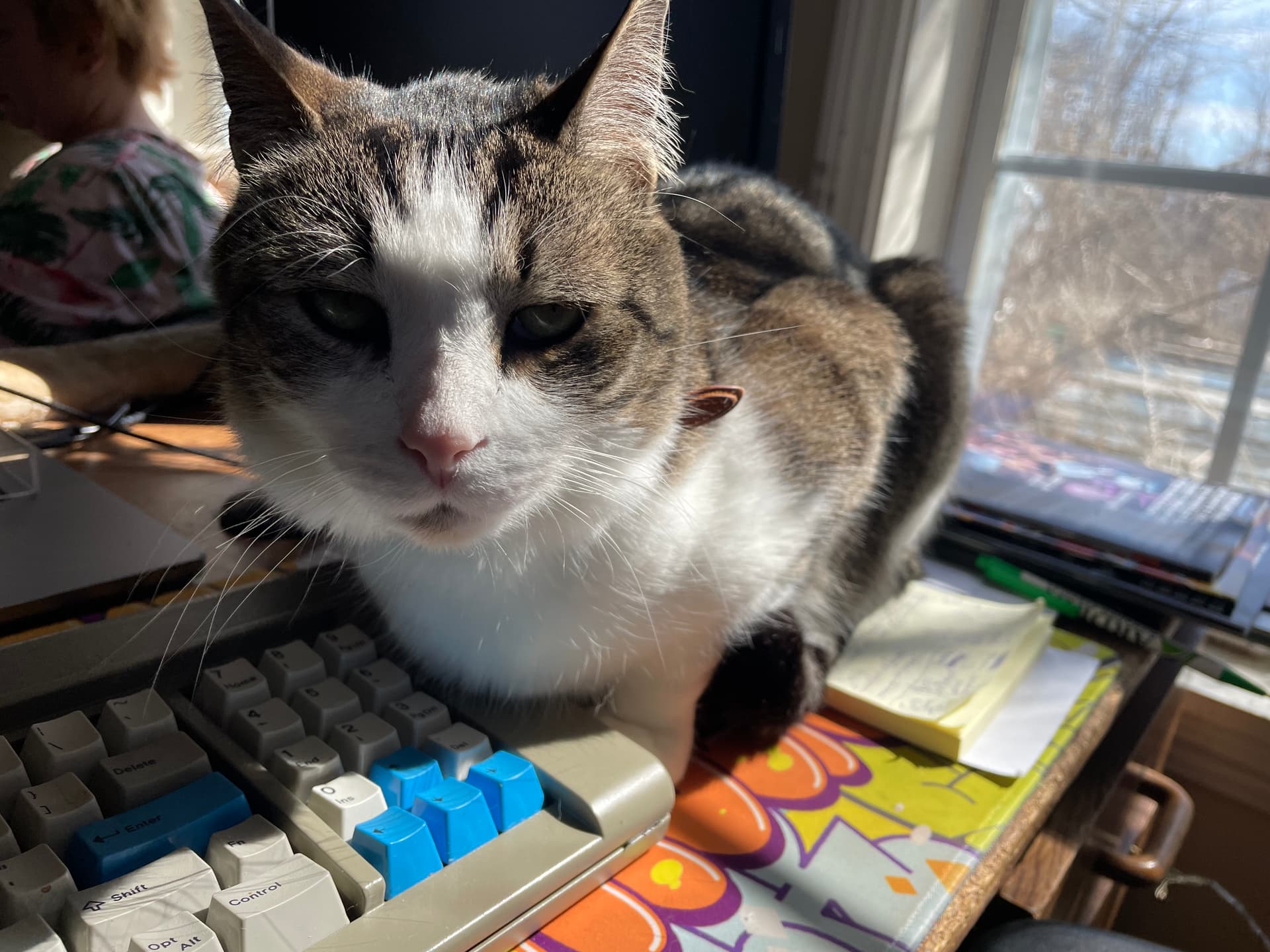
I find it — and the num/arrow pad on my F77 (cat for scale)

— to be too smol tho, so going forward I would prefer the flexibility of something like an OGRN (ideally paired with an OGR2) :heart_eyes:

8 Likes

Nice cat for scale picture :slight_smile:

5 Likes