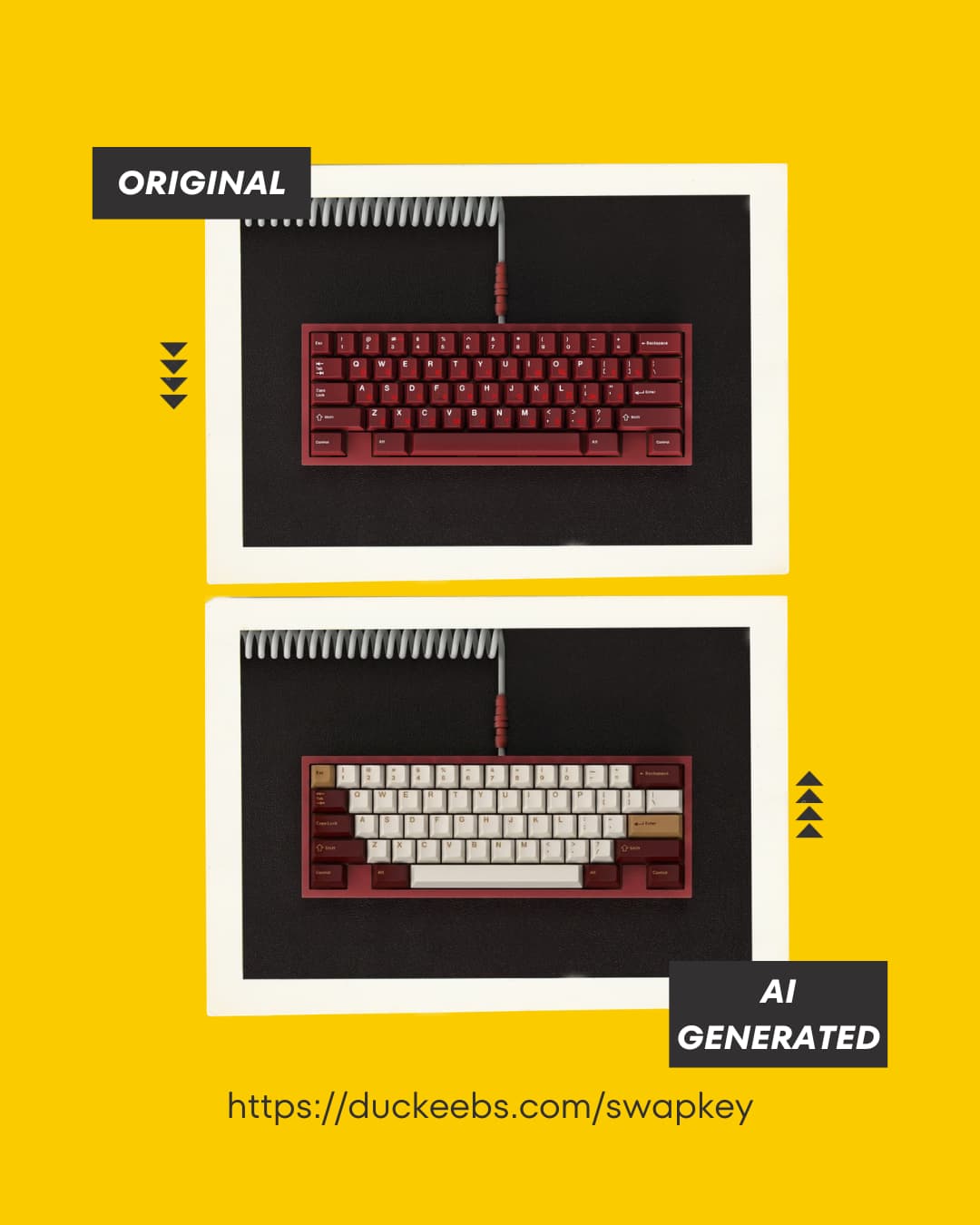
Ever wondered how a keycap set would actually look on your board before dropping $150 on a GB? We built a tool for that.
SwapKey on Duckeebs lets you mix and match keyboards and keycaps to see real-time mockups. Pick a board, swap in different sets, and see what works before you commit.
The login is mainly to prevent spam and abuse since we’re using AI models for the rendering – those API calls add up fast.
Every account gets 3 free credits per day that refresh automatically.
We’re exploring ways to make casual browsing more open (maybe a limited preview mode), but for now the signup helps us keep things sustainable while we’re still in beta.
Yep, we cache renders so the same combo doesn’t get generated twice. If someone already previewed a set on a 60%, the next person gets it instantly.
We’re also looking at pre-generating popular combos so they’re ready before anyone asks. Helps with speed and keeps compute costs sane.
With ~25k possible combinations, opening the API publicly is risky – one bad actor could burn through our compute budget fast. Still figuring out the right balance between access and protection.
Quick update: SwapKey is now fully public — no login required
We’ve added rate limiting so it’s safe to open up without worrying about abuse.
Feel free to try it out and let me know how it feels or if anything breaks.
Thanks for trying it — really glad you liked it!
MT3, SA, and other non-Cherry profiles are already on our roadmap. If you have specific sets or profiles you want to see first, feel free to submit a request so we can prioritize them.
Thanks! The keycap sets already support ISO, but we haven’t added ISO keyboard images yet. That’s on our roadmap — really appreciate you bringing it up.
Quick update — just shipped a new feature: upload your own keyboard photo and preview any keycap set on it.
This one’s been a frequently requested feature — especially for those of you with less common boards. Give it a try and let me know how the results look on your setup.