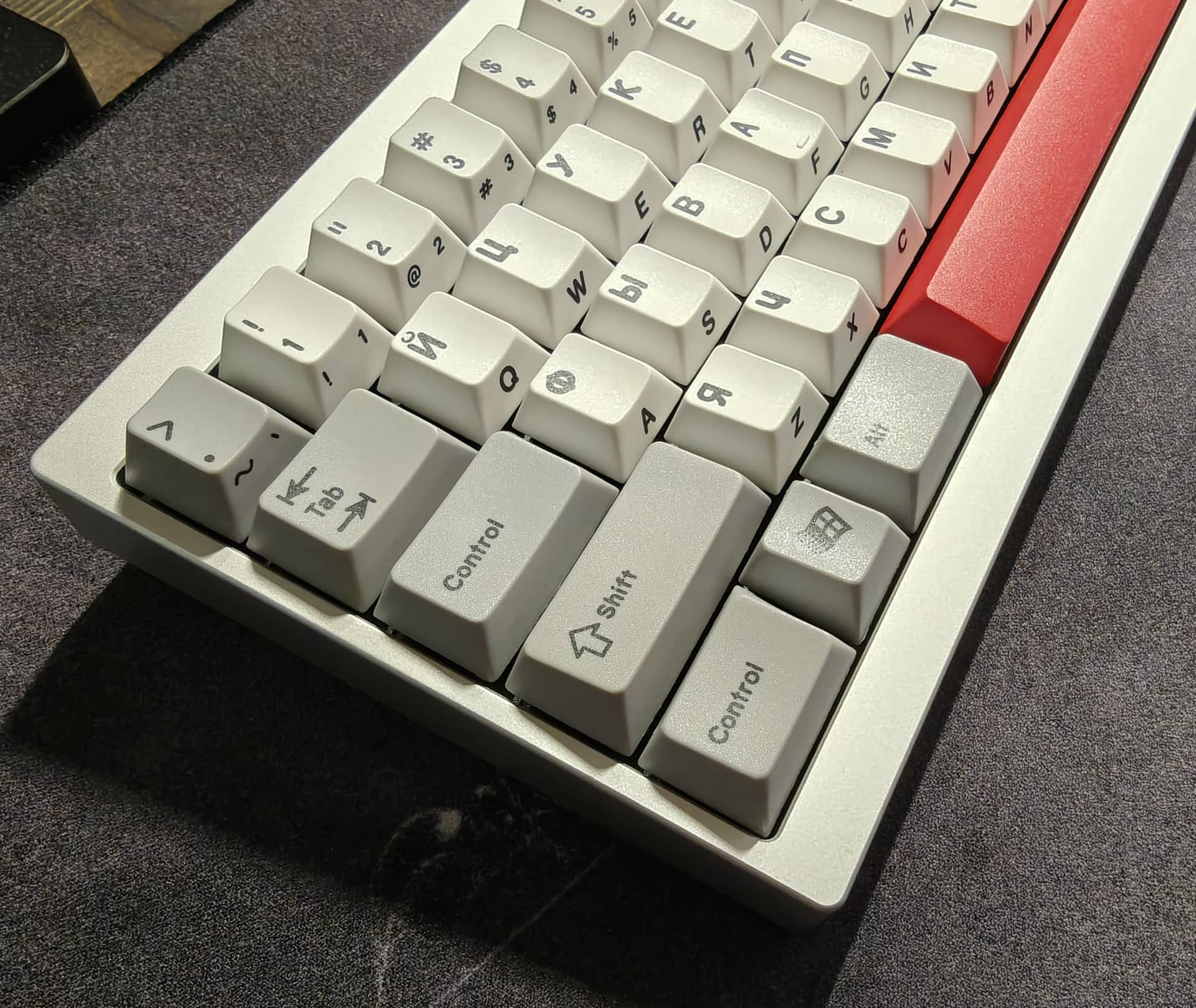
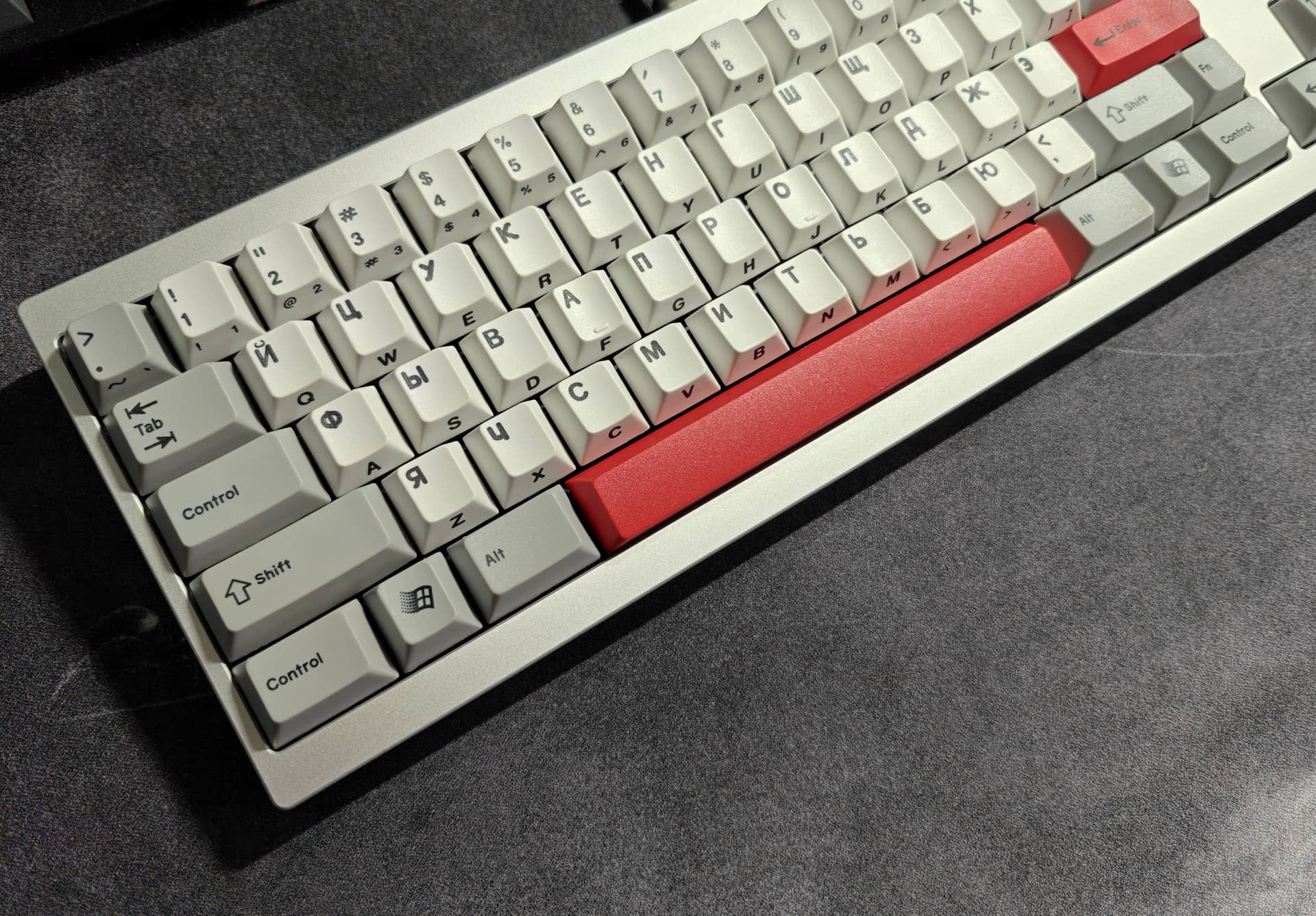
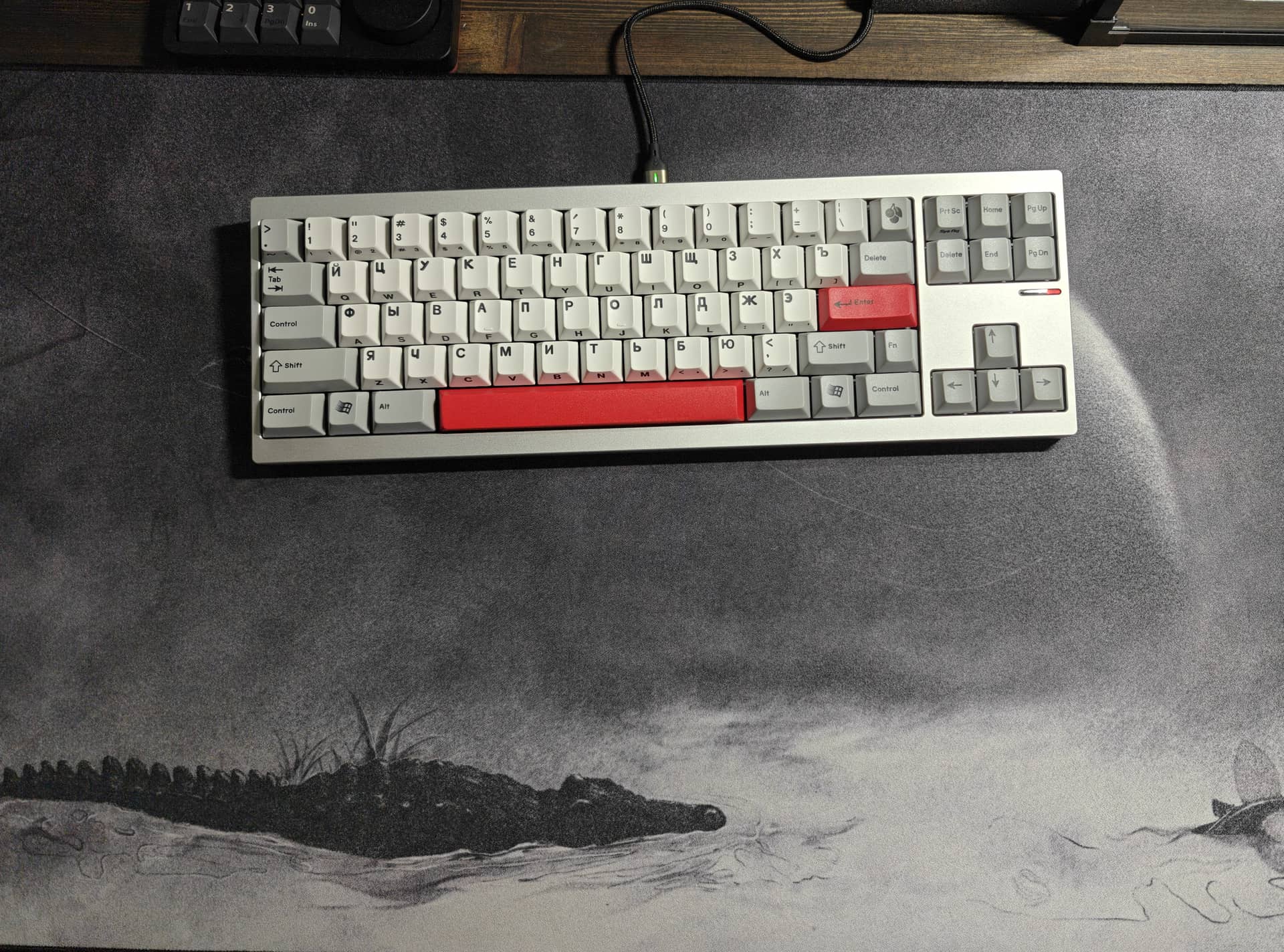
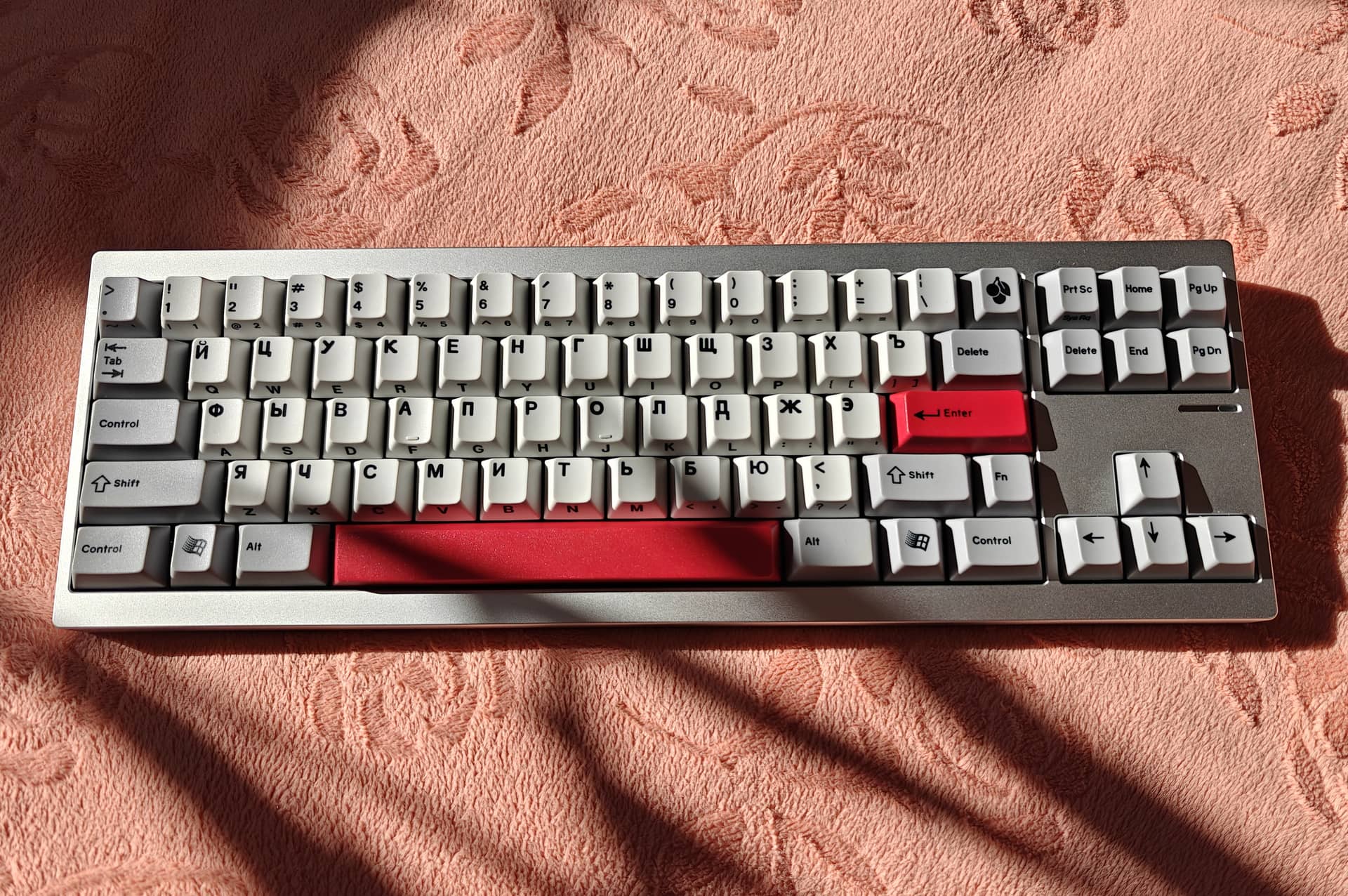
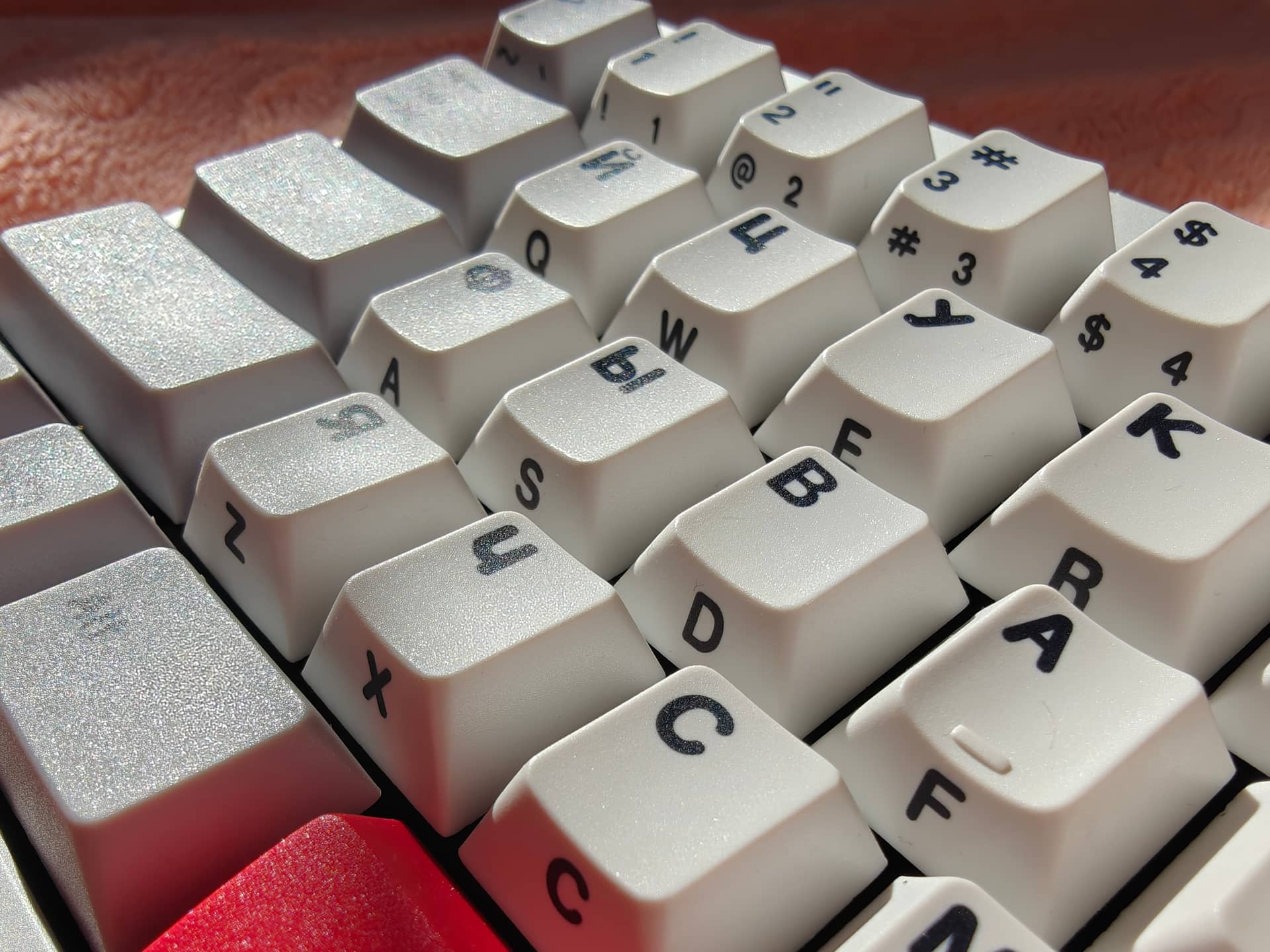
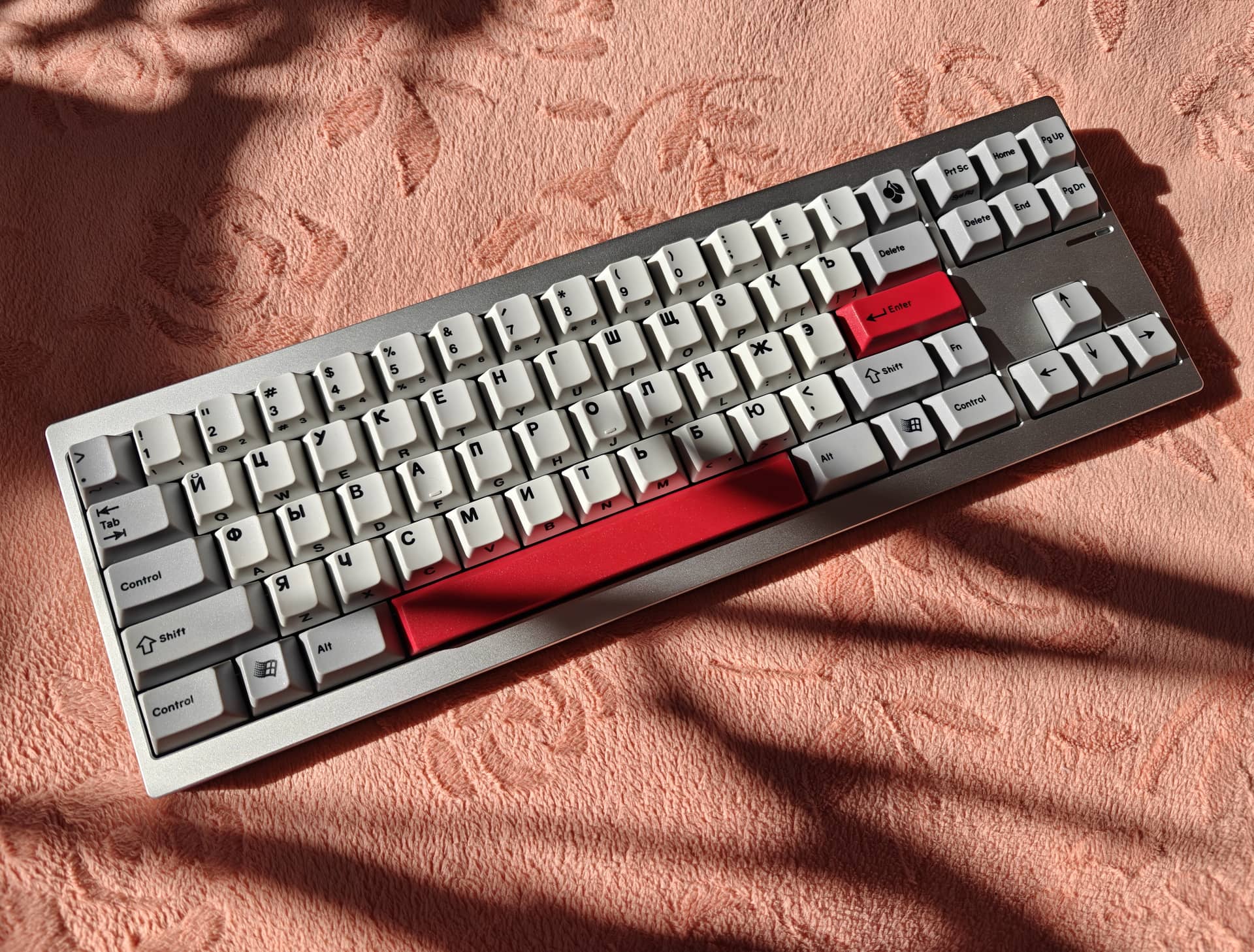
EPBT-Sav81
Cycle7

12 Likes
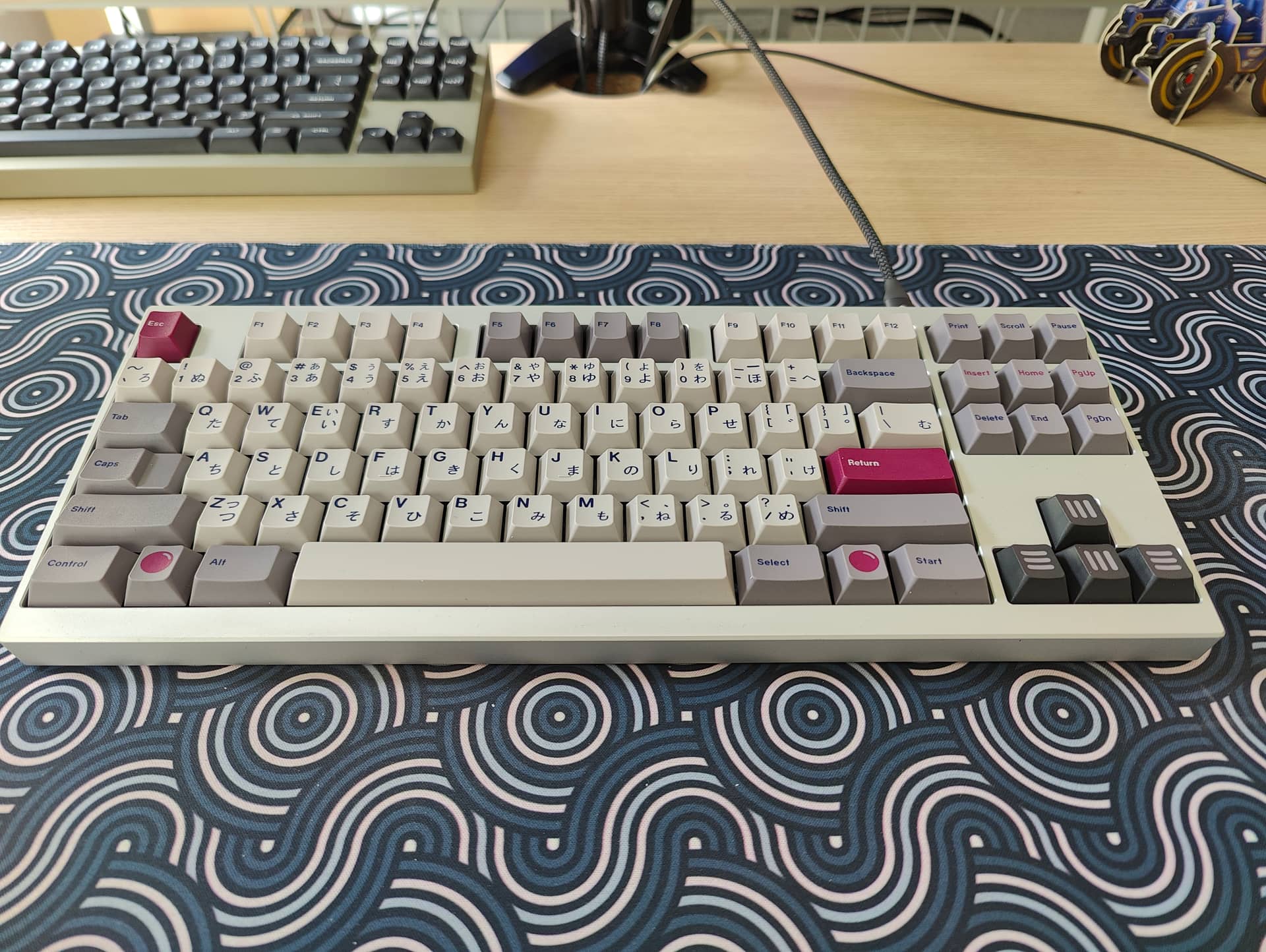

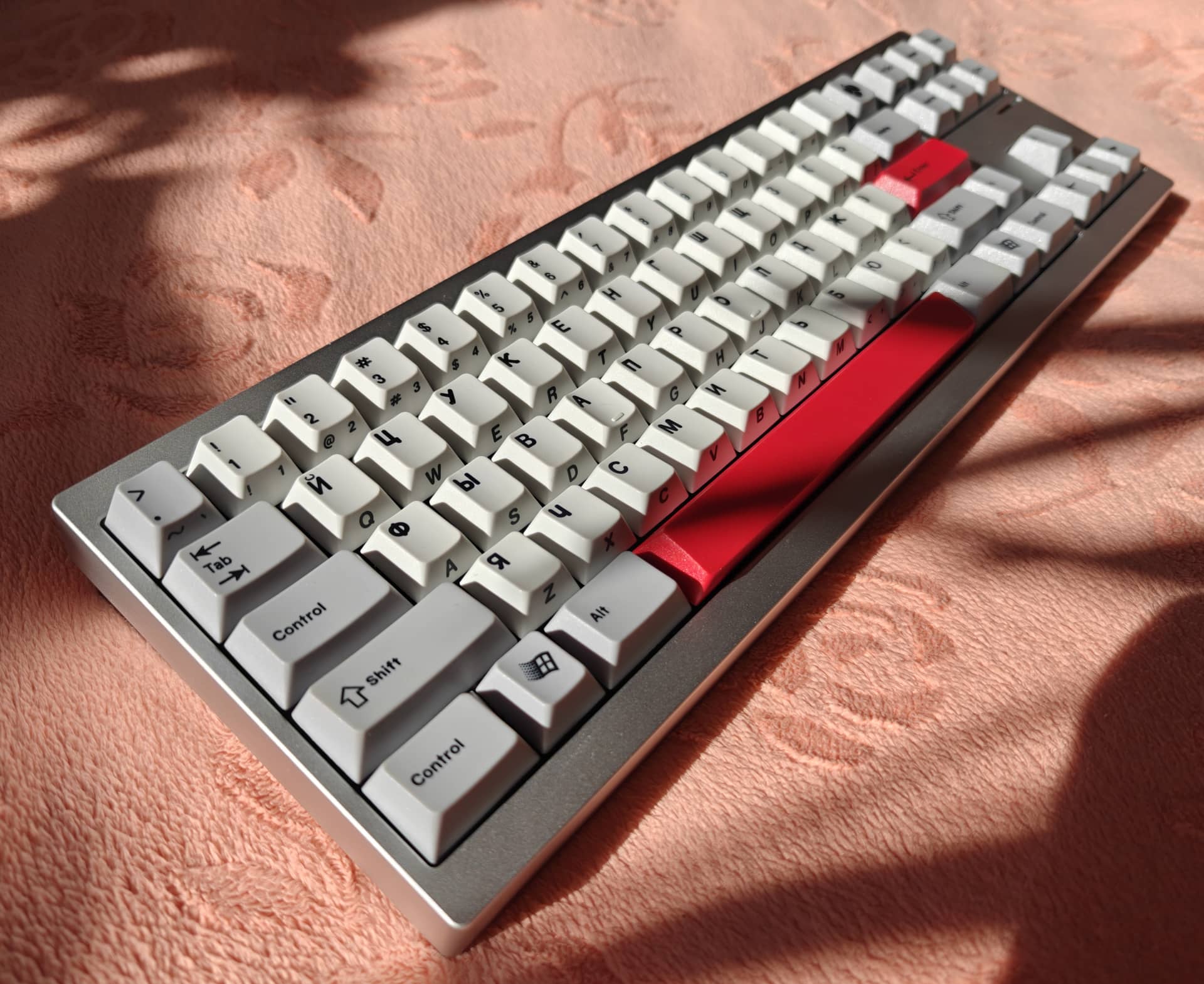
This is my Sebas, which I built with Punkshoo Melodies and SA Tatooine. Second Solder Board and really enjoying it.
11 Likes
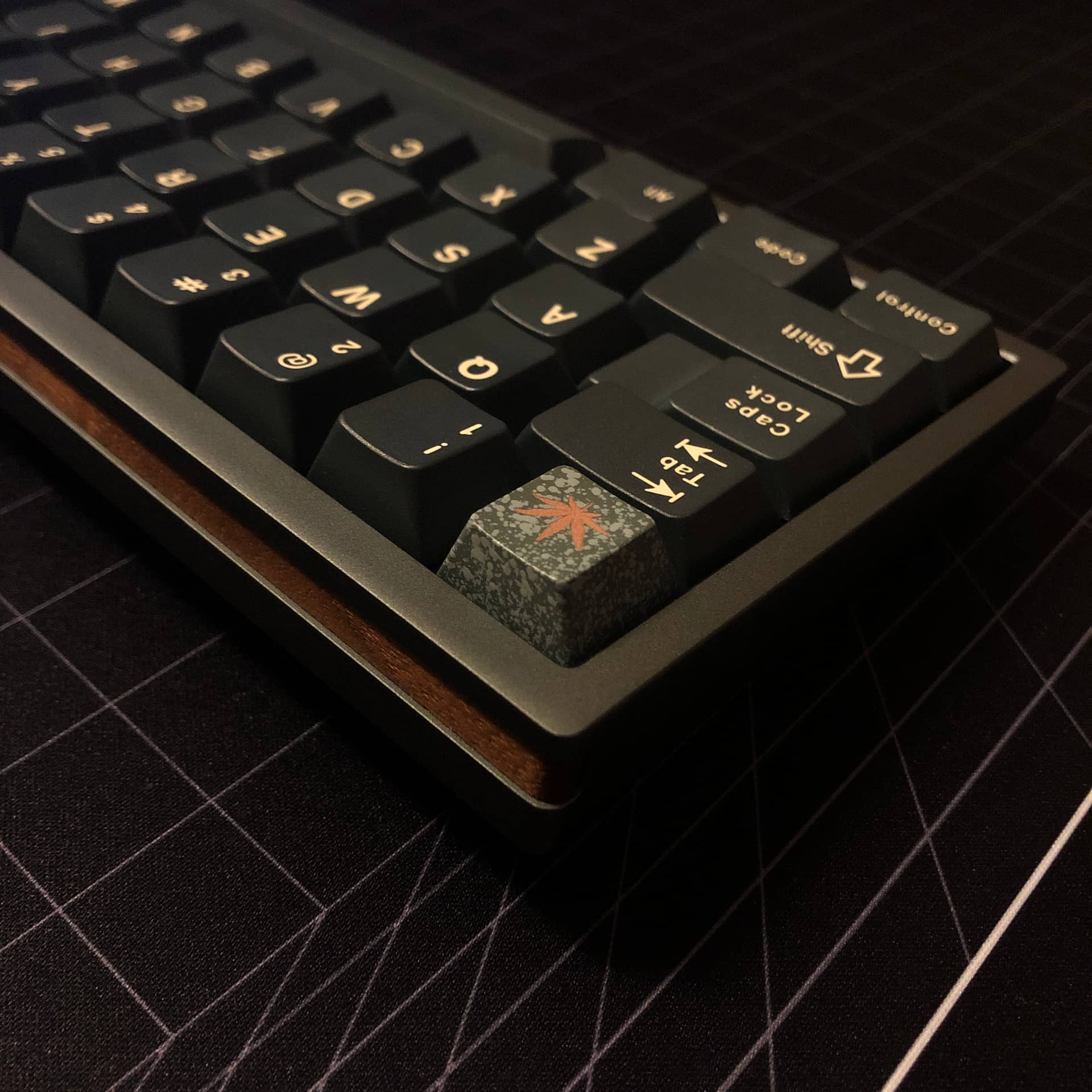
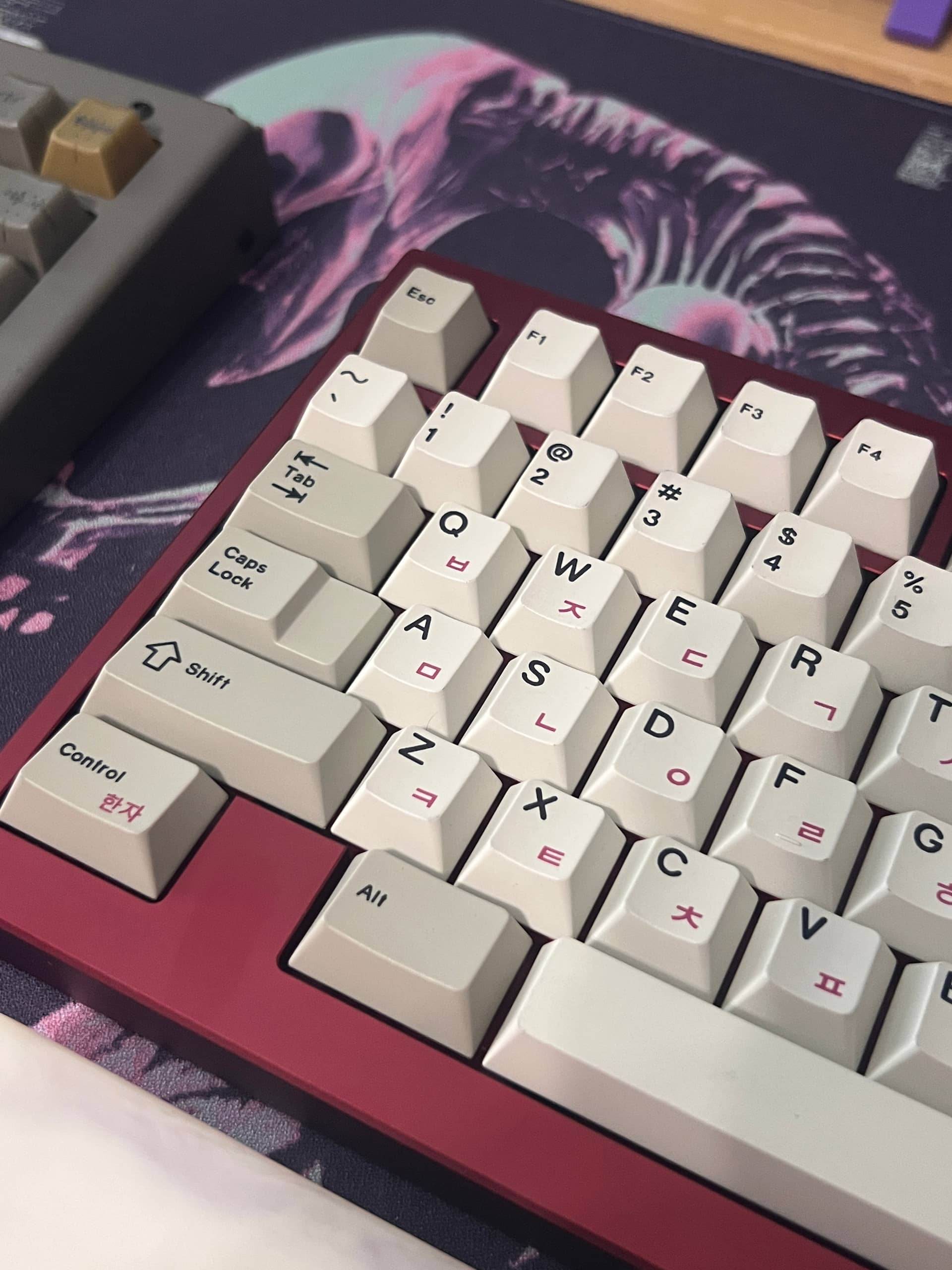
I remembered the recent announcement that knckeys was closing shop. I got out my CW80 board that has hand lubed preference switches from them. They’re still decent switches. Not as stable as I would prefer, but good sound, especially with the thick PBT caps from 21KB
I am eyeing that Geim65 board on closeout sale 
4 Likes
Aw dang didn’t know they were closing up shop, I hope he’s still staying in the hobby and just ending the business side of things.
Edit: Just noticed he has an update blog post about what he’s doing next.
3 Likes
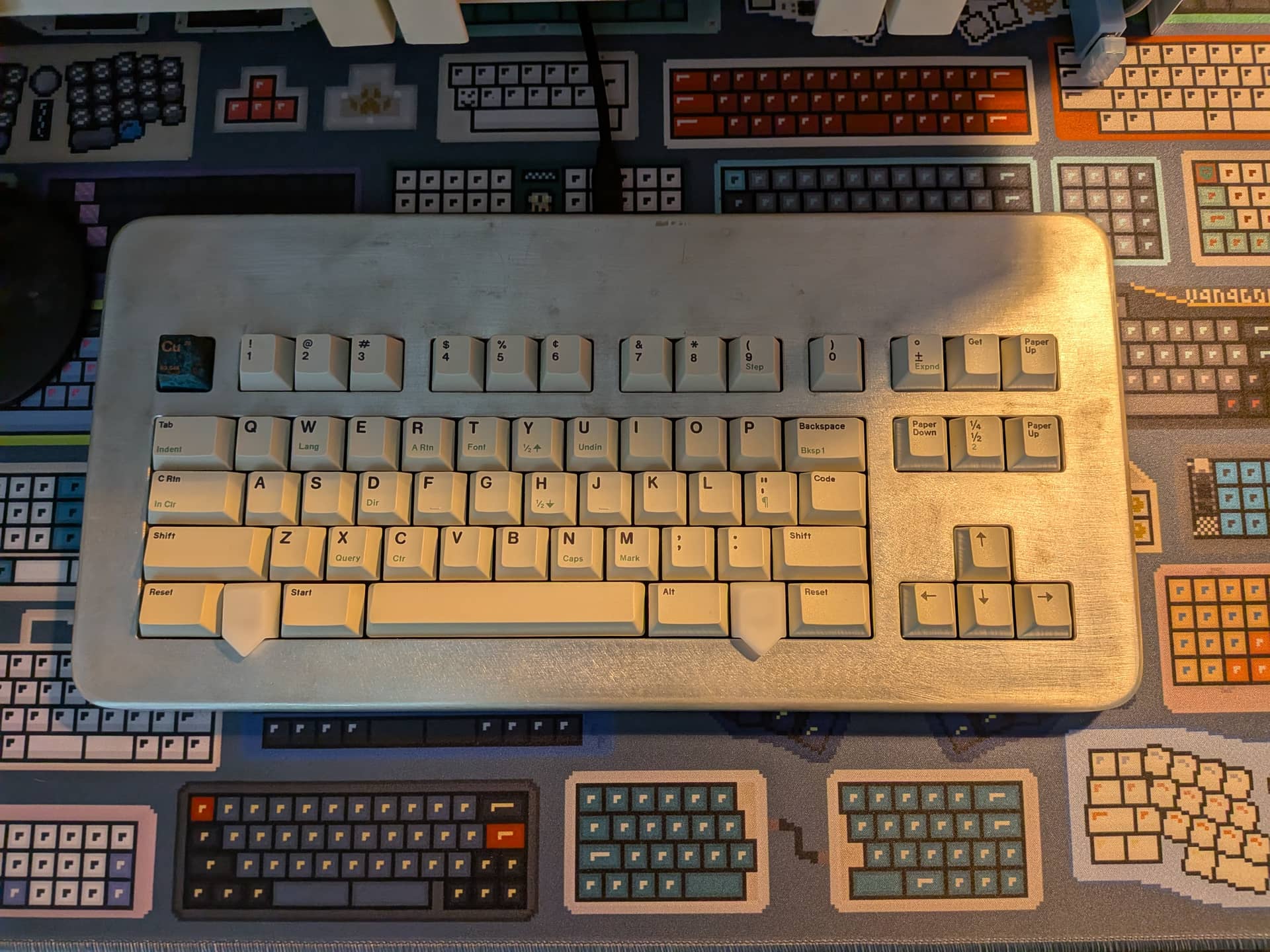
Put some proper, taller keycaps (MT3 Dasher) on my Vortex Model M SSK so it’s on my desktop today. Swapped out the switches for Keygeek Briny. It’s a good combo 
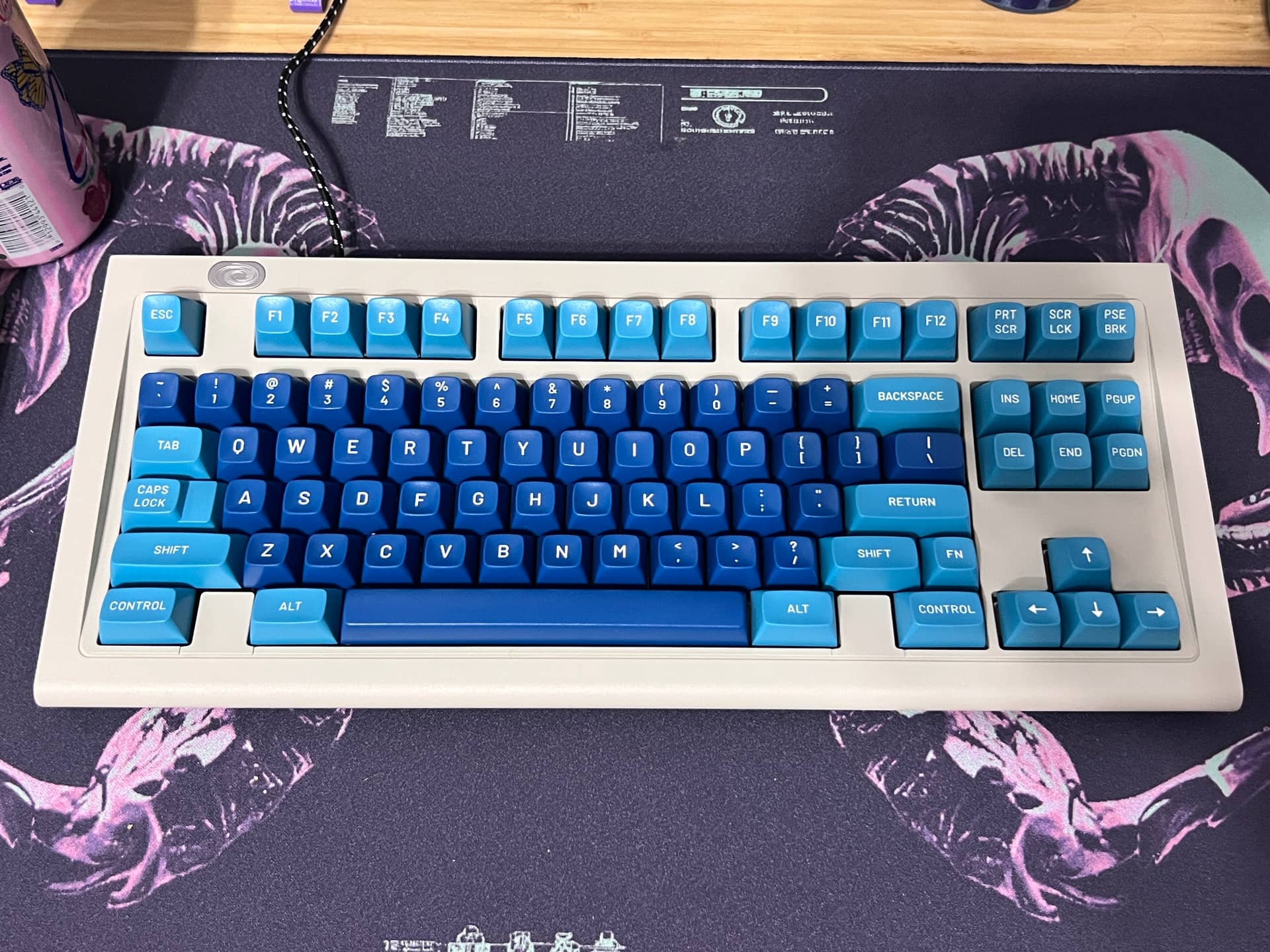
Nifty engineering on this PCB. It appears to be the same pcb they use for their M0110a. There are switch holes on the pcb between the arrow cluster and the nav cluster for a full numpad.
Then for the top function row, they used a 1x16 switch pcb connected with a ribbon cable.
11 Likes
Curious if it’s on the same plane as the main PCB, or if they angled it to partially replicate the original’s curved backplate. In any event, it came out really well. Tall sphericals work really well with 80s-inspired designs.
2 Likes
It’s on an angle that’s steeper than the main PCB
2 Likes
Just going to leave this here in case anyone else ever buys a WKL vortex model M SSK.
I’ve messed around with it a lot the past few days. I added a few diodes and hotswap sockets in an attempt to test out some extended functionality.
Long story short:
You can convert this to standard right shift and move the function key via onboard programming. However, you don’t want to do this b/c you could be locked out of your default function key.
Long story:
Boring details inside
I looked at the board and noticed that there are accomodations for a traditional right shift and ANSI bottom row (both on PCB and plate). The WKL board actually has hotswap sockets installed on the win key (even though it’s blocked by the case), so that gave me a few hotswap arms to play around with.
I had 2 goals:
1. Get a windows key assigned. This is Vortex firmware and you remap by entering a function layer and reassign any key. The only problem is that I couldn’t tell the right “alt” key to be windows b/c there wasn’t a windows key to press (on screen keyboard no workie for this). Discovering the installed hotswap socket at the windows location allowed me to get that assigned. Simply remove the top of the case, put a switch in the Win position and press it. Voilà!. I don’t use a lot of windows shortcuts, but it’s the fact that I couldn’t that bothered me  You can’t remap keys on the default layer. So I put my new layout with a windows key on layer 3 which is easy to spot b/c you hit FN + Shift until the indicator LED turns blue (blue is best , of course
  )
)
2. Convert to standard right shift. This one is more tricky. The stabilizer accommodations are there on the PCB and plate. I could easily move one of the hotswap arms from the split shift to the standard shift. But here’s the problem… a lot of the board’s functionality is built into that FN key. The instructions state that you can move it. Hot damn. Let’s skip the part where I moved hotswap sockets, added a few diodes and disassembled/reassembled the damn thing 5 or 6 times.
After several hours of head scratching, I decided for the 3rd time to throw in the towel and stop trying to change shit. But then, by sheer luck, I discover that the instructions are wrong for which keys to press to reassign the FN key.
So now I have right alt assigned to Win and the right Control set to FN. Unfortunately, I realize this won’t work. Usually, the keyboard will go back to the layer you were on when last connected. However, if it one day decideds to boot up into the default layer, you’re screwed. You’ve moved the FN key and it works, but once you’re outside of that layer, your FN key goes back to it’s default programming. In this case, your FN key would be inaccessible under the full shift.
You could hardwire that function key to the right control and remove the right control’s diode. But that control key is one of the three combo that has to be pressed to move the FN key.  .
.
I do like this one a lot. It looks and feels very vintage with MT3 dasher. It also feels and sounds great with Gateron Khonsu switches. I found a place for them!
7 Likes
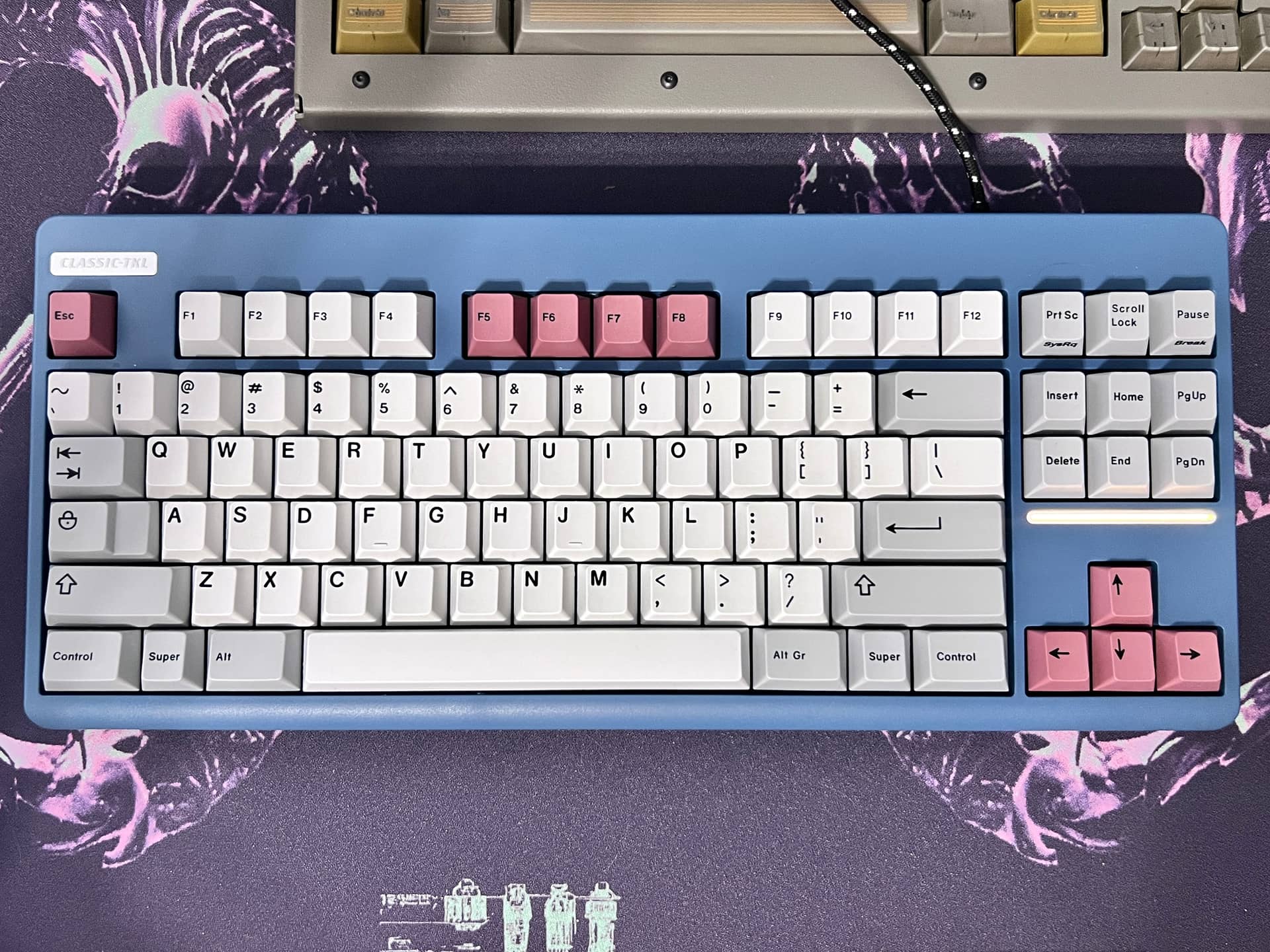
I’ve been using the tempest blue NK CLASSIC-TKL all week with HXM cola linears (3.8mm travel version) and GMK Muted. I swapped out the new sleeves blue with new sleeves dark pink. Very happy with this purchase. I have hammerhead coming from the aftermarket for this one, but I think I like this better.
My measure of whether I really like a combination of keycaps/keyboard is when I return to the desk. If I like it every time I come back I know it’s a winner. If I sometimes think “I’m not so sure” then it’s back to the drawing board.
8 Likes
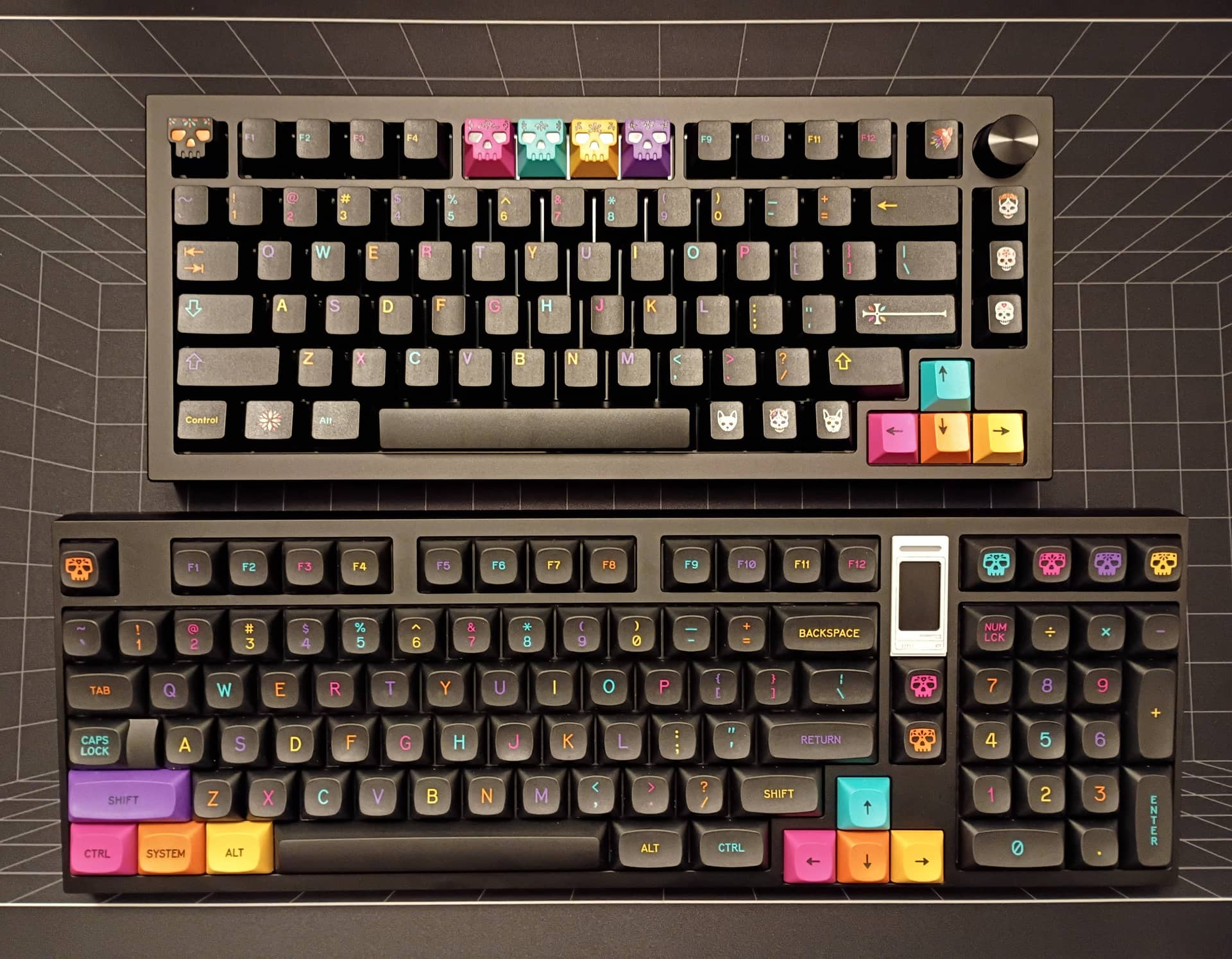
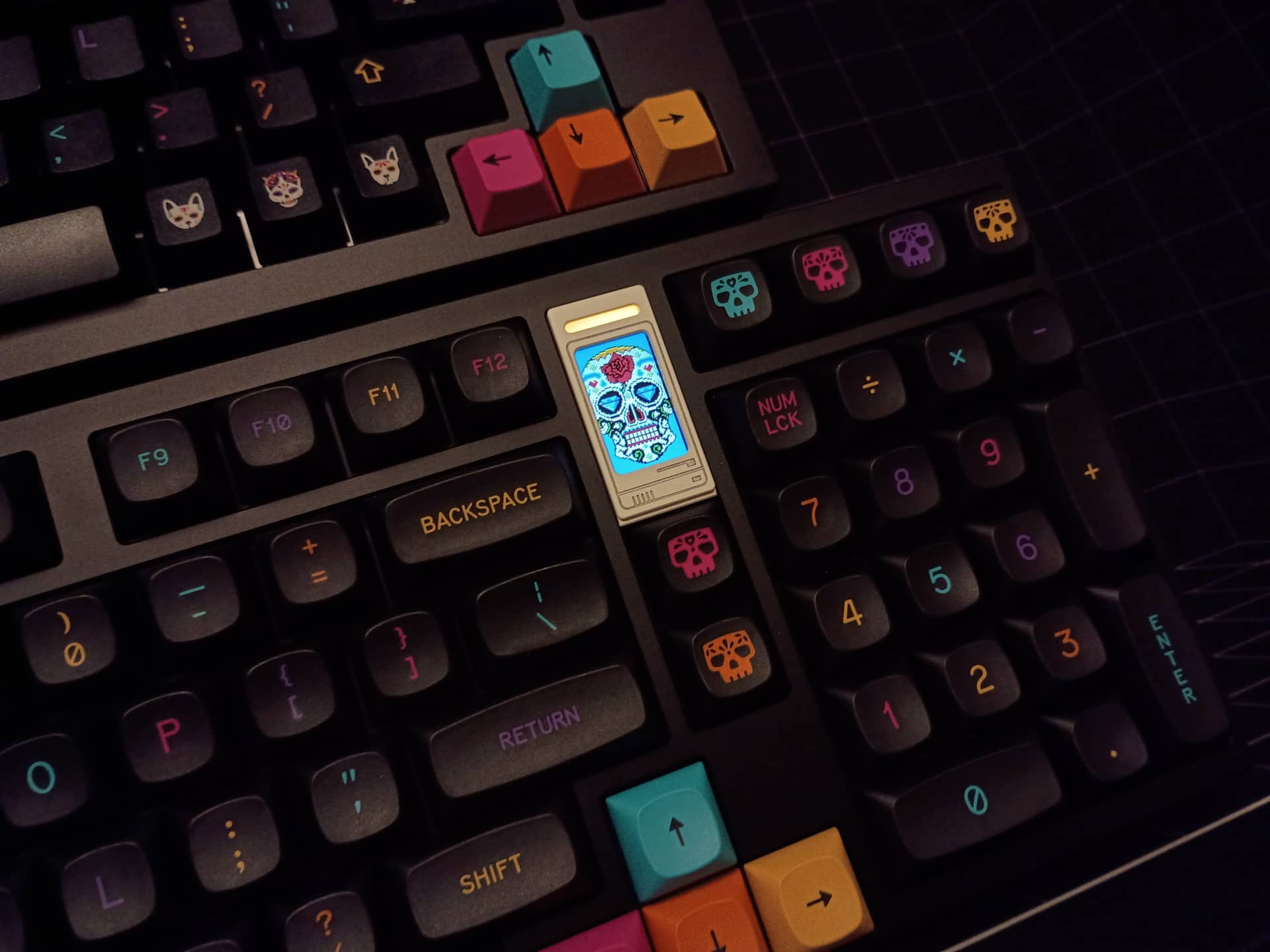
Not a great photo, but you get the idea; two of my favorite keysets: MTNU & CYL Mictlán
Bottom board is a QK100 with Invokeys Nighshades, top is a Sense75 with Mictlán Silks
12 Likes
10 Likes
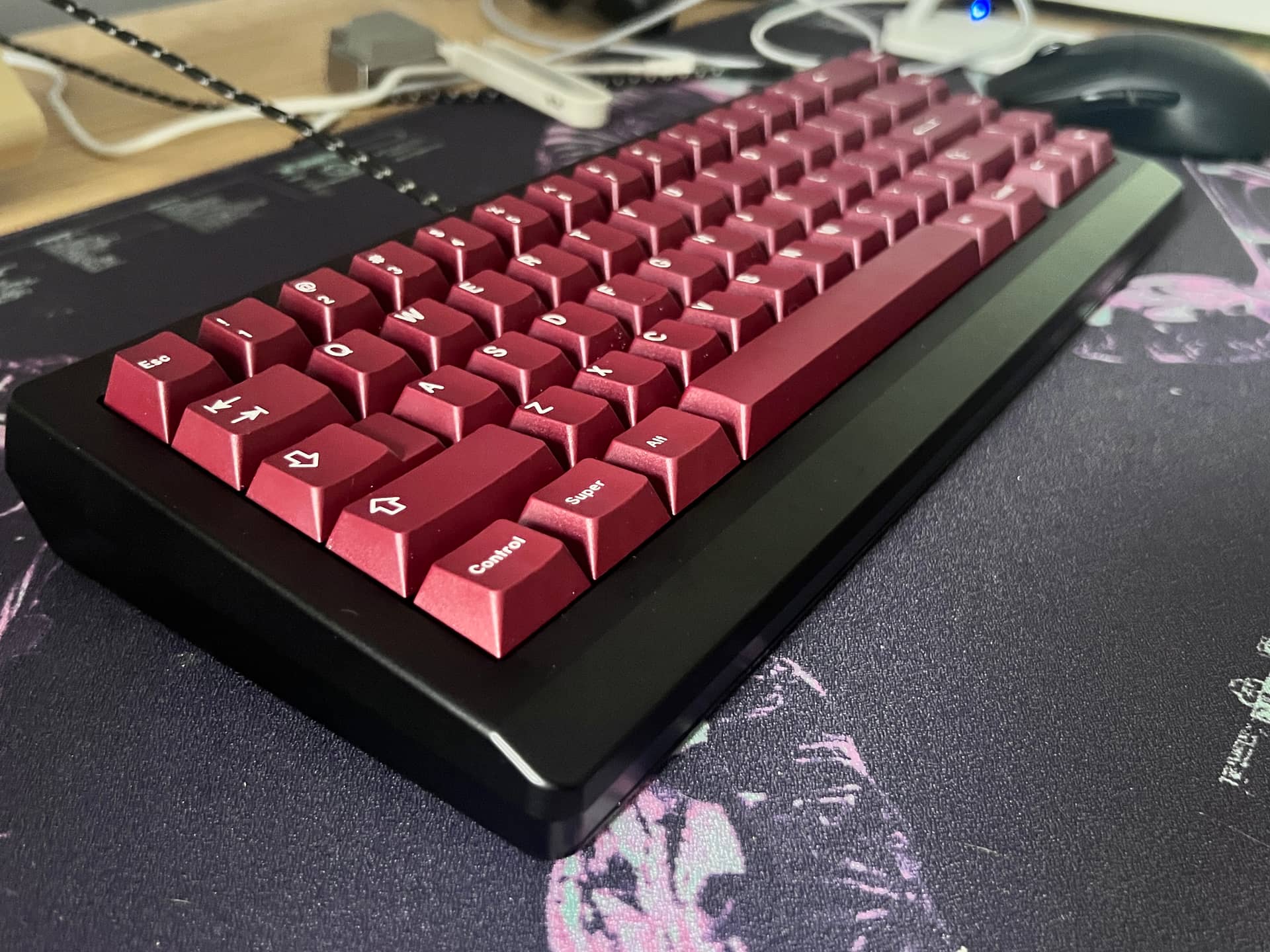
I got some Gateron Type R switches the other day. I do like them a lot. Short travel but still a satisfying press. Roller linear for space bar bc I’m starting to think that should be the default setup for every build.
Topped with Blot because I still had it new in the box (Still has tray lint on it ). GHS JEM is the board.

10 Likes
What do you like about this setup?
I have been using Gateron Cream Sodas for a dedicated space bar switch for a while now… but I am would be tempted to try a few of these out too.
2 Likes
Roller linear with knight stabilizers is the best space bar experience I’ve ever had. Rollers are extremely low wobble, non-binding, and snappy. You’d just have to try it to see. 10/10 would recommend.
6 Likes
@pixelpusher Thinking about grabbing some of these in the Divinikey anniversary sale. Do you lube these? It doesn’t look like they are lubed stock, and I am curious if a light application would cause issues with the ball bearings.
No lube needed
1 Like
On my desk today (and most days) is The Elder, which is my own design. Also, no idea if you are still active but o7 jetpacktuxedo, haven’t seen your name in AGES.
17 Likes
That’s quite the feat right there. Is the case metal or painted plastic?