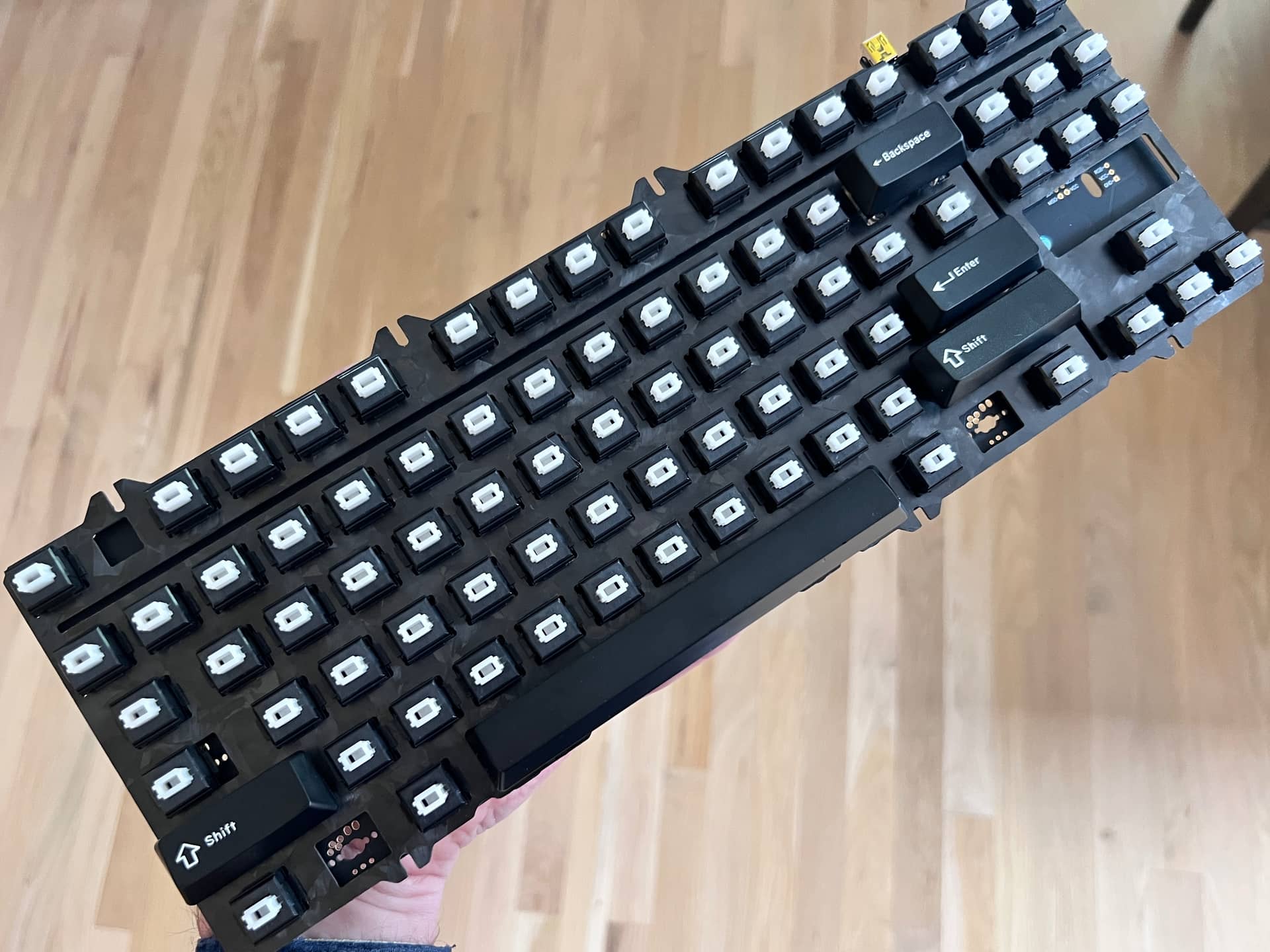
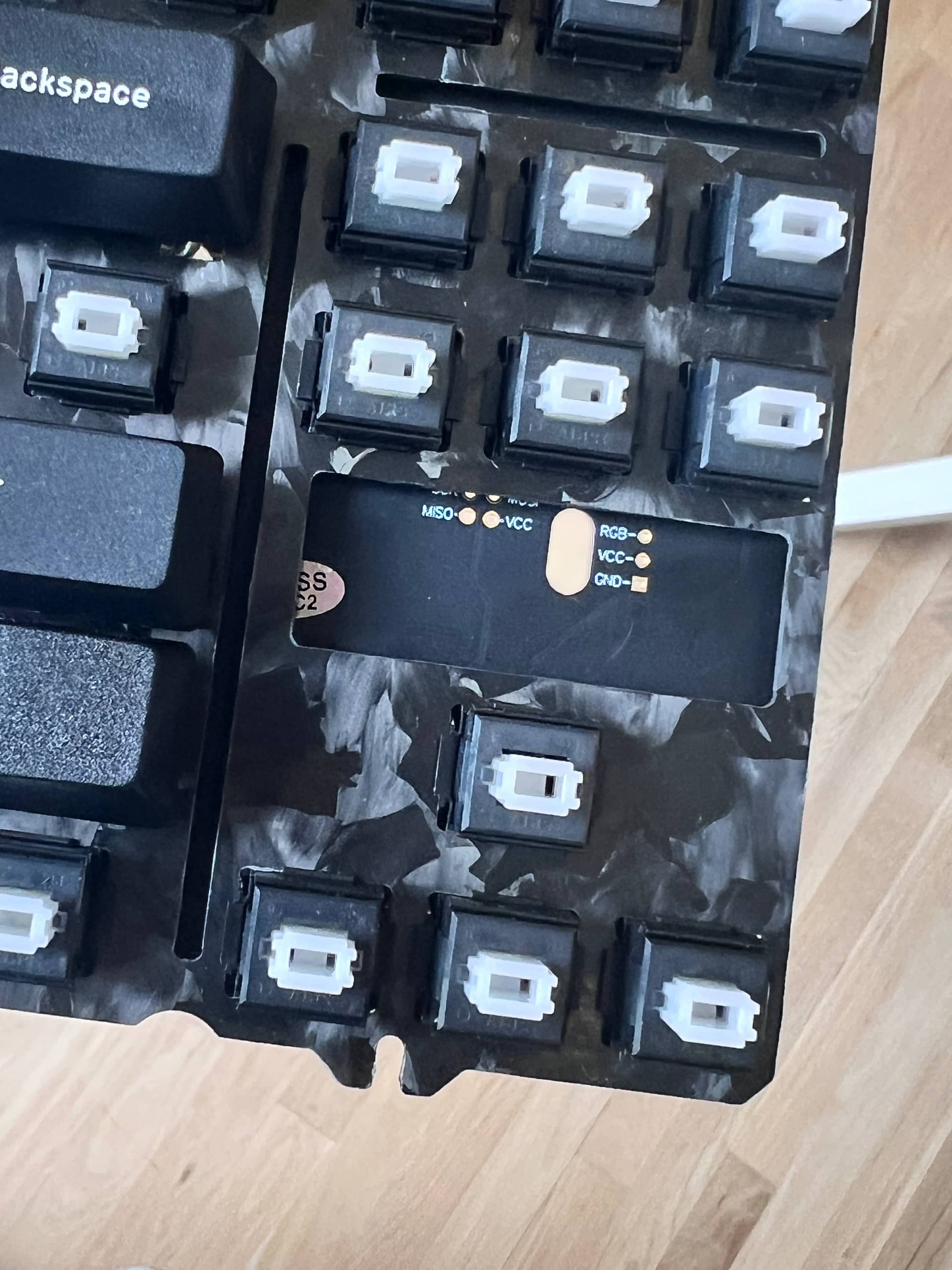
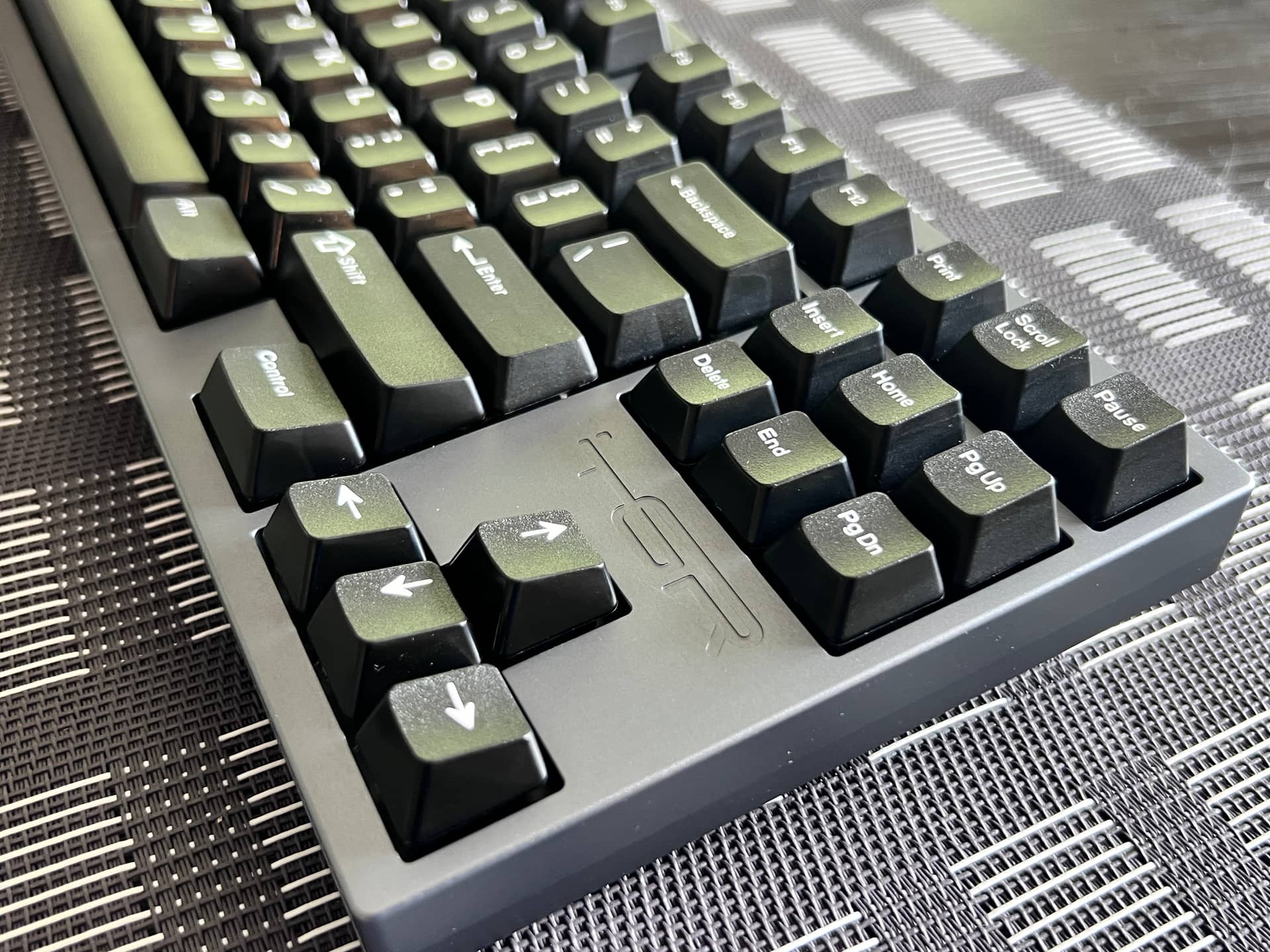
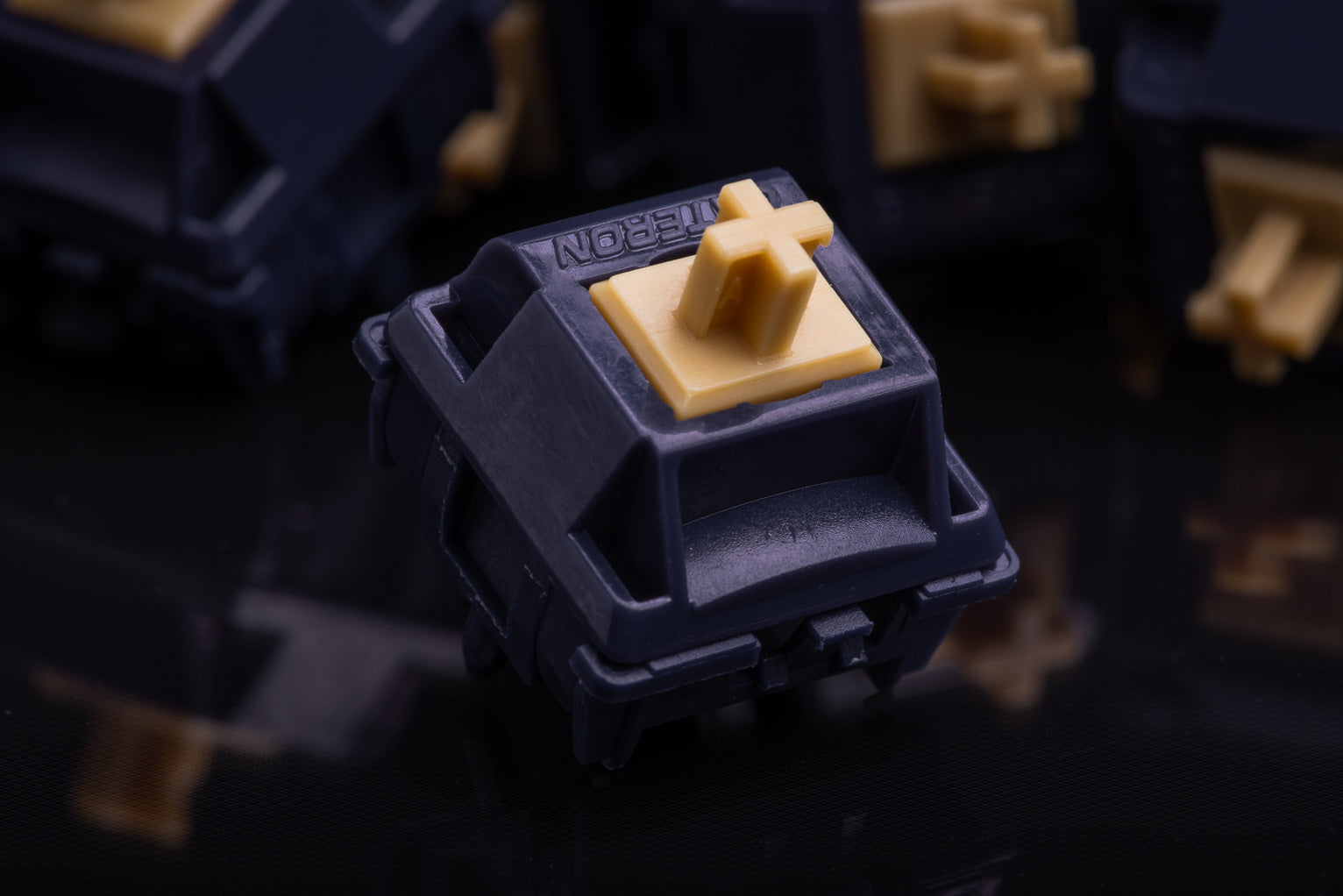
What's on your workbench today?

I’m not sure, but I have heard multiple reviewers say that the only difference between melodics and lanes is that the latter have the small tab added to the top-housing to immobilise the leaf.

Assuming that’s true, I did think of chopping off that tab to recreate a melodics switch, just to see what it feels like, and to see if it’s just as snappy when the leaf is free. But ultimately I don’t know that I want to do a non-reversible mod, even on a single switch.

2 Likes

I spring swapped some keygeek briny switches today.

These are pretty great linear switches. They’re the first keygeek I’ve tried that actually don’t have any weird noises from the housing or leaf (even though I’ve had more than one Keygeek set that made this same claim).

They have a nylon top and bottom with a UPE stem. They are lubed and feel that way, but it’s a really nice and even application. The result is a clean sounding medium deep switch with a clearly defined bottom-out (almost like if you had a long stem cherry switch that was fully lubed)

TLDR: I’m impressed with the switches (especially after getting a spring of my preference installed). I’ll report back if they start making any funky sounds.

The long version

The one thing I thought could be better was the spring. The stock spring listed at 63.5g felt too heavy for this switch to me.

So I’ve replaced with 55g TX medium springs, which are both shorter and lighter. Much better IMO

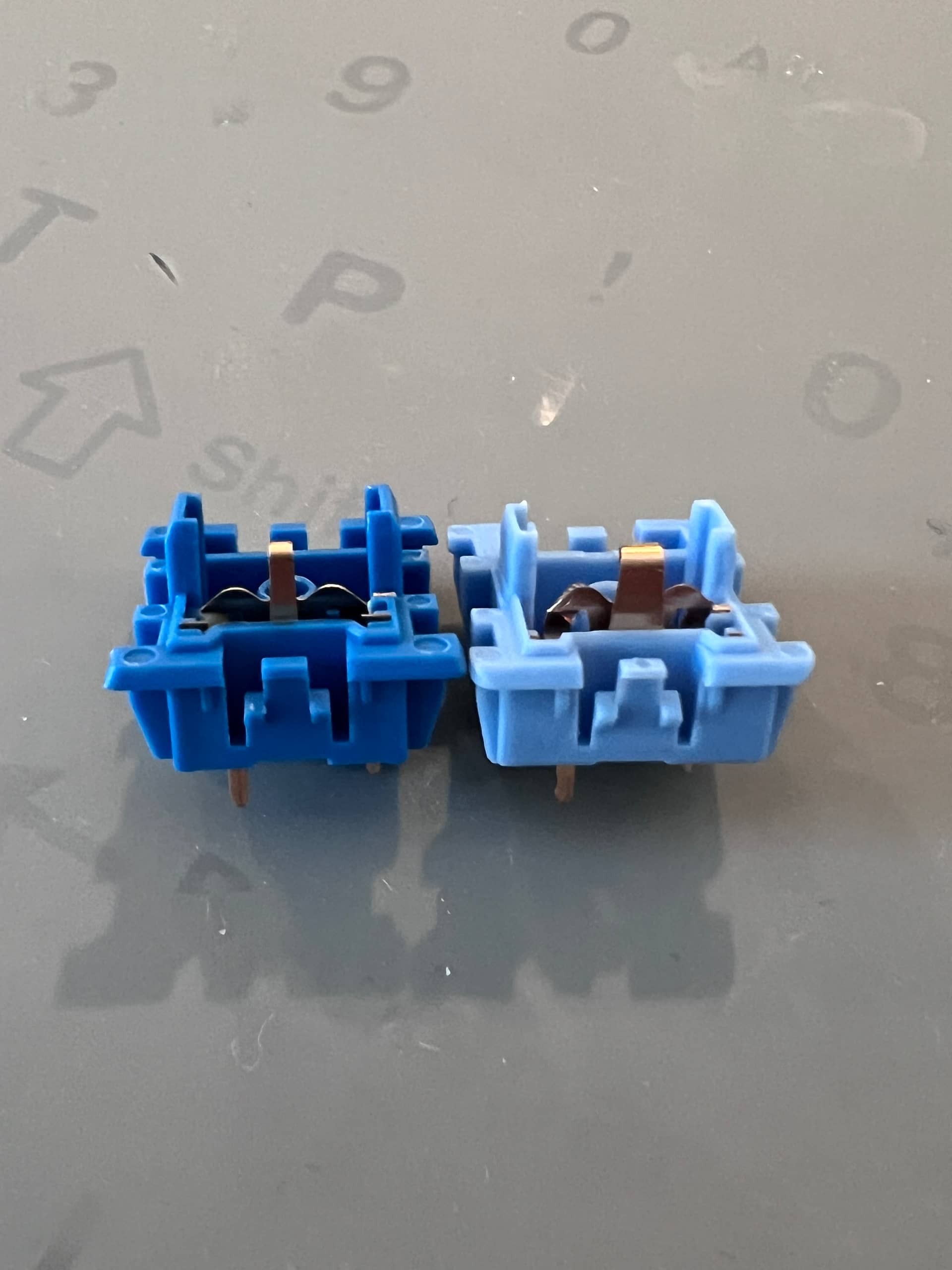
A few interesting things to note. First off, look at the contact leaf

Notice how thin it is in comparison to a standard leaf (briny on left)

Also, when I was spring swapping I noticed that both ends of the spring were treated with lubrication (Donut dipped), with a larger amount on the top end that sits against the stem.

I have never lubed both ends of the spring and it never even occurred to me. When I tested my spring swap, 4 of the first batch of 10 still had some ping. So… I copied their technique and lubed the spring top. It worked.

In fact, for the remaining 60 switches, I ONLY lubed the top of the spring, and not a single one had ping. I do think there is quite a bit of factory lube still in the bottom housing around the stem tube. :man_shrugging:

3 Likes

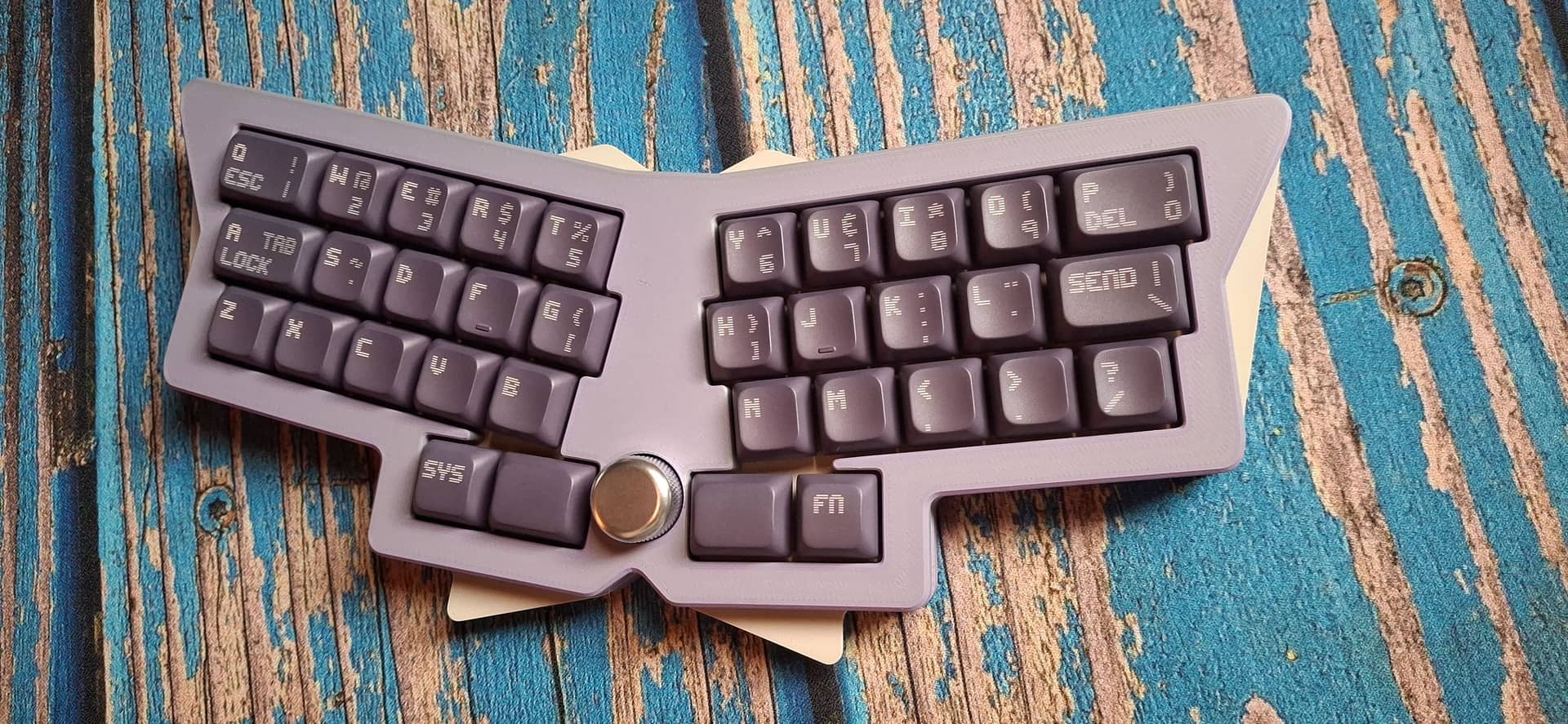
Got my first Yuzu PBS set mounted on my first Daertwing! I might correct print alignment on some of the keys in subsequent order, but I really like this combo. Switches are KTT Soot/Ash.

10 Likes

Love the legends!

2 Likes

Wholeheartedly agree, that is a neat looking legend font.

2 Likes

Thanks! It’s a font pre-loaded on YUZU called Edit Undo Line - here’s the link to the YUZU design: PBS Daertwing custom PBS keycaps - by lemmons - on Yuzu. The comma and semi-colon are too low, but it’s a start! (EDIT: I had the wrong link at first!)

1 Like

A few days in and one of my switches used a lot for gaming (E) has started making a plastic tick noise on rebound occasionally. I think it happens more when I press the bottom edge of the keycap.

So far just this one but it’s the same situation I’ve previously experienced from Keygeek switches. I’m planning to let it develop further and then see if adding lube somewhere fixes it. Maybe it’s a spring I didn’t get enough lube on? It’s not all that different from the ticking noise that Durock switches develop, so it also may be the stem pole rattling :man_shrugging:

Luckily they’re not soldered in. I’m not a fan of random noises here and there (especially on a deep pitched, lubed switch), but they do still feel very nice to type on.

3 Likes


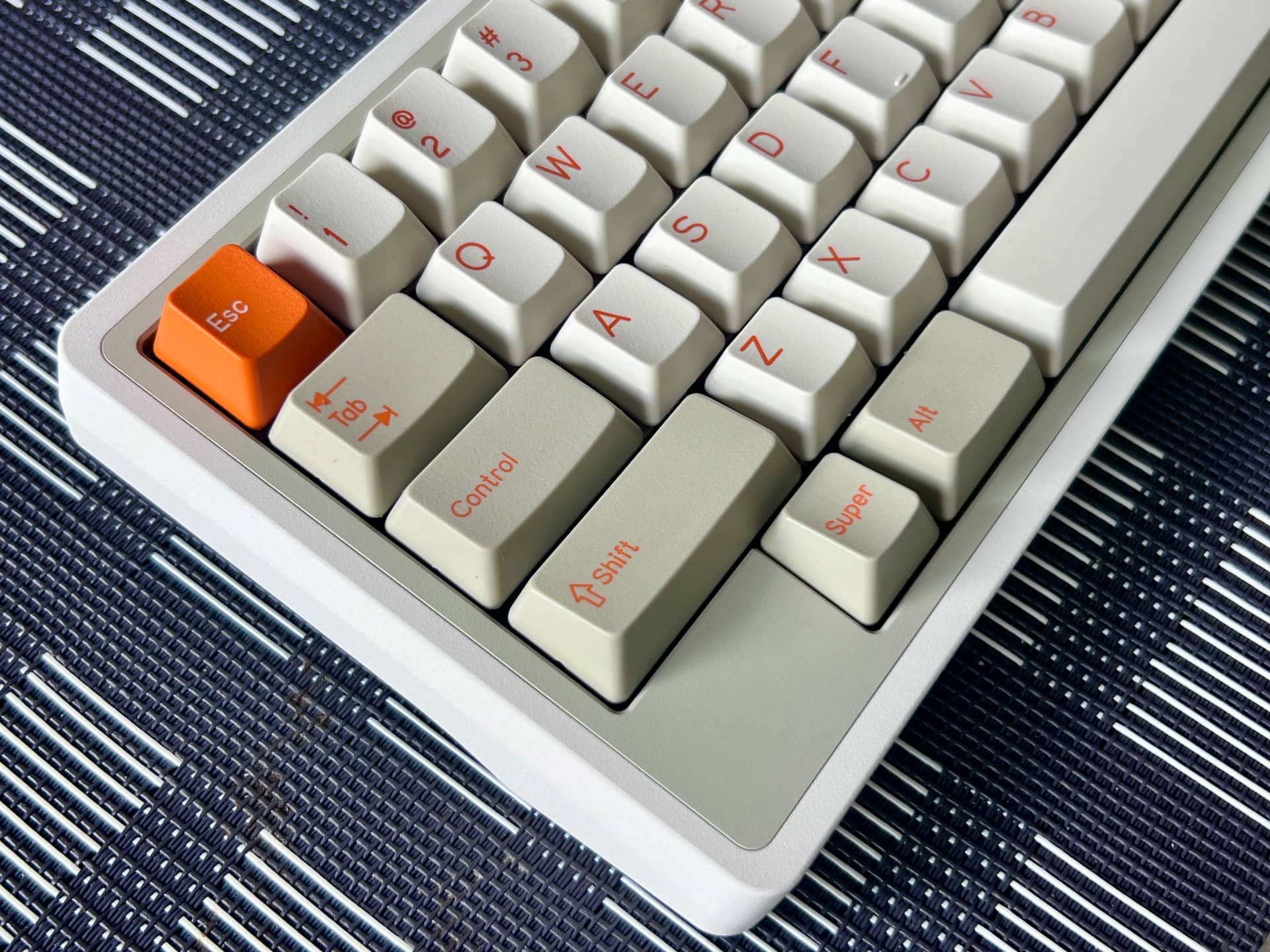
Today I built my Pangea Mini with Taro n Sweet Potato switches. Topped off with DCS Orange on Beige.

I’ll report back after I’ve given it a proper break in. The board is very well made and finished. Still not certain about the switches. Sometimes I like them and sometime the little, high-pitched ticking noises they make bother me. If I can figure out how to silence that aspect without changing the feel of the keypress I would say they are great. More to come, I guess.

I was surprised the keycaps didn’t have a R1 delete key, but the colors are perfecto.

11 Likes

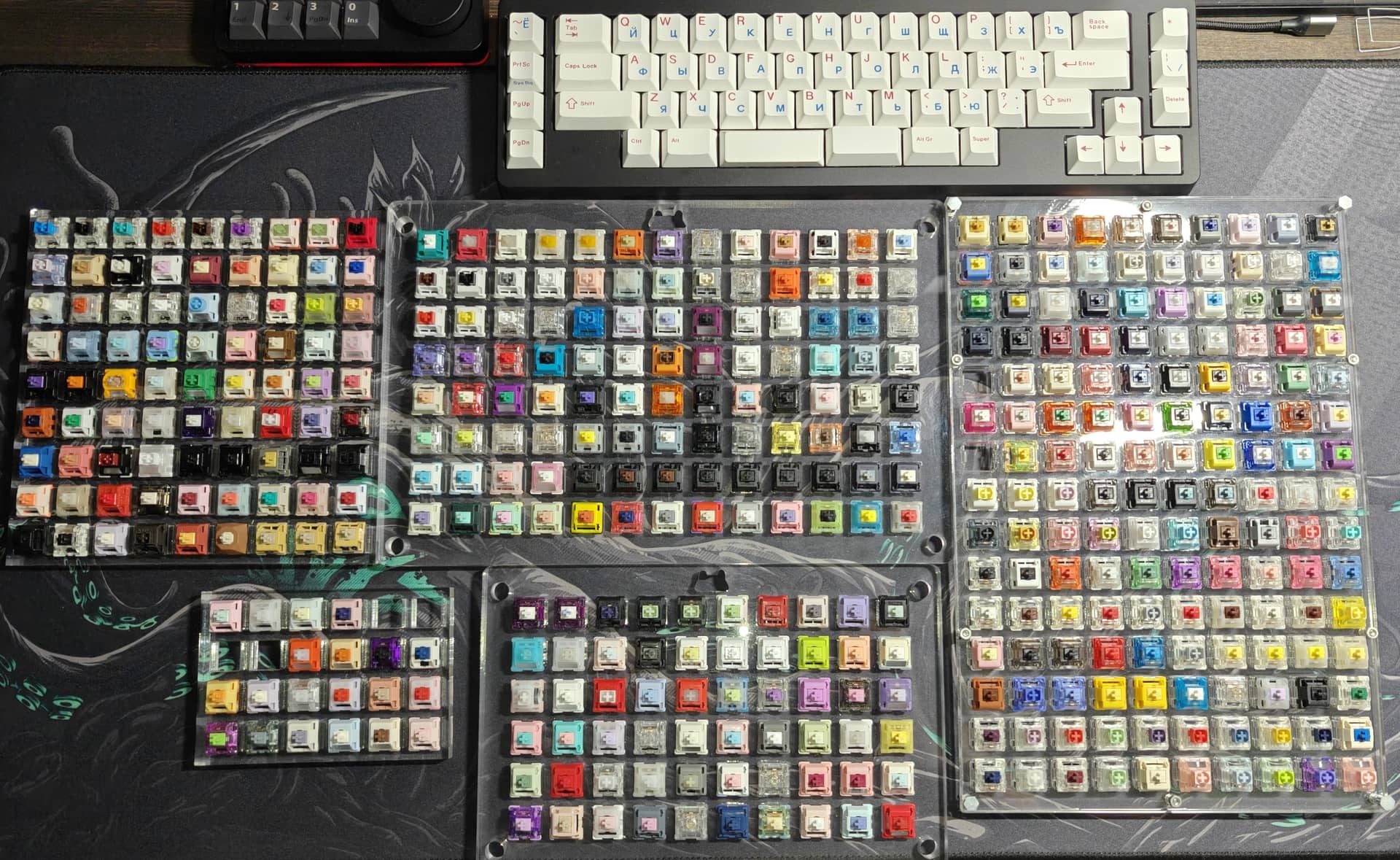
I need to buy an even bigger one…

6 Likes

So version 3 definitely works (I’m typing on a Leggera built with it now)! But I also definitely screwed up the RGB. KiCAD is weird in that the mapping between pins (in the schematic) and pads (on the PCB) is really stored in the symbol (in the schematic). So while I used the right footprint, because it was the “wrong” symbol, the pins are all wonky and it doesn’t work. -_-

I’m currently working on the fix but it’s a royal pain having to delete all the old traces, rotate the parts, and redo all the traces again. Also working on a F13 version.

2 Likes

Not quite on the workbench yet, but I’ve forked and added to dcpedit’s fantastic Mission Control project, which replaces the guts of a IBM M122 with a modern MX-compatible PCB. For my part, I’ve added RGB lighting and mucked with the layout.

The bottom row is a cursed special layout to cram in 3 mod keys in the WKL of the M122: 1.5U, blocker, 1U, 1U, 6U spacebar, 1U, 1U, blocker, 1.5U. (My other alternatives involved more standard space bars but doing horrendous things like mixing 1U, 1.25U, and 1.5U mods so I could use a standard spacebar.)

Anyway, here’s Wonderwall the repository: mission-control-rave-edition

PS: I embarked upon this because I managed to snap two decent condition M122’s…but I didn’t check the part numbers and so one of them was the dreaded “Quietouch” model, which is a cheap-ass membrane dome keyboard disguised as a battleship. Thus the desire to replace the guts with something more usable.

3 Likes

I’ll stick up for the quiet touch here a bit, though not enough to pretend your build isn’t gonna be awesome. I acquired mine almost exactly how you did yours, but I kind of like it. There are much worse membrane battleships out there than the genuine IBM (and successors) ones, though the bad ones can look the part from listing photos. The tactility of a dome-M is very distinctive, and the build quality is exactly the same as any later Model M.

1 Like

Fair enough! This one had a few stuck keys that probably could have been fixed with a cleaning. I’m keeping the internals, as the controller and membrane sheets could be used to repair the other M122 at least). Not entirely sure what to do with that membrane sheet, though.

One weird difference from the other M122 and the model M I have is that the slider and keycap are one piece of plastic rather than two, which got me thinking about EC mods whereupon I stumbled upon the Mission Control.

Also realizing now (after sending off to JLCPCB) I should have added at least one encoder since an DJ edition clearly needs a dial to crank to 11. I’ll probably patch something in using the header for the LCD.

3 Likes

That guy’s IBM MX projects are soooo cool and I am glad he open sourced them.

Yeah, the one piece caps are a thing for buckling spring too, though I think they’re just a bit later. The replacement BS caps I got from Unicomp are all one-piece. That would track with the QuietTouch coming later as well, and I think the only molds for their filled-in-stem caps were one-piece. Mine was a Unicomp (“IO Corp” branded) without too many miles on it. Sucks that yours had stuck keys, but that makes it even less of an issue that it’s the donor for your conversion.

Parts sitting around forever so why not use them? Right?

Today I rebuilt my Jane with an Alps setup. This is NOS white alps with a carbon fiber plate and WoB caps. Everything from an old Bearcables group buy.

I have not opened my Jane up in a long time. Forgot it has 27 screws to swap out the internal assembly. :scream:

Here’s a crappy photo:

I’m happy with the end result. I’m no speed demon on Alps builds, but it sounds lovely and vintage. Now to see if there’s room in the storage case for the MX assembly as well.

12 Likes

TRANSITION LITE TKL - Gateron Lanes

Part 1 of 2

Background:

I had wanted a keyboard specifically configured for Gateron Lanes. Testing on a variety of keyboards suggested that a flexy keyboard with some “give” gave the best results. [Lanes felt ‘flat’ on NCR-80 with FR4 plate, and MK870.] Specifically, the Lanes were most interesting on a Transition Lite TKL with a 1.2mm PCB, and certain foam arrangements.

So, I sought to duplicate that build. Using an assembly service, for precise results, the specifications of the testing TKL were duplicated.

But, a number of things had to be done first.

Ordering the Kit:

This is where things got a bit convoluted, so bear with me.

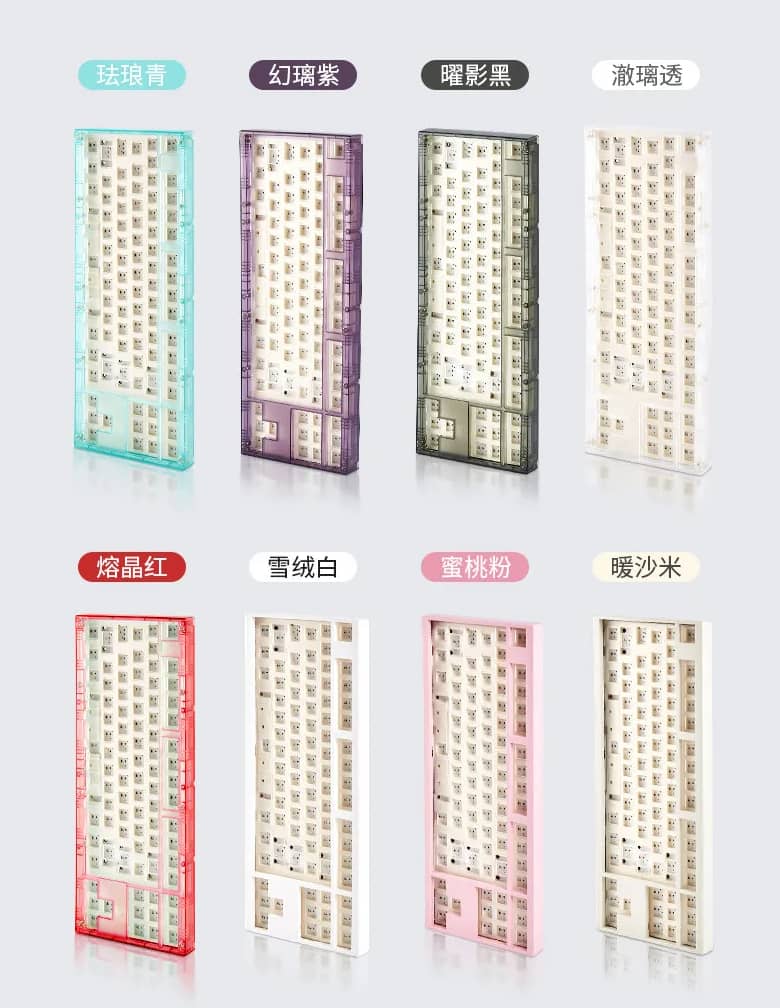
First, I had to get another Transition Lite TKL. The idea was, why not a pseudo-retro TKL? It would have a beige chassis, and probably beige+cream non-Cherry keycaps, for a retro styling.

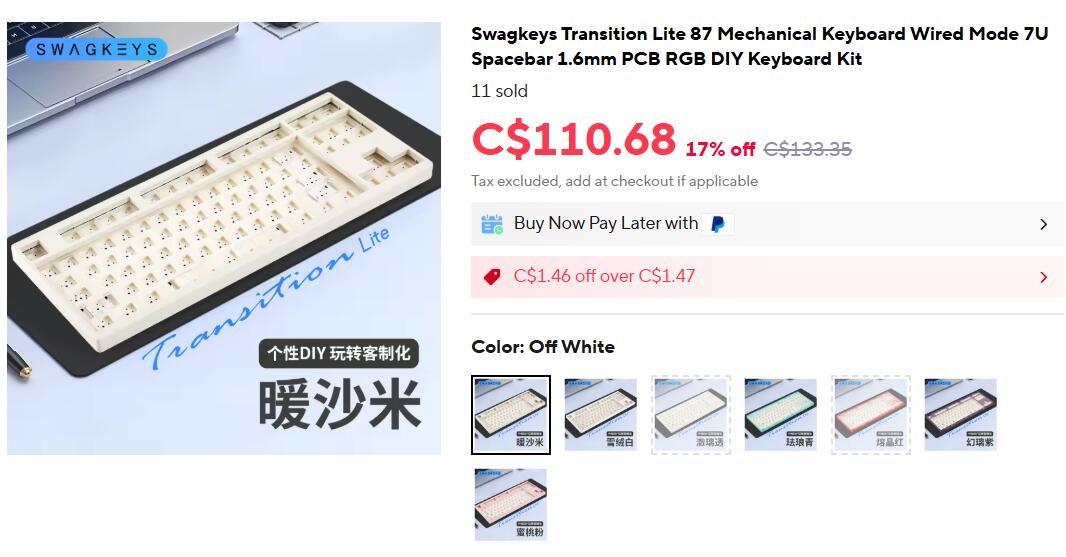
Here is what I ordered:

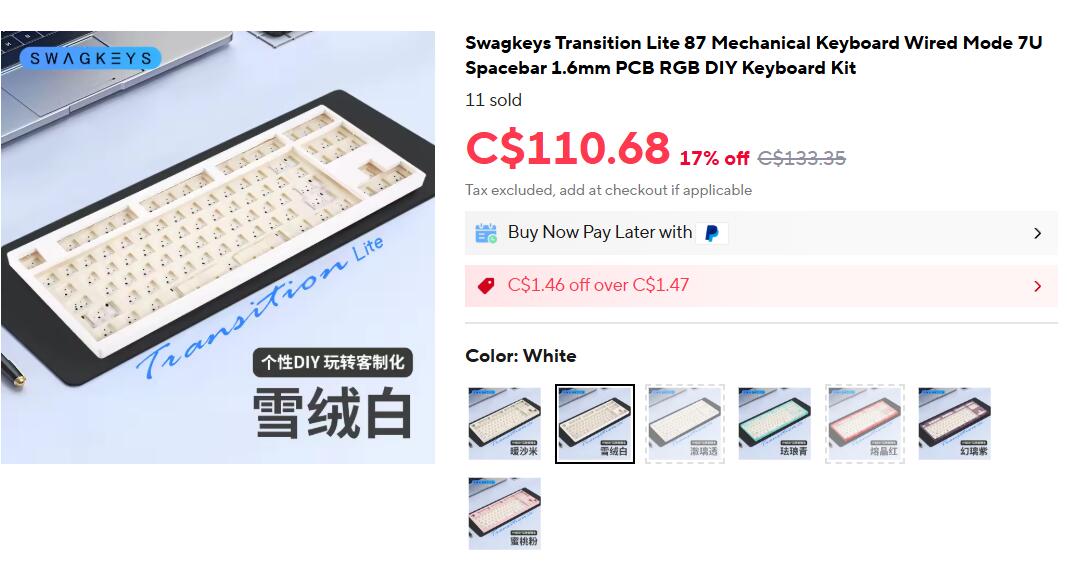
As you can see, it is listed as “off-white.” The product photo shows it as being relatively beige. This is in contrast to the “white” keyboard, listed below.

I quickly ordered the “off-white” [beige-looking] keyboard, as it was listed for $90 CAD, including shipping, during a sale.

What I ordered:

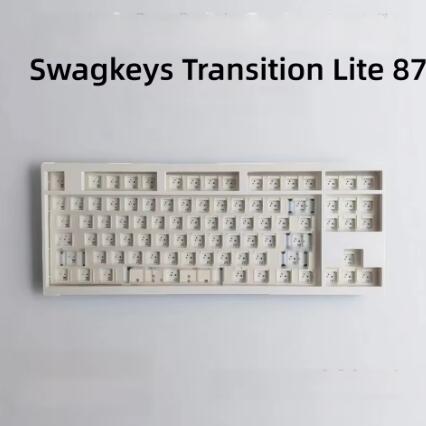
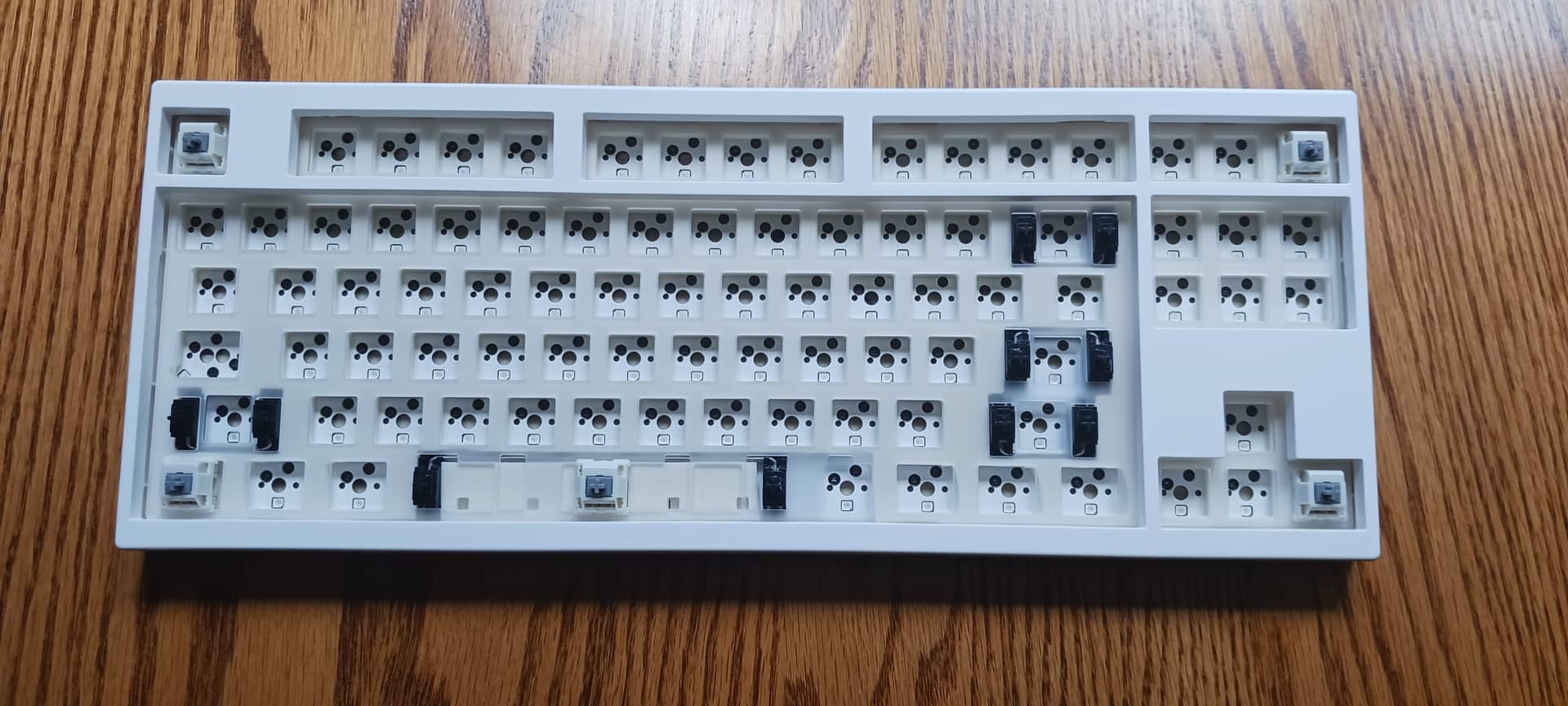
Here is what shipped:

Coming from a cardboard package with these characters on it:

Characters

was a nearly milk-white keyboard kit.

Note that this “off-white” labelled keyboard that I ordered is sometimes listed as “warm white” on other sellers, while the same bright “white” keyboard, above, is sometimes conversely listed as being “off-white.”

What I probably should have done is purchased a keyboard explicitly labelled as “beige,” in English, with the corresponding photo of a beige kit. If I truly wanted a beige kit.

According to their own line-up, there should exist a slightly-beige keyboard. About the same colour as the PC plate:

Also, I initially ordered 6.25U 1.6mm PCB, because only 1.6mm was available. More on that later.

Keycaps:

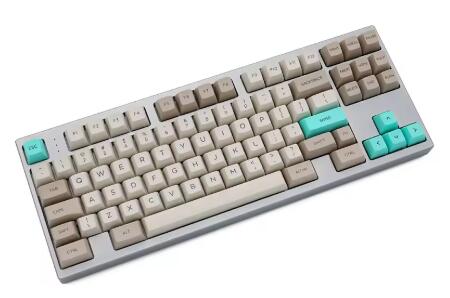
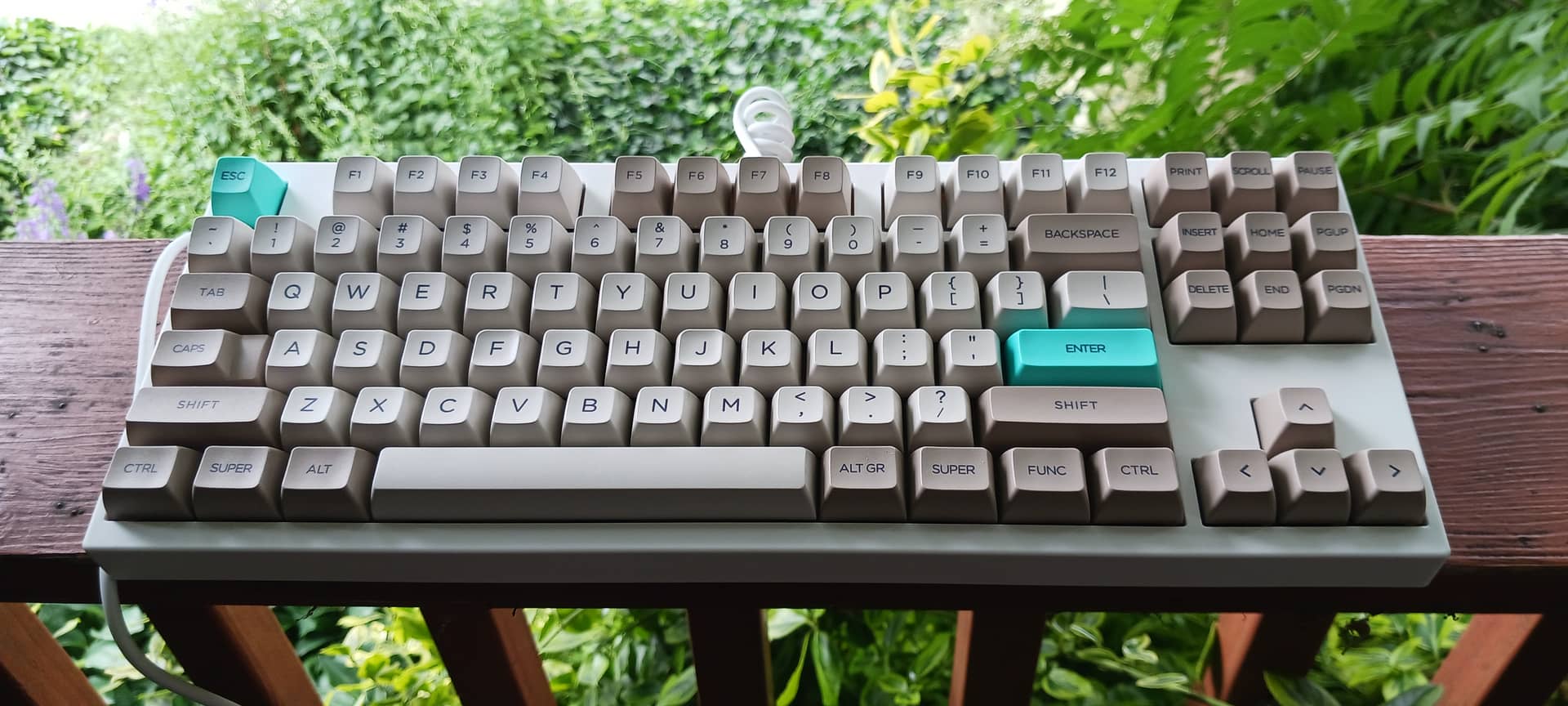
The bright-white kit I actually received turned out to be very good at going with a variety of sets: beige/cream SA, Beige Tofu and MA Korean, some kind of drab PBT Shoku, green + white QX SA or AF SA-profile, and probably DCS SMRT.

Testing demonstrated that the SA-profile beige/cream set was the most interesting for me. The high keycaps gave a retro-sense to the typing, dampening the Lanes to a moderate tactility that felt consistent. The SA keycaps also gave a “bass” sound-profile to the Lanes.

(Store Page Photo)

In Part 2, I will detail the assembly specifications, typing-test, and initial impressions of typing on a full keyboard of Gateron Lanes. This exciting conclusion will contain typing audio, and perhaps screen-captures of the keyboard in action.

7 Likes

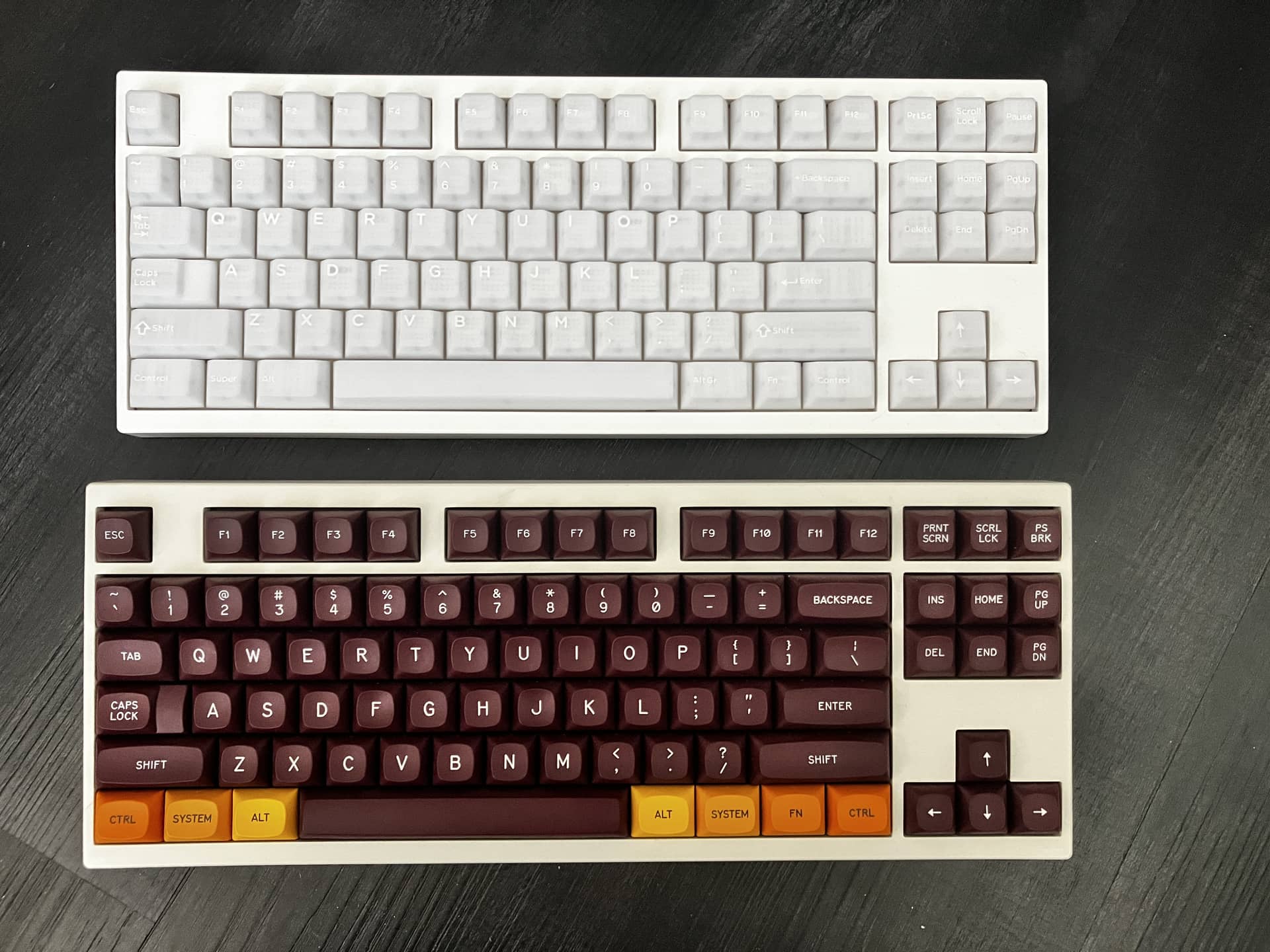
I have both, so it definitely exists. But, it’s REALLY close. “Cool” white on top, “beige” on bottom:

EDIT:

IIRC, the default plate was clear PC and that was the only PC one available, I thought?. The white you see is from the white foam kit, I believe. Which incidentally has slowly yellowed with age, which is probably why there are slightly different hues in that picture.

4 Likes

Oh one weird thing about the Transition Lite – it seemed like it was a h87 compatible board at first, but after having tried to use the PCBs in another case (which WAS def h87 compat), I discovered it’s Not Quite the same. The separator between the main keyboard and the nav cluster side is like a smidge wider than h87. You can make it work with a bit of plate filing/trimming and stabs that take a lot of slop.

3 Likes

TRANSITION LITE TKL - Gateron Lanes

Part 2 of 2

Gateron Lanes

The initial 10 switches were from a Swagkeys sampler. After testing, I ordered 80 more from a Canadian vendor.

They are like ‘quiet clickies’ in-hand, a bit different on a board. I’ll give impressions of that, below.

Build Details

The purpose of the build was to replicate an existing Transition Lite TKL.

I tested the Lanes on a 1.2mm PCB, so the 1.6mm that shipped with the “beige” TKL was swapped with a 1.2mm.

Yes, a 7u spacebar would have been more ‘retro.’ But it would have been less compatible with the PBT sets I ordered for it. And I didn’t want to have to use a heavier spring for the spacebar. I wanted to try these, stock.

So this dedicated build ended up with:

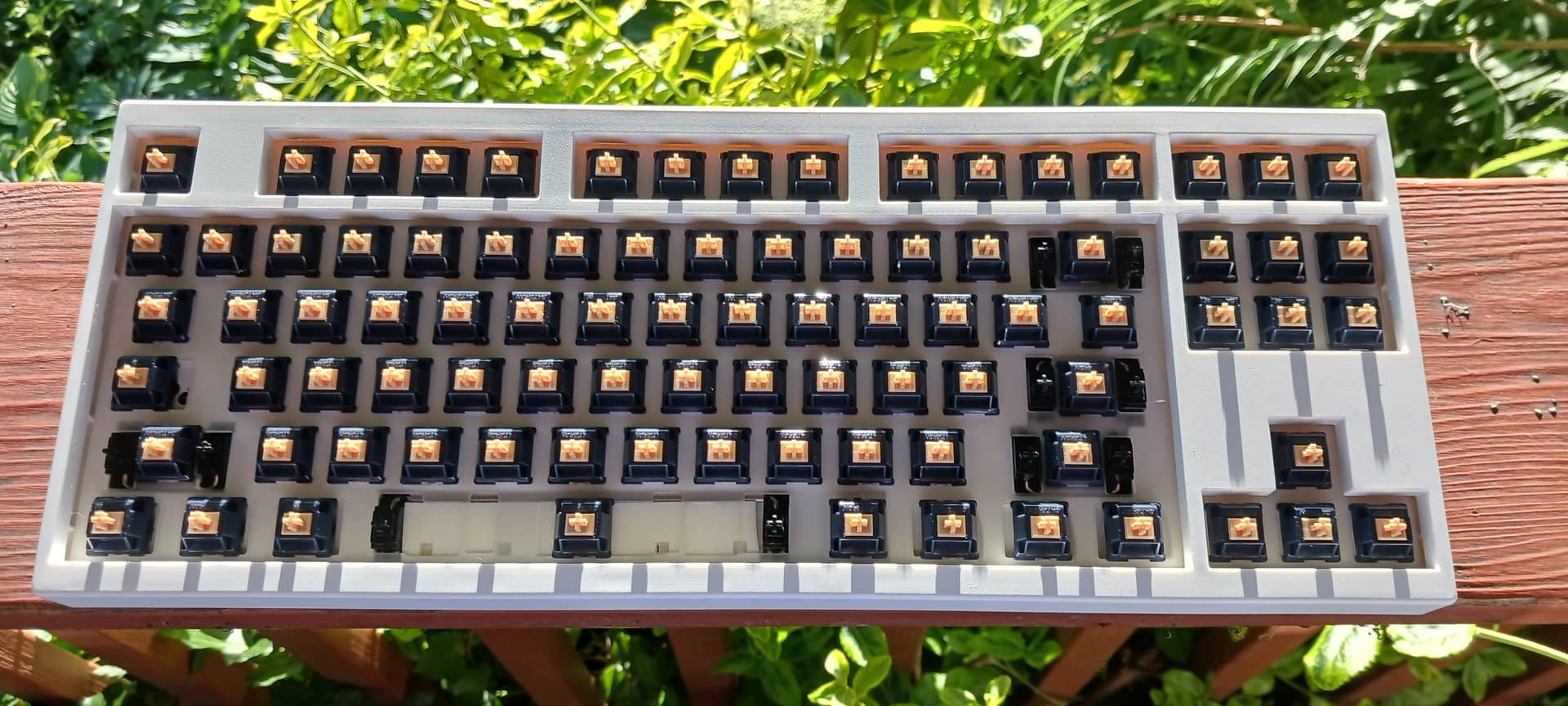
-1.2mm 6.25u PCB

-TX 1.2mm hand-lubed AP stabilizers

-gaskets, PCB foam, and rear PCB foam

-stock polycarbonate plate

-stock Gateron Lanes

I also found a white cable on AliExpress that matched this board.


Typing Test
Straight 3

Above is the audio of a typing test, posted as a video. You can hear that, with the SA keycaps and polycarbonate plate, it’s fairly bassy.


Impressions

This is more of a “typewriter” switch. A light typewriter, best for fast entry of words.

Detailed impressions, below. [Click “Summary” to expand.]

Summary

These are tactiles [“silent click”], and not heavy.

And these definitely aren’t MX Browns. With Browns, there’s a tactile ‘notch’ somewhere that you overcome, somewhat like a ramp. You scrape up and down that moving ramp. The Lanes, in contrast, have a more generalized ‘barrier,’ starting near the top of the switch, and the switch activates as you overcome the barrier. Not entirely dissimilar to Browns, but it’s more of a crisp barrier than a tactile-notch. These are not simply “interrupted linears.”

Sound-wise, I am using SA caps, which muffle and dull the sound somewhat, making it also more low-pitched. They are somewhat ‘noisy’ in their own way, but not like Browns. With Browns, you can hear that scratch on the downstroke and the upstroke. Cherry’s materials are very jagged, at the microscopic level, and you can hear that. The Lanes are ‘cleaner’ in that respect, with Gateron materials smoothness. But the leaf, springs, and actuation mechanism make their own sounds, which you can sometimes hear over the stem movement. A bit of a ring, and sometimes ‘squishy’ noises, I’m not sure why. But these are common in Gateron switches. It would probably be more pronounced, with lighter keycaps.

Overall, typing on 1U keys sounds like marbly pebbles. When using SA-profile PBT keycaps. I’m sure that’s a sound desired by many. Obviously, switching to something like DCS-profile ABS double-shots would be more resolving both of sound and tactility. The sounds of the large modifiers are exquisite. Almost a hollow, plastic ‘clang’ with the ENTER key, more of a dull, flat thud with the BACKSPACE. The spacebar is where it’s at, though. A hearty, clangy thud. The large keys make their sounds consistently.

It’s notable that stem bottom-out isn’t too harsh. This is a flexy build, so that’s to be expected. But there’s no long-pole ‘slam.’ The only slam is the collapse that happens after the tactile barrier is overcome. It’s not as gentle as an MX Brown, or similar designs, but should be fine for prolonged typing. I’d say it’s harsher than a BOX White, but much less than a BOX Navy.

Upstroke is somewhat constrained by how the switch operates. Both upstroke and downstroke are not exactly the smooth gradient or curve that you might be expecting from certain light-tactiles. The click-heritage is definitely evident. This means that there might be a bit of perceived hysteresis. You might even feel a “snap” on the upstroke. So, this isn’t a switch where you want to ‘hang’ the actuation point, for rapid subsequent presses. Instead, it gives you a definite actuation point for rhythmic typing.

It’s a more ‘classic’ feeling switch - something you’d expect to find on a keyboard from 1983-1985. Feels like some obscure non-Cherry tactile from that period. The tactility isn’t meant to overwhelm, but provide a consistent typing experience. There is something of a tactile ‘noise’ to how the switch operates mechanically, similar to older [and more tactile] ALPS switch. In combination with heavier or lighter keycaps, you can tune the typing experience from minimal tactility and low-pitch, to a somewhat more vividly ‘mechanical’ one.

I think that this keyboard build would be an excellent candidate for DCS SMRT. The board already has the look of an old WY-85 keyboard, at least in terms of colour and intent. It interacts with beige + cream sets very well, and really only needs that gray + cream + blue of the WYSE DCS keycaps.

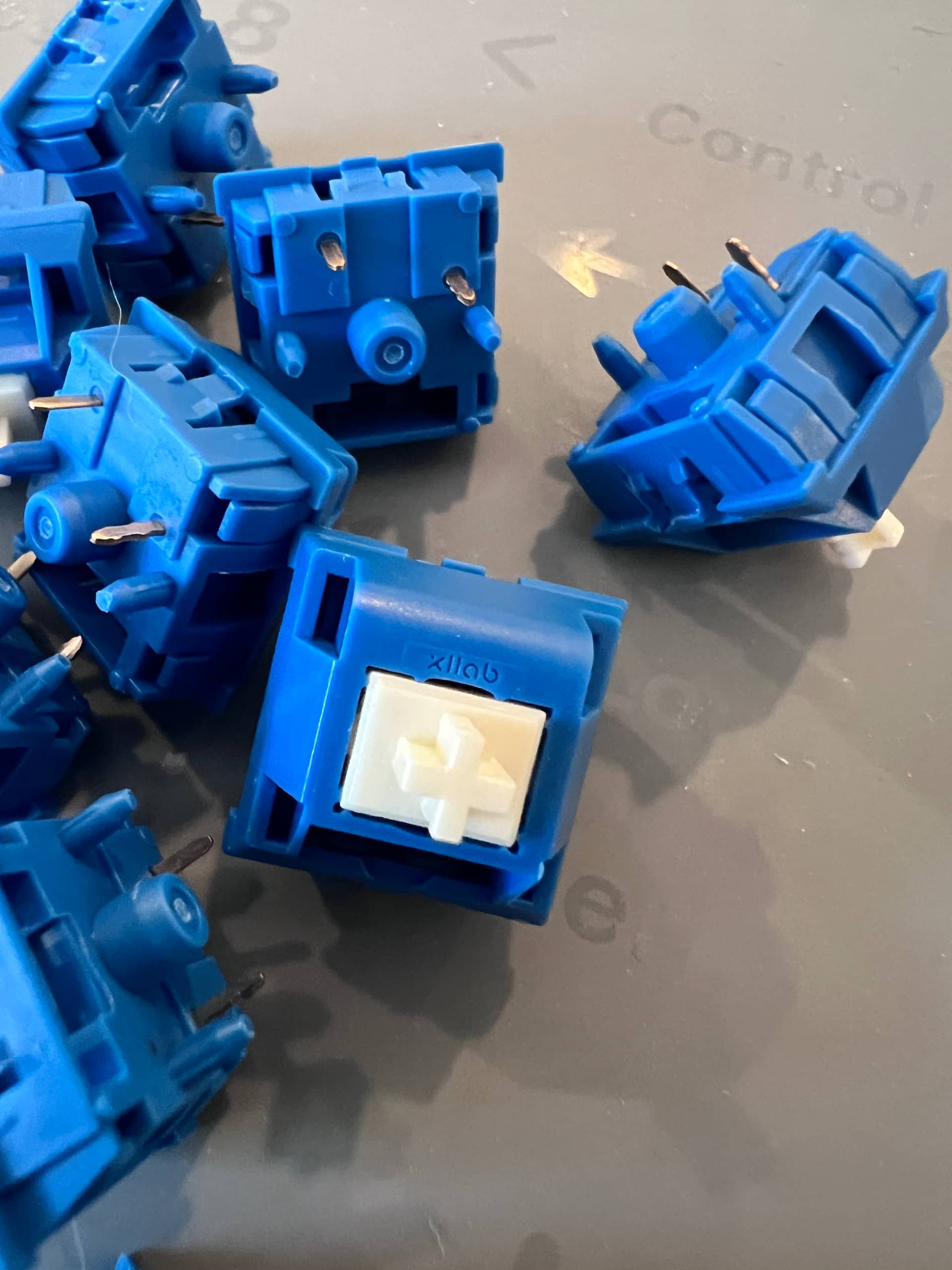
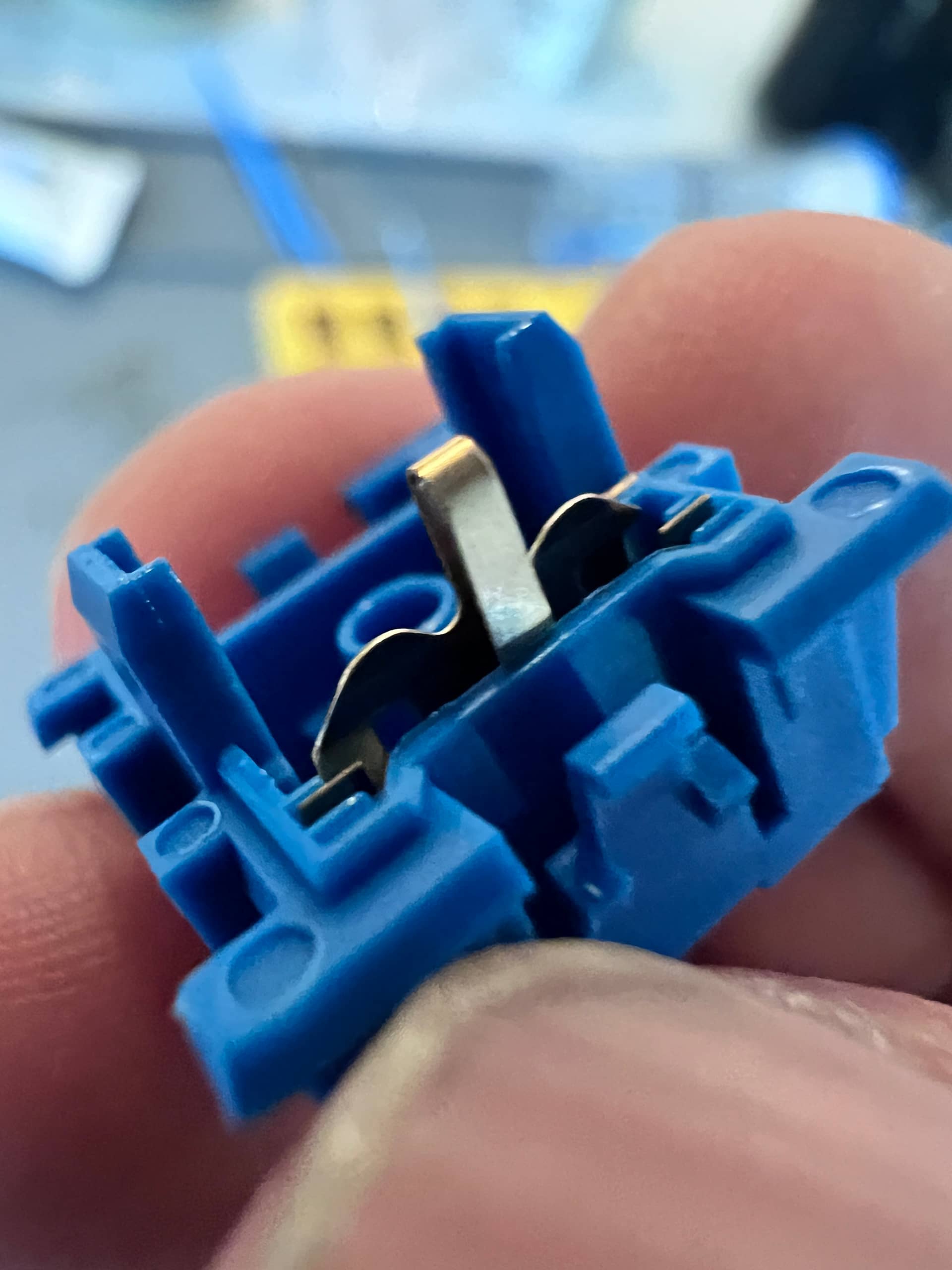
If anything, the Lanes and Melodics are somewhat analogous to BOX Browns and BOX Whites. The BOX Browns use a similar architecture to the BOX clickies, but do not engage a clickbar.

Likewise, the Lanes are not meant to engage the click leaf in the same way as the Melodic clickies. The Lanes immobilize the click leaf.

So, the Lanes give a relatively clean, tactile feel. Great for rhythmic typing. Maybe not so much for rapid upstroke


Bonus Materials

Since this keyboard is kind of like some 1985 terminal/workstation keyboard, or would be if it used a 7u layout and a 100% board, I wanted to try it with something appropriate.

Maybe it would have been used with DOS applications, eventually. I tried it with Rogue (1983), and it worked fine. But here’s something a little more animated:

Video 1:

https://imgur.com/k5dVuUs

Video 2:

https://imgur.com/COqQMnc

(Sorry about the 16x9).


Conclusion:

So, I hope you found this educational. If AliExpress sellers seem confused about the colour they are selling, maybe they are.

Gateron Lanes are what they promise to be - a tactile switch based on a quieted clicky-mechanism. Feels less like a Cherry notch-style tactility. Not a heavy-tactile, though, and can be mediated via different keycap types.

I am glad that Gateron adopted enthusiast work, creating something different than standard MX tactility. I really think that this is a road all manufacturers should travel down.
8 Likes