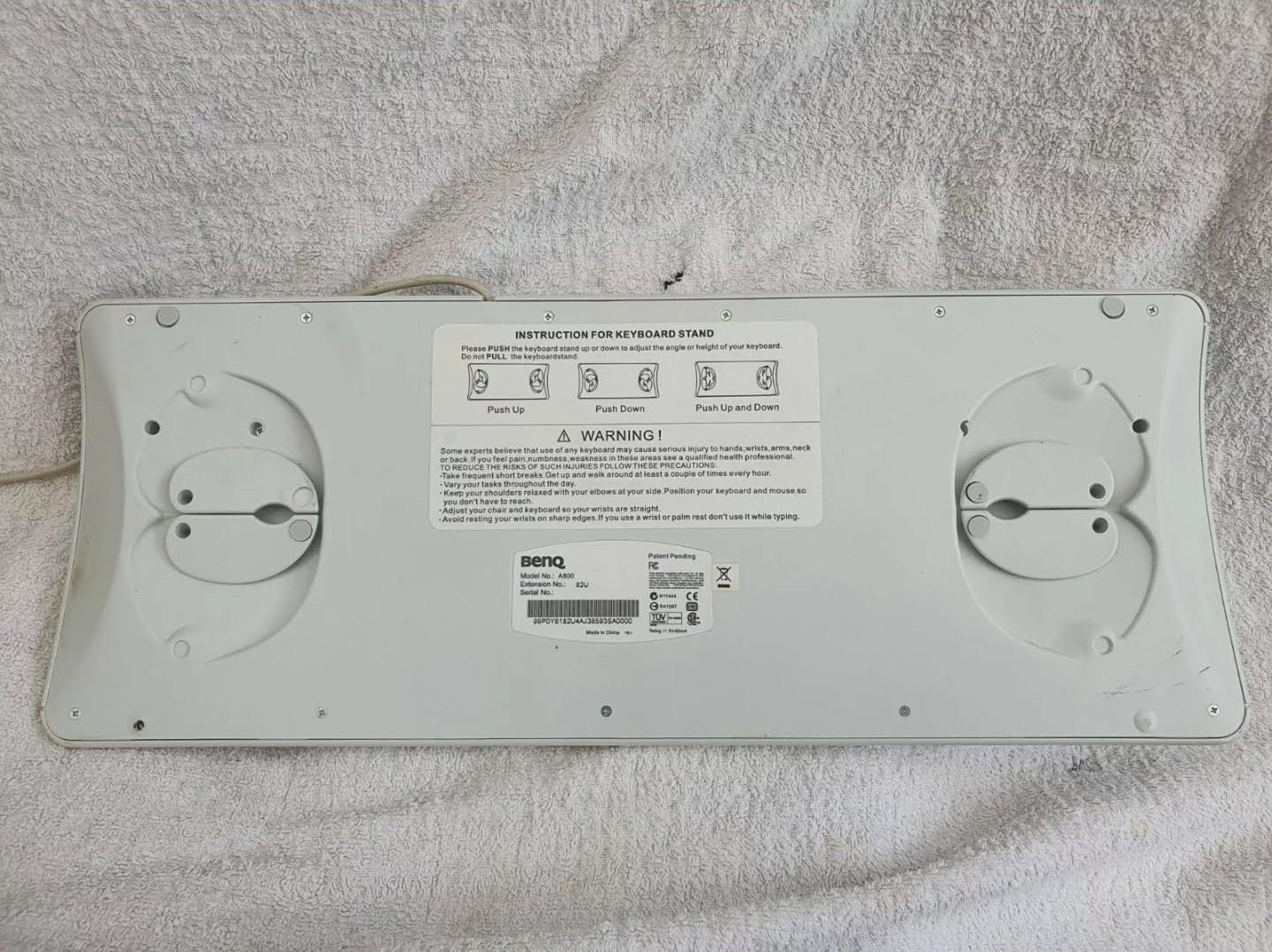
BenQ A800 Keyboard Stand. It’s such a simple feature, why overcomplicate it? It even comes with instructions!
4 Likes
I guess is for allowing negative angling
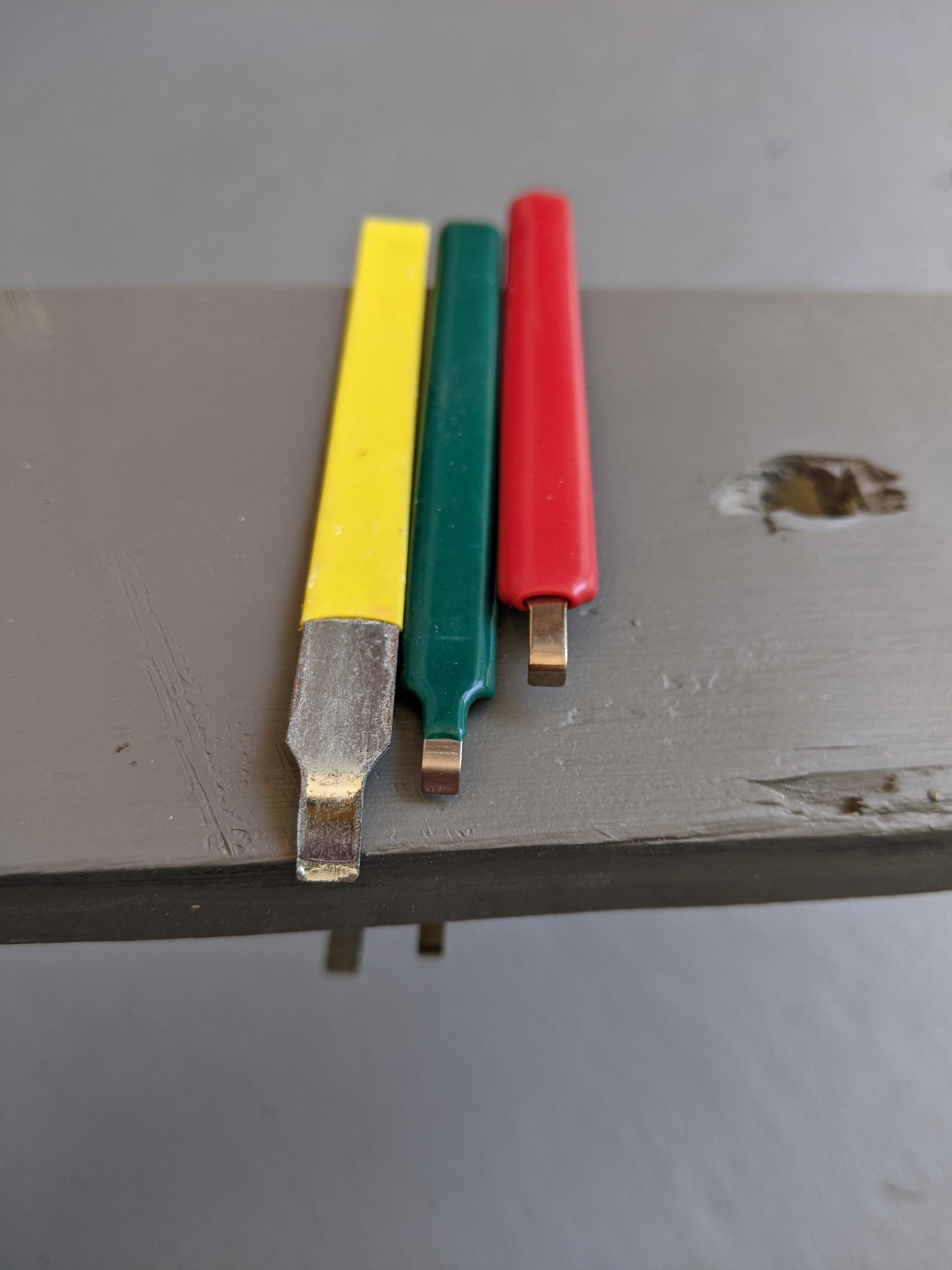
Cleaning out my keyboard stuff today came across these IC pullers, $1.29, from AliExpress. Were from the same seller on the same product page “just” different colors.
- Red one acceptable
- Green one looks acceptable but not, thinner material then the red one
- Yellow IDK what happened it is garbage
6 Likes
Funny, I recycled a green one of these just the other day because it bent with the slightest pressure.
1 Like
If I think about it, I probably type on my phone as much as I do on any other device. While on the job, I do take advantage of BT and am able to have a productive typing experience while using my mobile devices, but once untethered from my office, it’s back to thumb typing and on a layout designed for ten fingers. Ugh.
I’ve heard a ton of really reasonable explanations on why ortho is better, but for purely personal reasons I’m hesitant to make the switch. Just stubborn I guess.
I stumbled across this keyboard app which takes a swing at rethinking what a keyboard layout might look like when limited to just thumbs. It’s a slanted ortho hexagon layout. 
I’ve been using it for about a week now. It’s pretty nifty and not needing to toggle layers to hit the ? is a big win for me. Idk, it might be a little dumb, but I thought I’d share it. I found it pretty interesting.
7 Likes
I’m almost interested to try that since I type on my phone like a lot, but I think anymore the muscle memory would be a drag like switching from regular to ortho after typing on the like regular phone keyboard so much since I can type so fast and without looking. How hard has it been to switch?
1 Like
You know, not hard at all. I totally thought my muscle memory would make me hate this app, but since it’s just thumbs, the learning curve was surprisingly short. I think the trick is that you only have to relearn key positions for two fingers versus all ten. Plus, this is the first split spacebar I prefer using over a single one.
2 Likes
 )
)
8 Likes
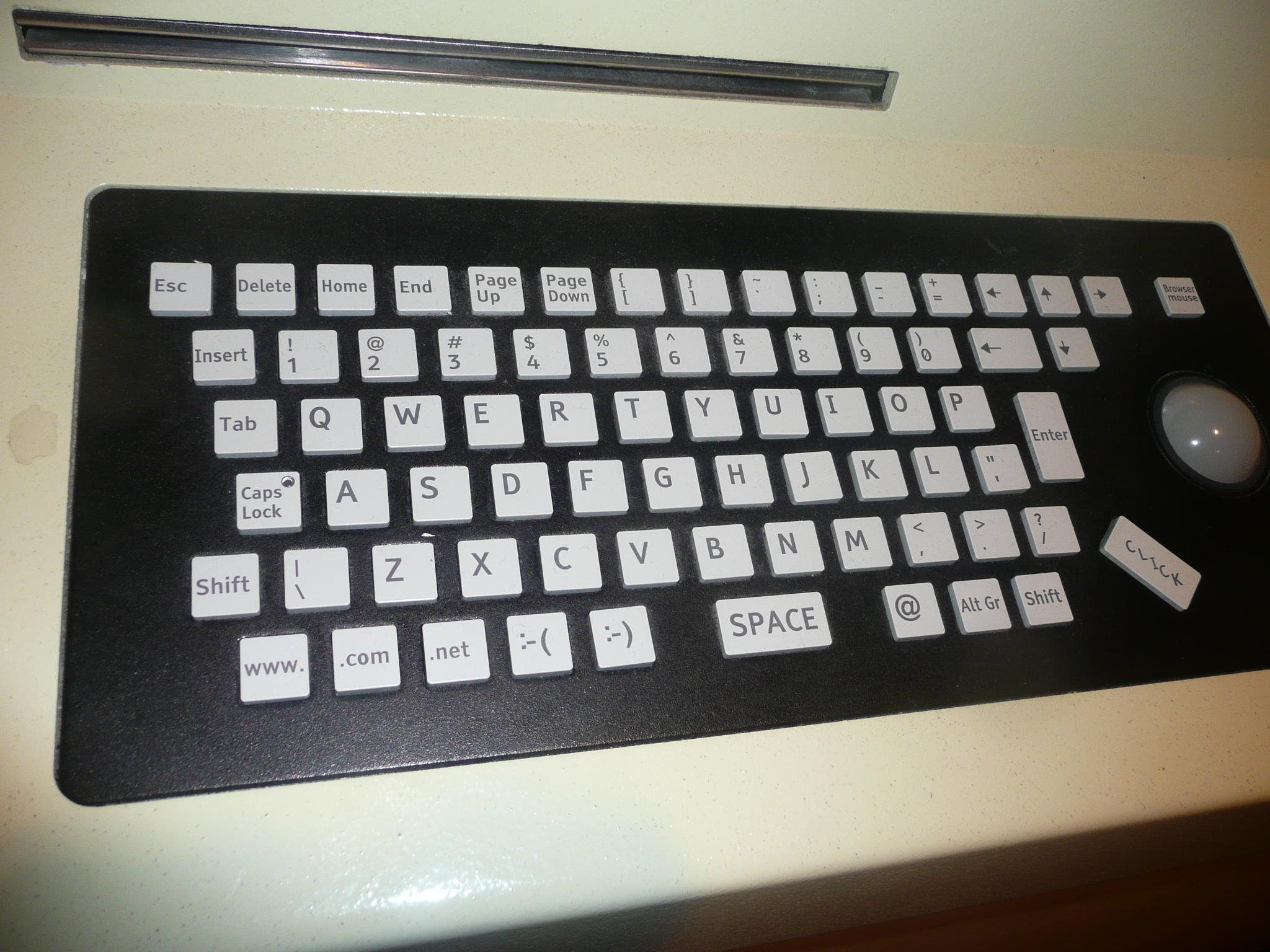
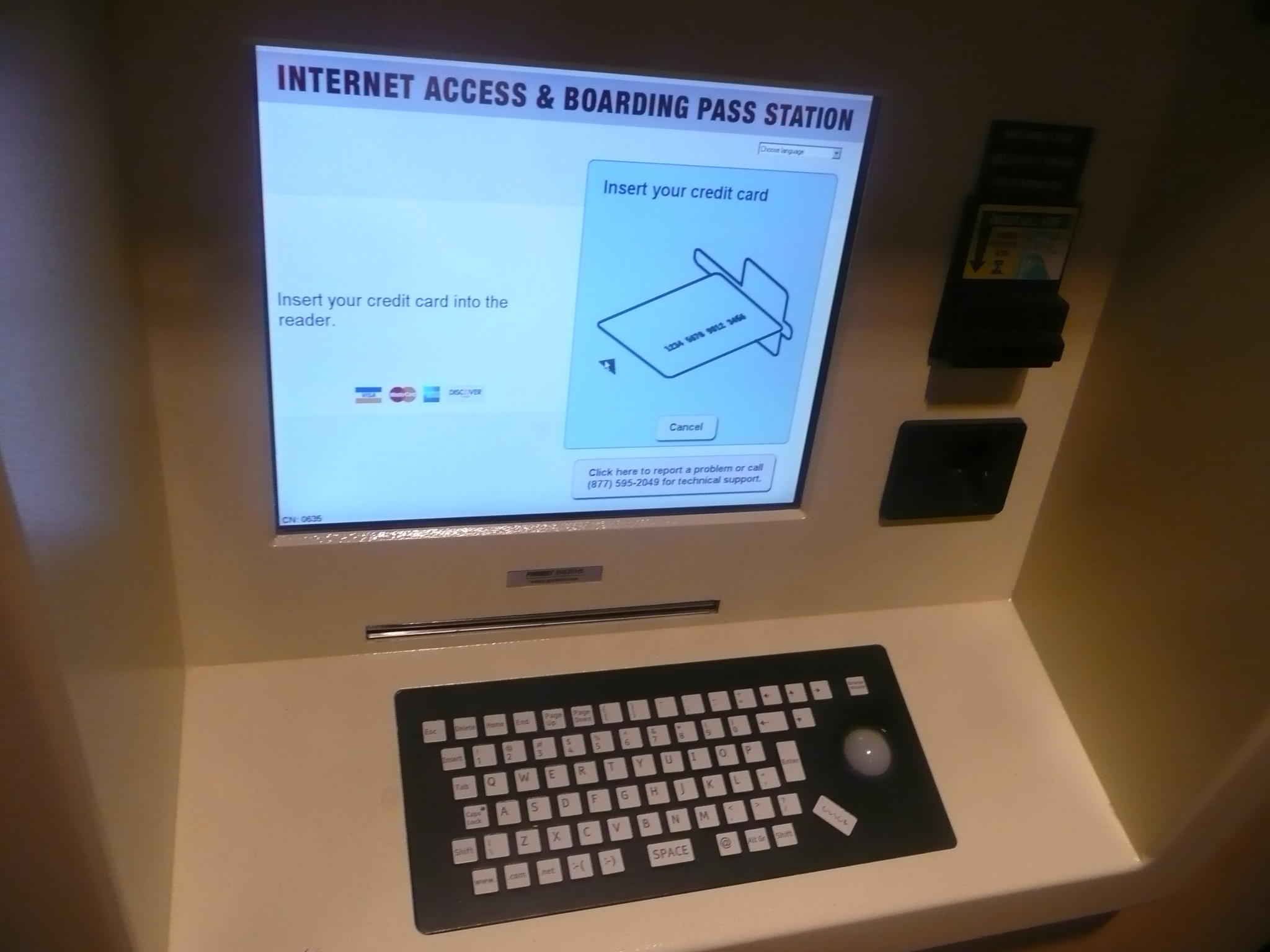
This vaguely reminds me of the ZX Spectrum - Wikipedia
And also those arrows keys arrrghh.
4 Likes
… I have many questions.
- Is it designed also for web browsing?
- Why those keys?
- Smiley-face emoticon keys?
- C L I C K (not right or left, just CLICK)
1 Like
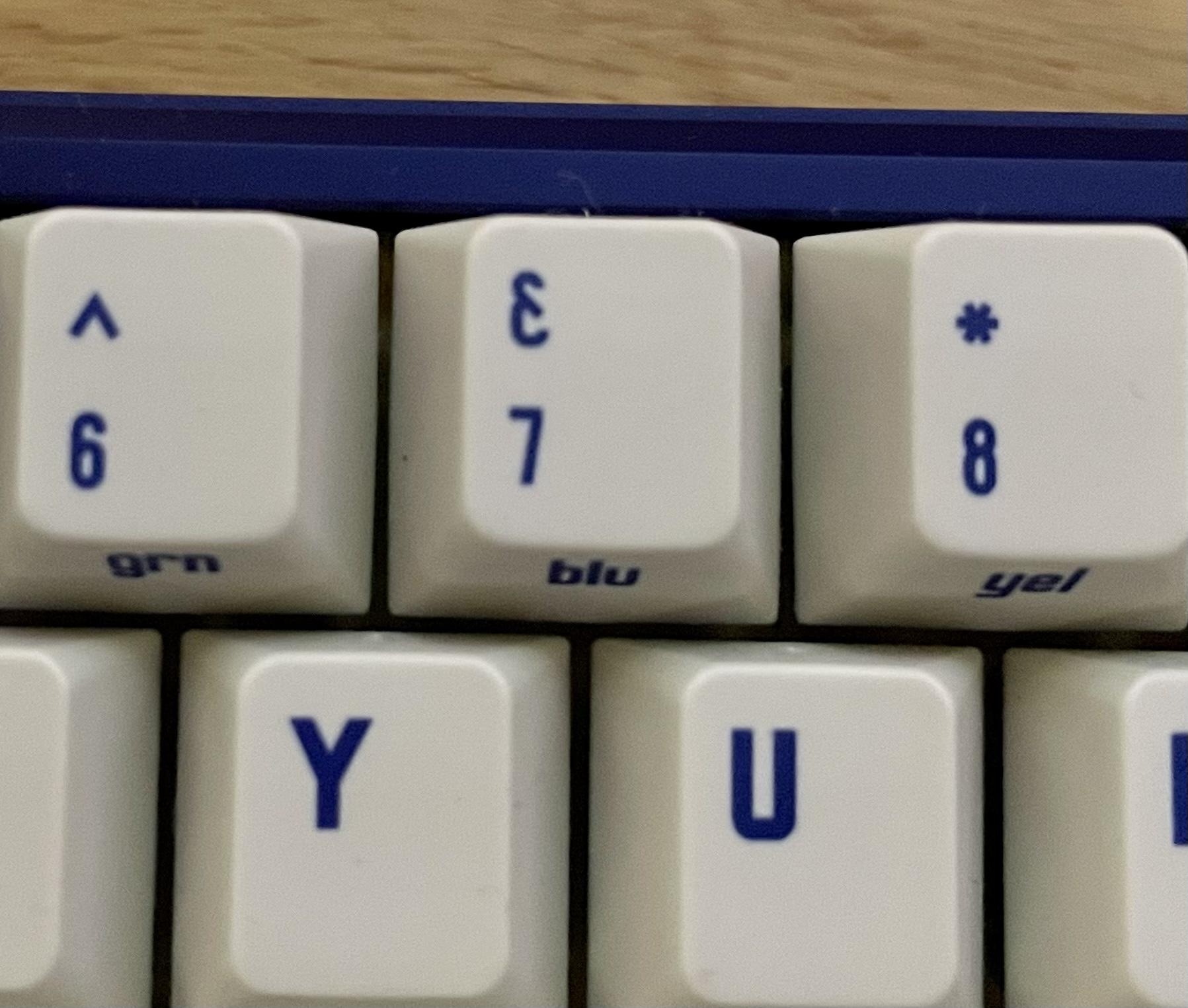
I just noticed the Ampersand (&) symbol on my CRP C64 keyset - is this an acceptable legend?
It was like this in the renders too, I just never noticed and so can’t really complain but…
It does not look like an Ampersand to me, I’ve never seen one that looks like this:
2 Likes
I thought that was the pound sterling symbol at first. It’s different, but still fits the overall design nicely IMO.
It’s weird, but I have seen ampersands represented by something that looks like a backwards three - and with this angular typeface it makes it look even less familiar.
Yeah, the crossed-backward-3 ampersand is based on the Latin “et”. This is probably the only time I will ever have to know this.
1 Like
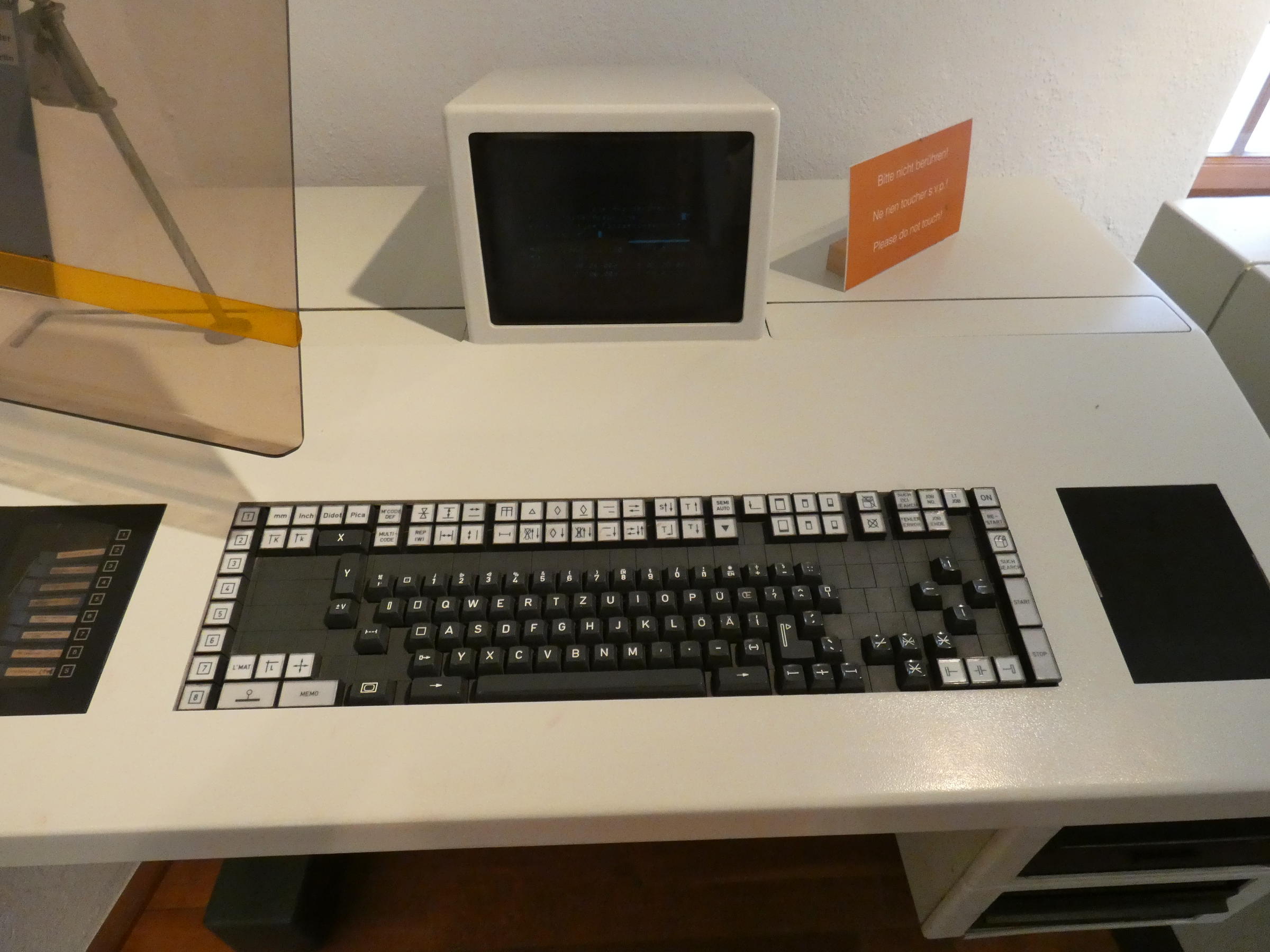
Looks a bit like 🙲
5 Likes
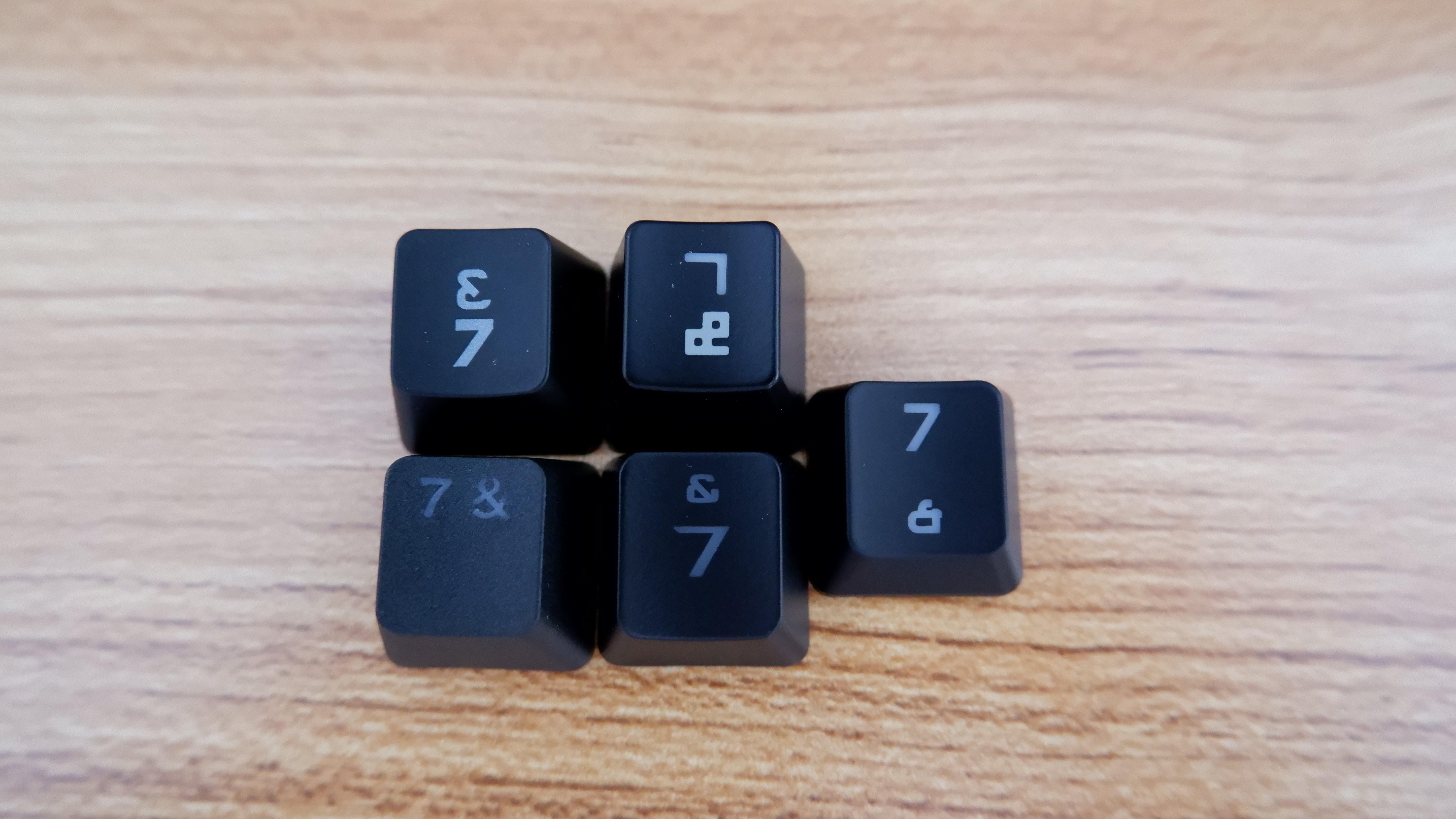
I’ve noticed that the ampersand legend in modern keyboards, especially those made for gaming are a little messed up. Here’s what I can gather from my collection. Yours look similar to the top left one.
3 Likes
I love the click button haha
2 Likes
I guess since this is a built-in station there’s no connected mouse; just the built-in trackball and a click key? Love it. Incredible legend.
1 Like