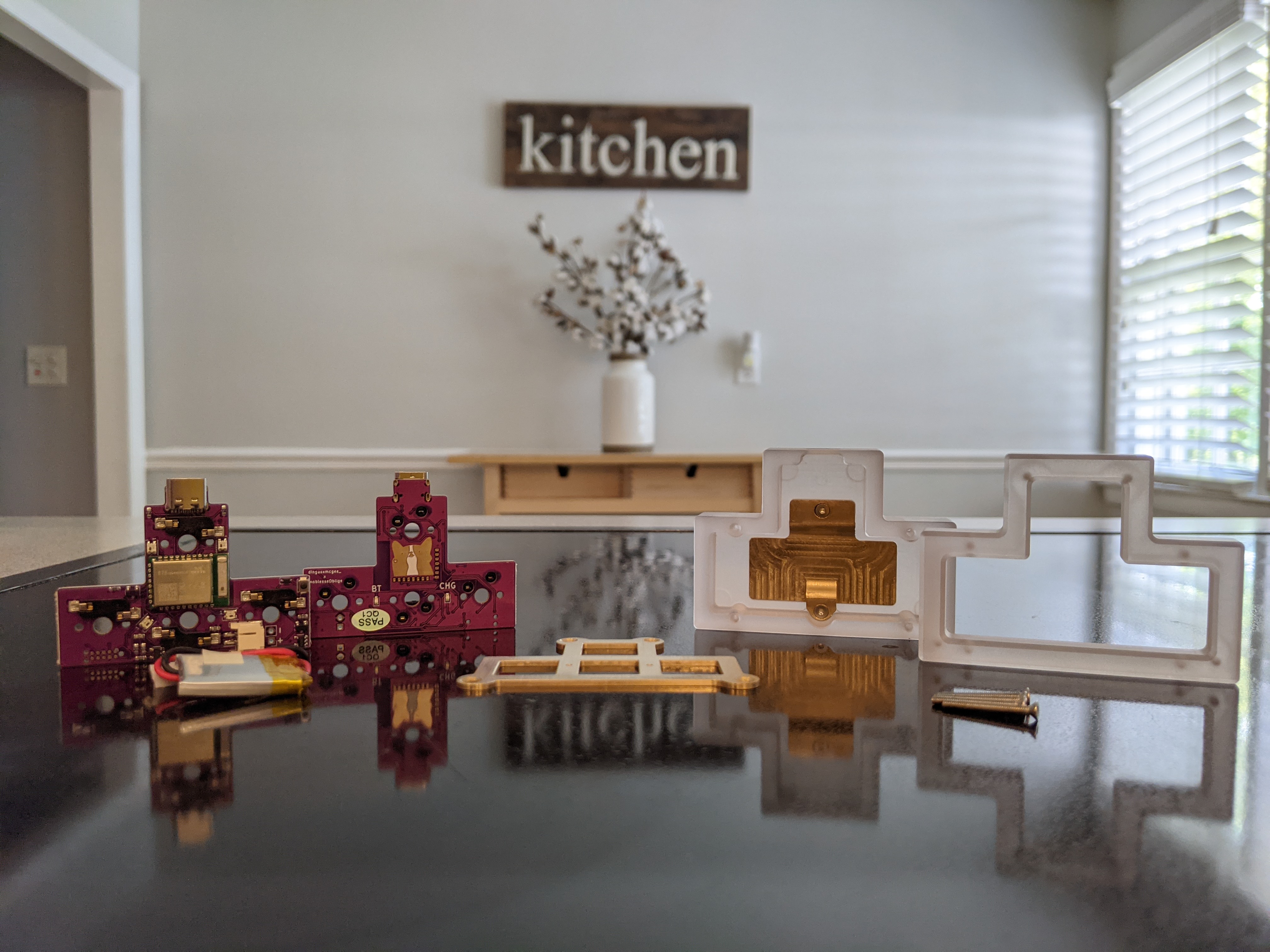
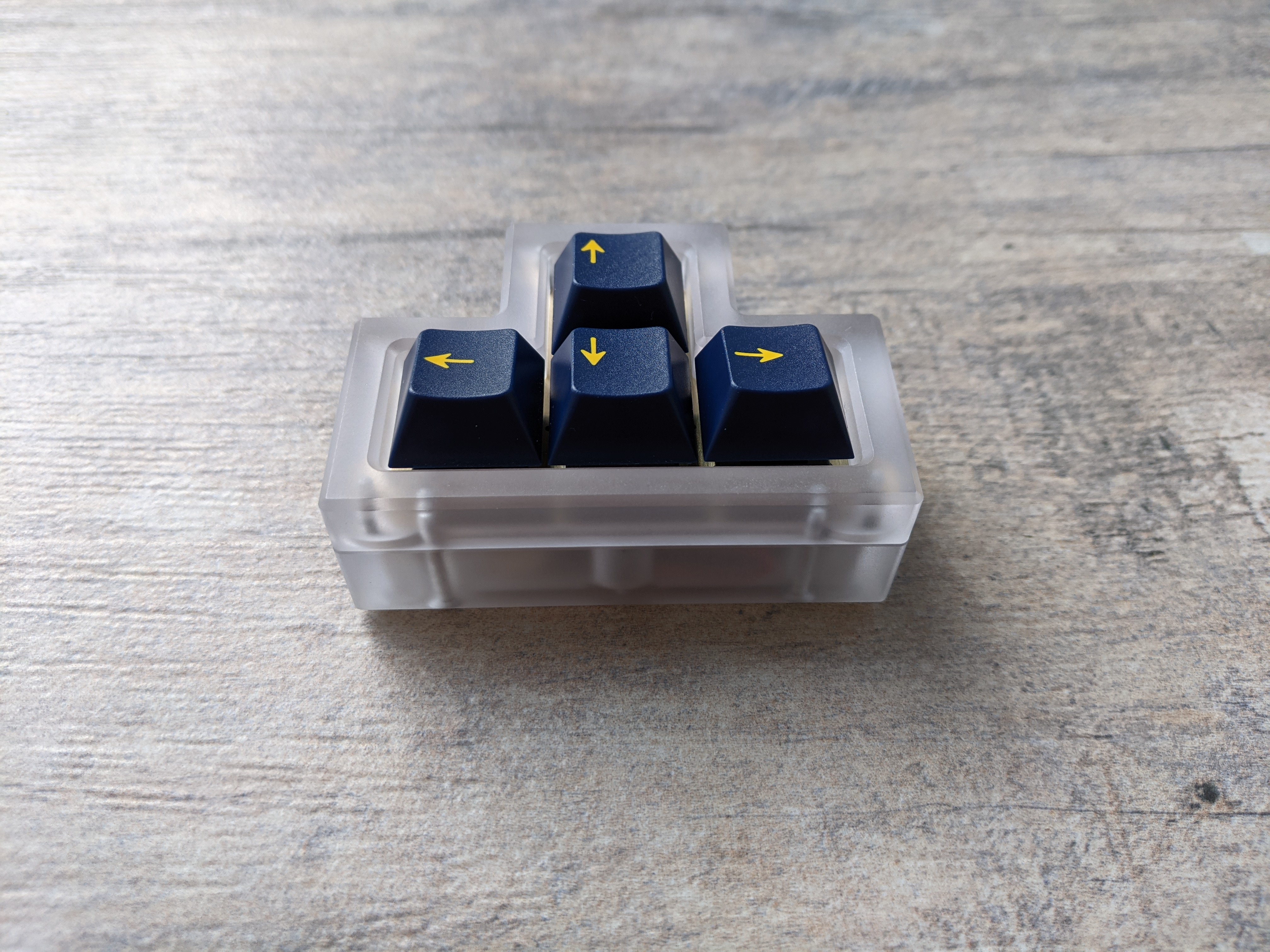
Paw macropad. It was really dirty when it arrived due to the fancy yet dirty packaging.
I cleaned and assembled it with black U4ts but having issues, along with many others, getting it to work wirelessly. I guess I have to compile a QMK grey area firmware instead of ZMK. It works connected to USB-C but I really got it for the wireless capability. I hope the firmware issues can be cleared up without too much effort.
Wow I never expected to see a Paw on Keebtalk! unfortunately wireless ZMK sucks on windows, and the QMK stack isn’t much better, definitely worth recompiling, but the stability leaves something to be desired.
I haven’t compiled a firmware before. I have the instructions and the special paw repo for it. I am sure I can eventually figure it out eventually. As someone who is a newbie about this any chance you could give me a ballpark idea of the pain I am in for? Lol Iike a night, day, weekend.
Maybe an hour or so. Mostly to setup the software and get yourself oriented. This is simply my experience using QMK. I’ve not even tried ZMK or VIA yet.
This is really awesome. I love the gasket-less sandwich style case, I imagine it feels very solid and consistent. Also, ortho gud. Thanks for showing us a board I didn’t know existed!
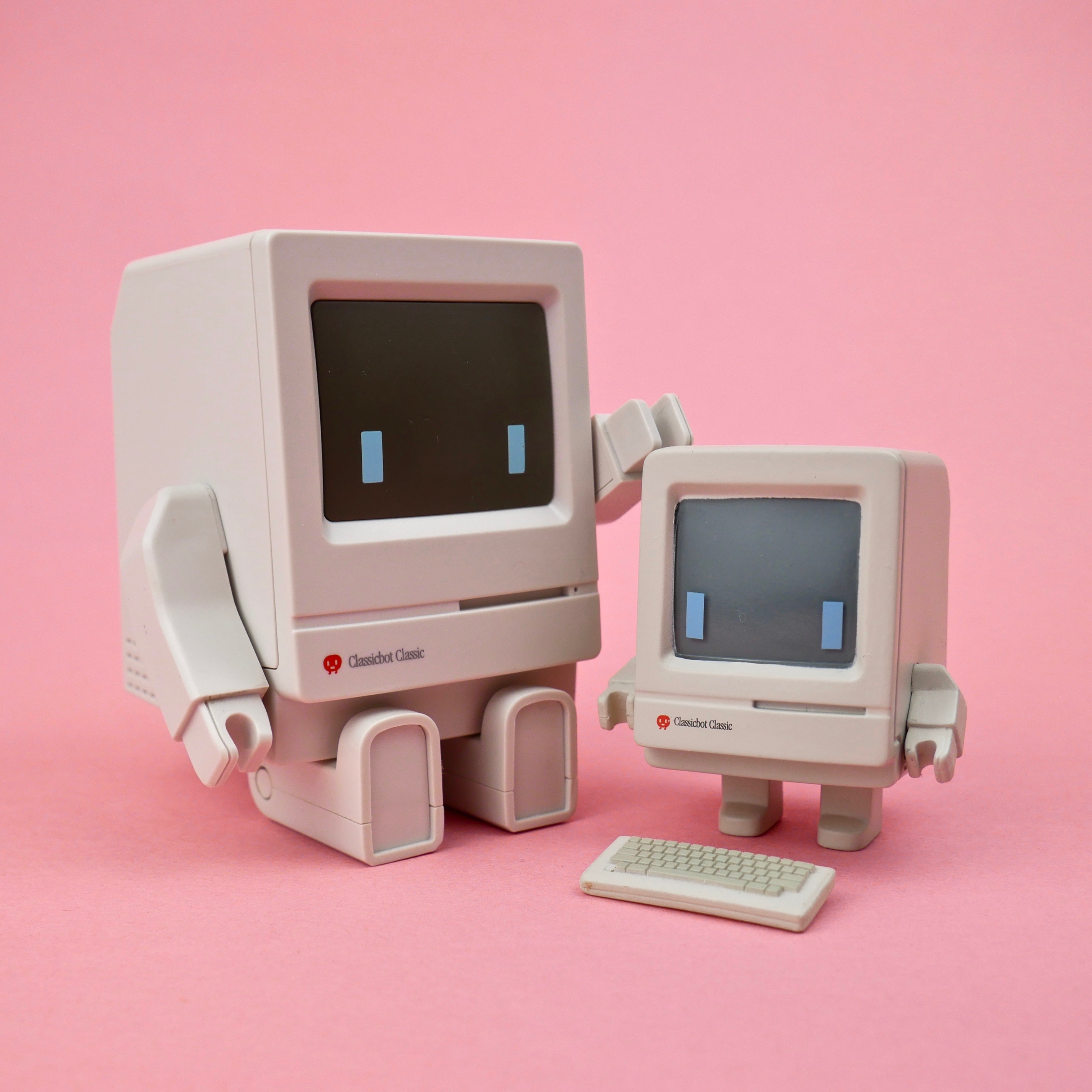
I got the Classicbot Mini vinyl toy from Classicbot Toy to go with my original Classicbot. The fact that he came with a tiny M0110 keyboard accessory was what sold me!
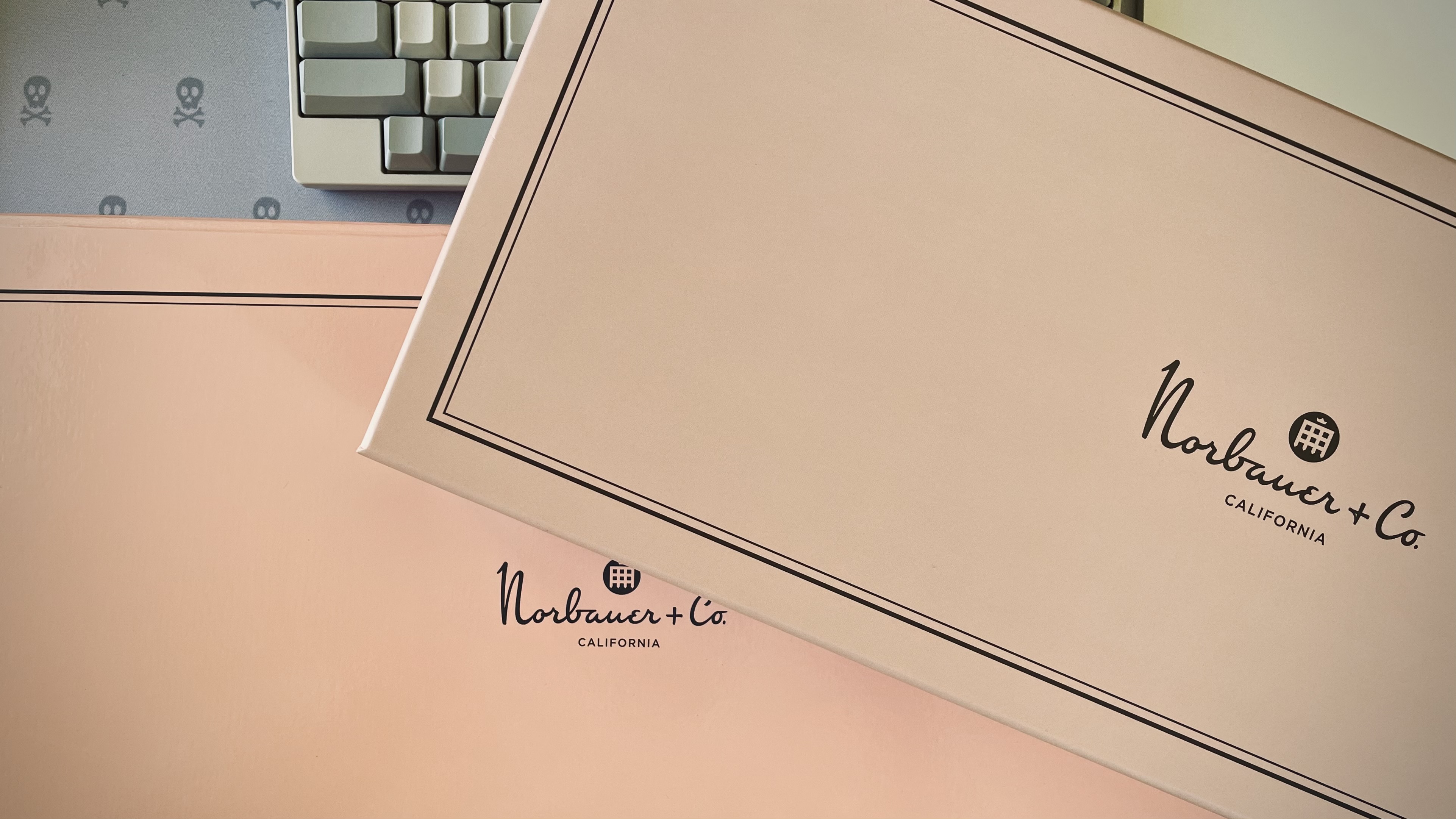
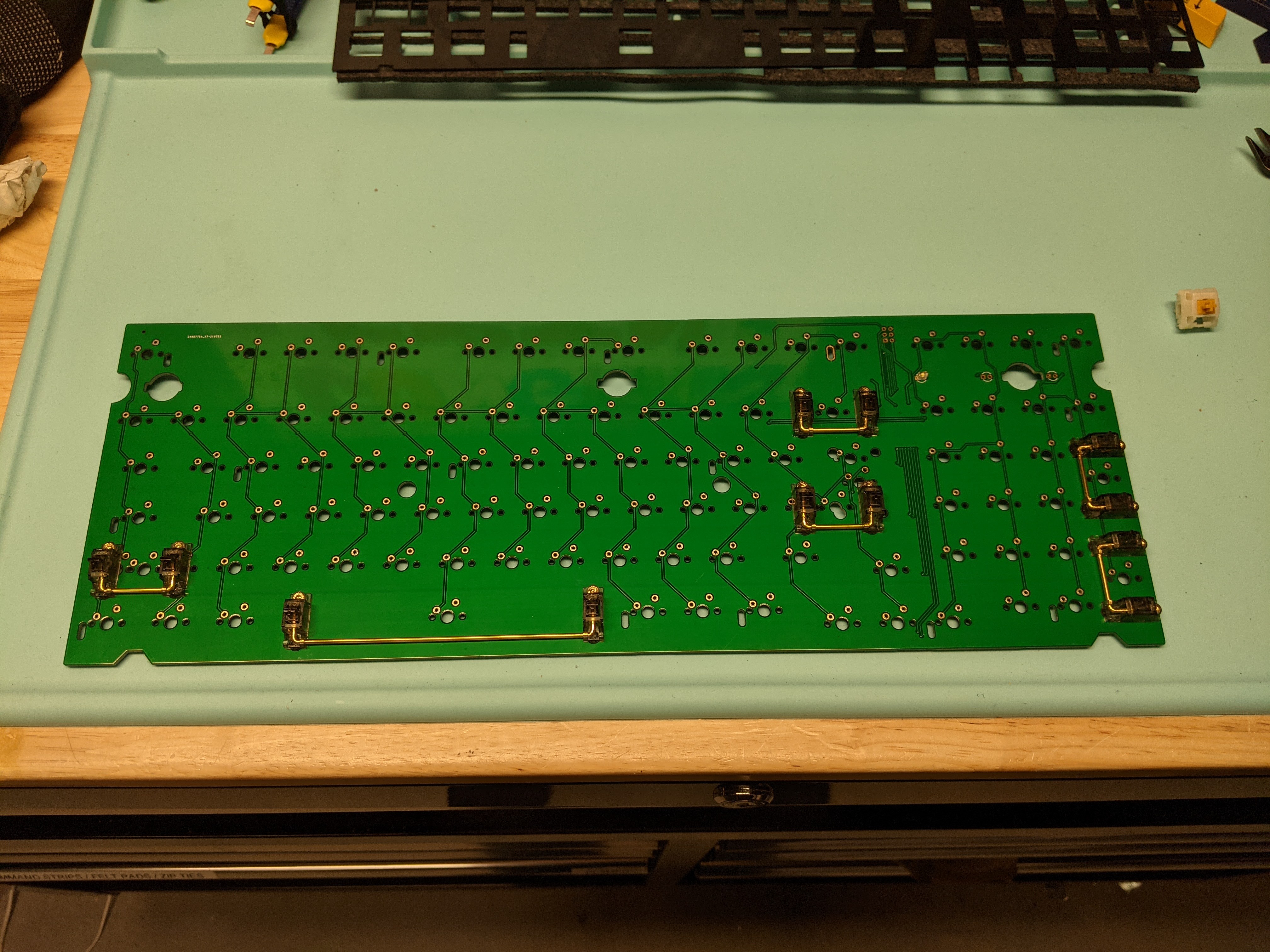
If you don’t mind me asking how did you get a photo of the mat that looks like the actual color?!?! I have one of those that every time I try to take a picture on it the colors get all wonky. It drives me crazy and away from using the mat.
Not at all, I suspect it’s probably the lighting I use at my bench. It’s all 90+ CRI LEDs which helps render color to be more natural to the human eye. I think it’s also around 5000K in terms of lighting color, which is closer to natural sunlight (full spectrum).
Other than that, I’m just using a standard Pixel 4a phone as the camera.