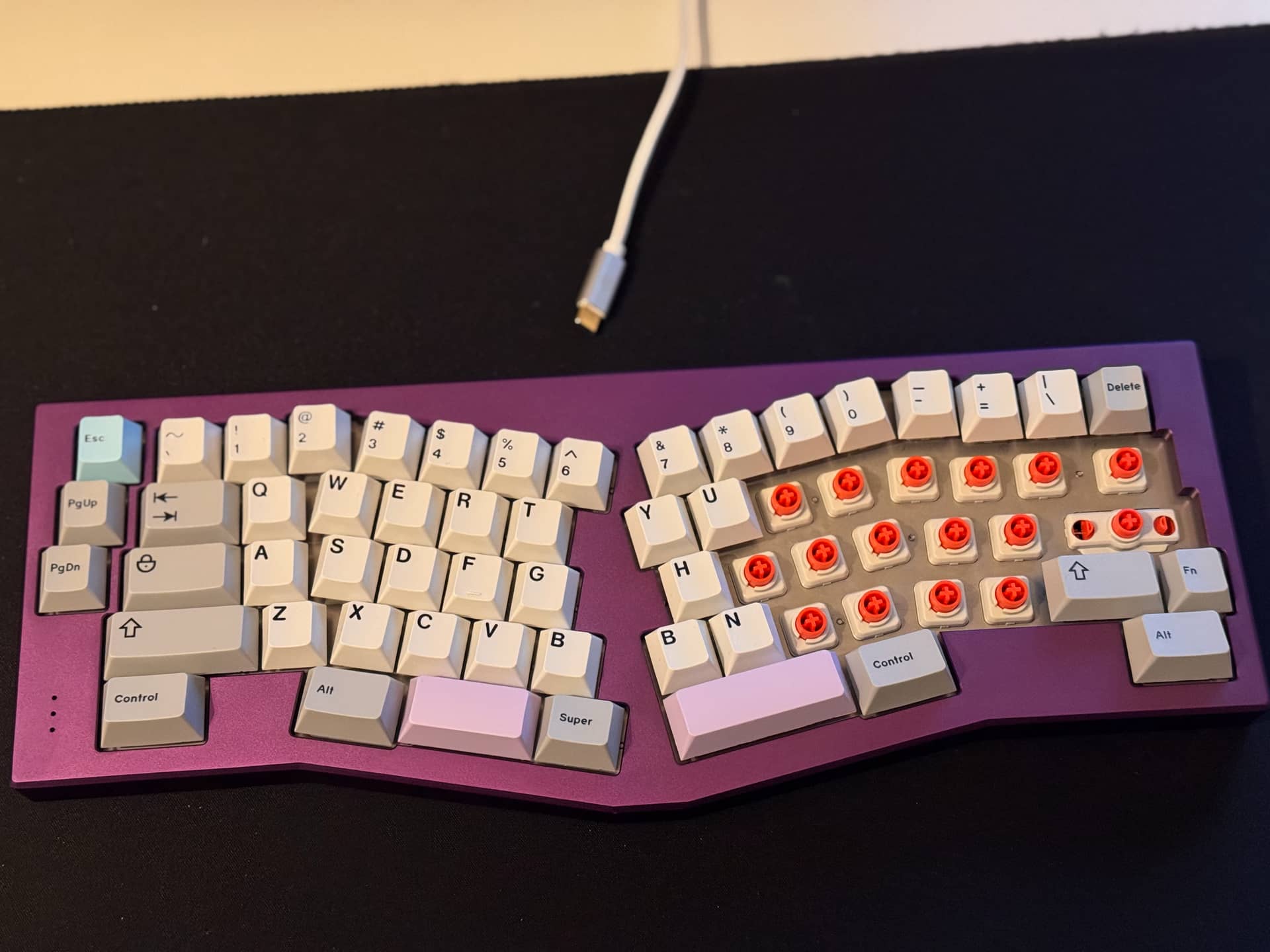
EC Nasu with GMK Muted and heavy domes thanks to Dynacap and Cipulot for the PCB. Had to dremel the PCB on some edges to fit into the case (RIP underglow and indicator lights).
11 Likes
wow that is one remarkable keyboard
1 Like

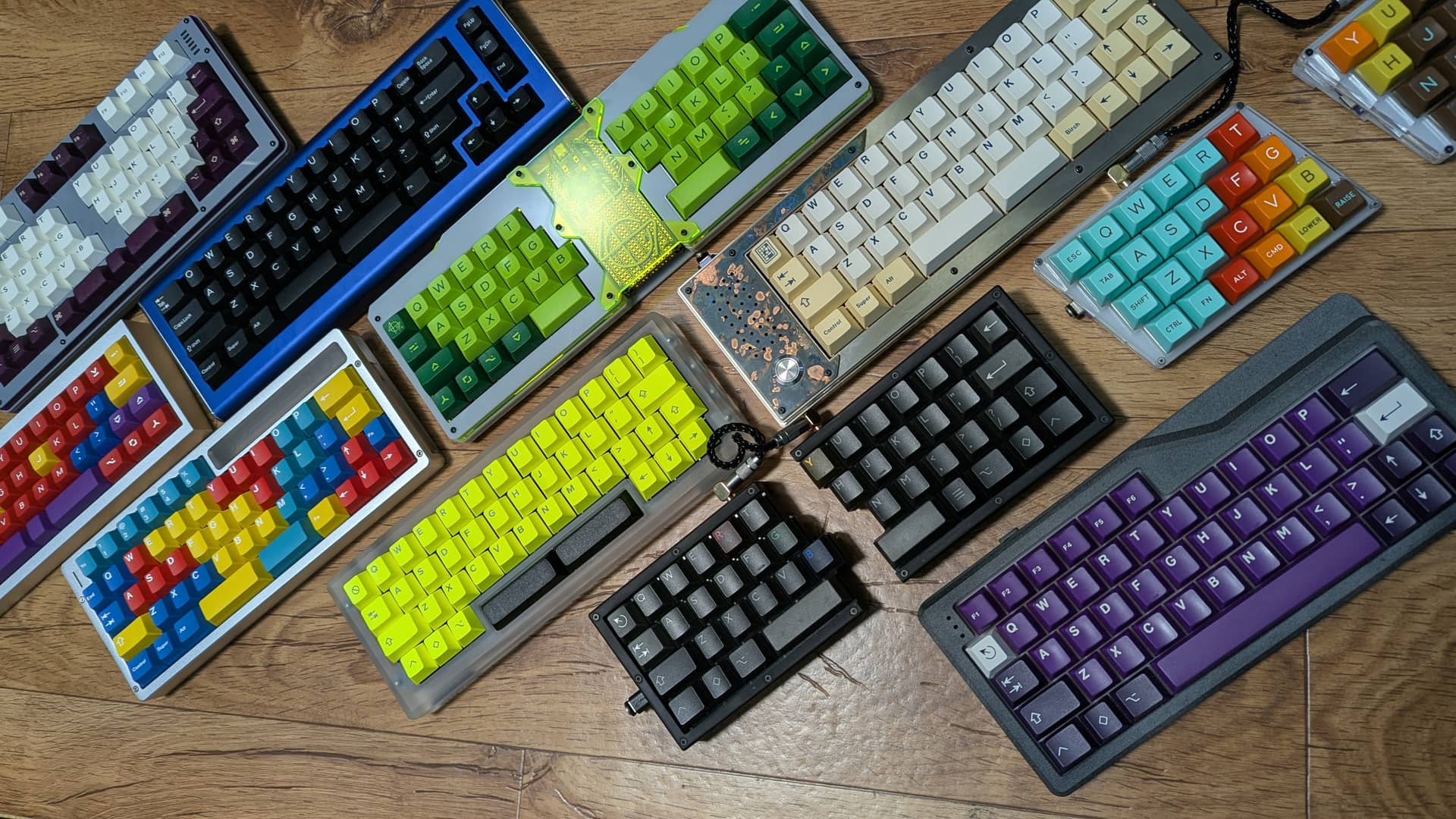
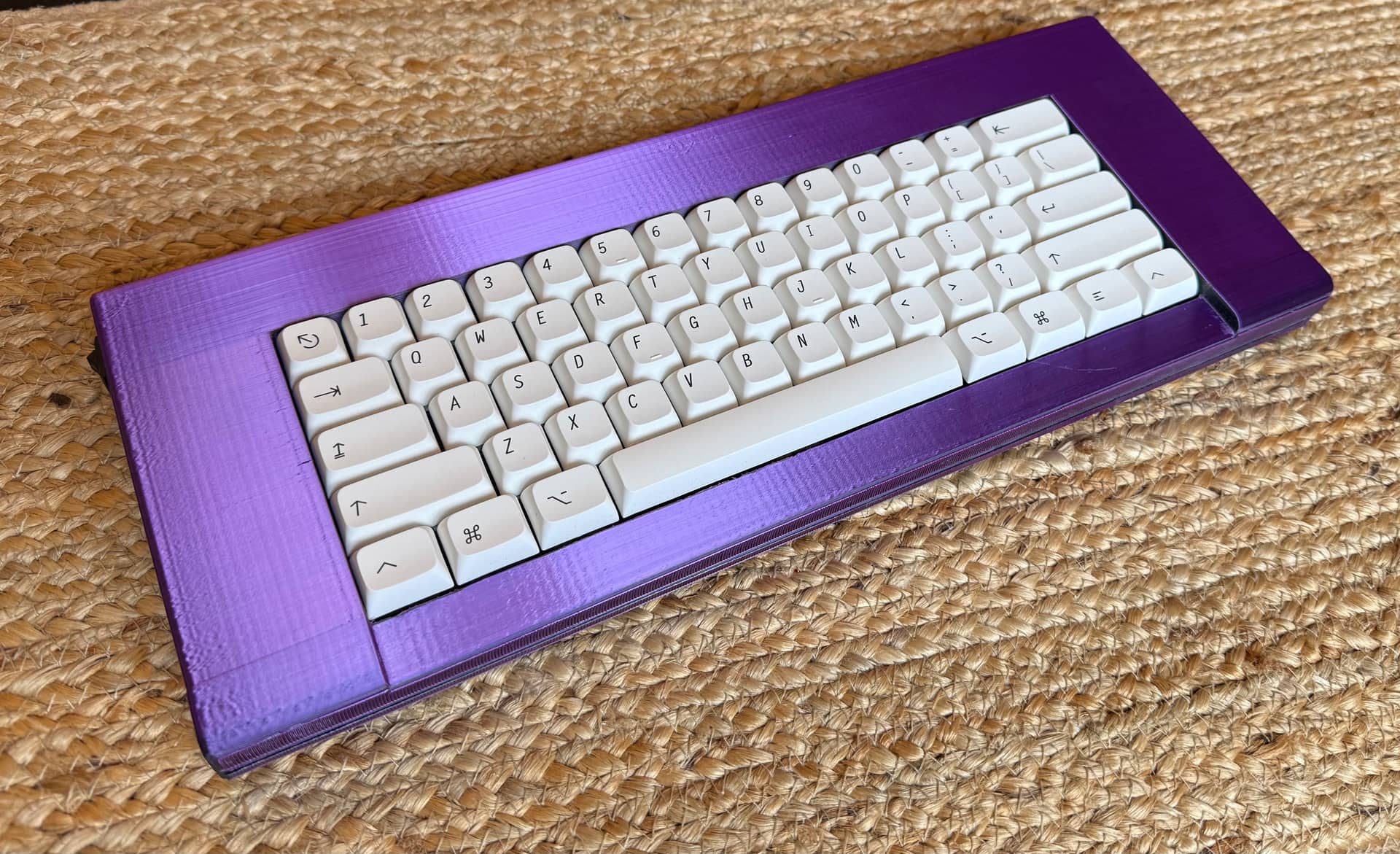
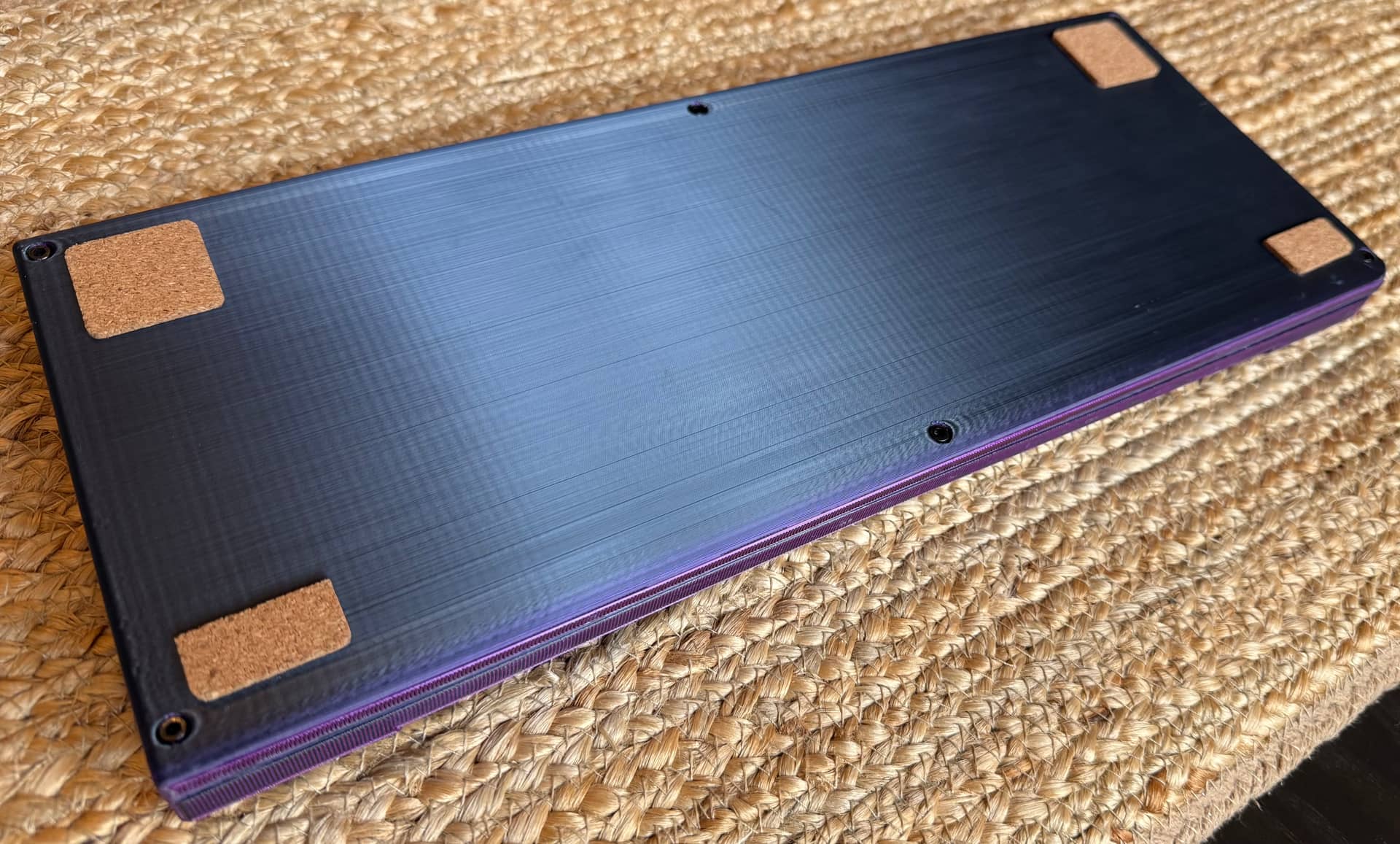
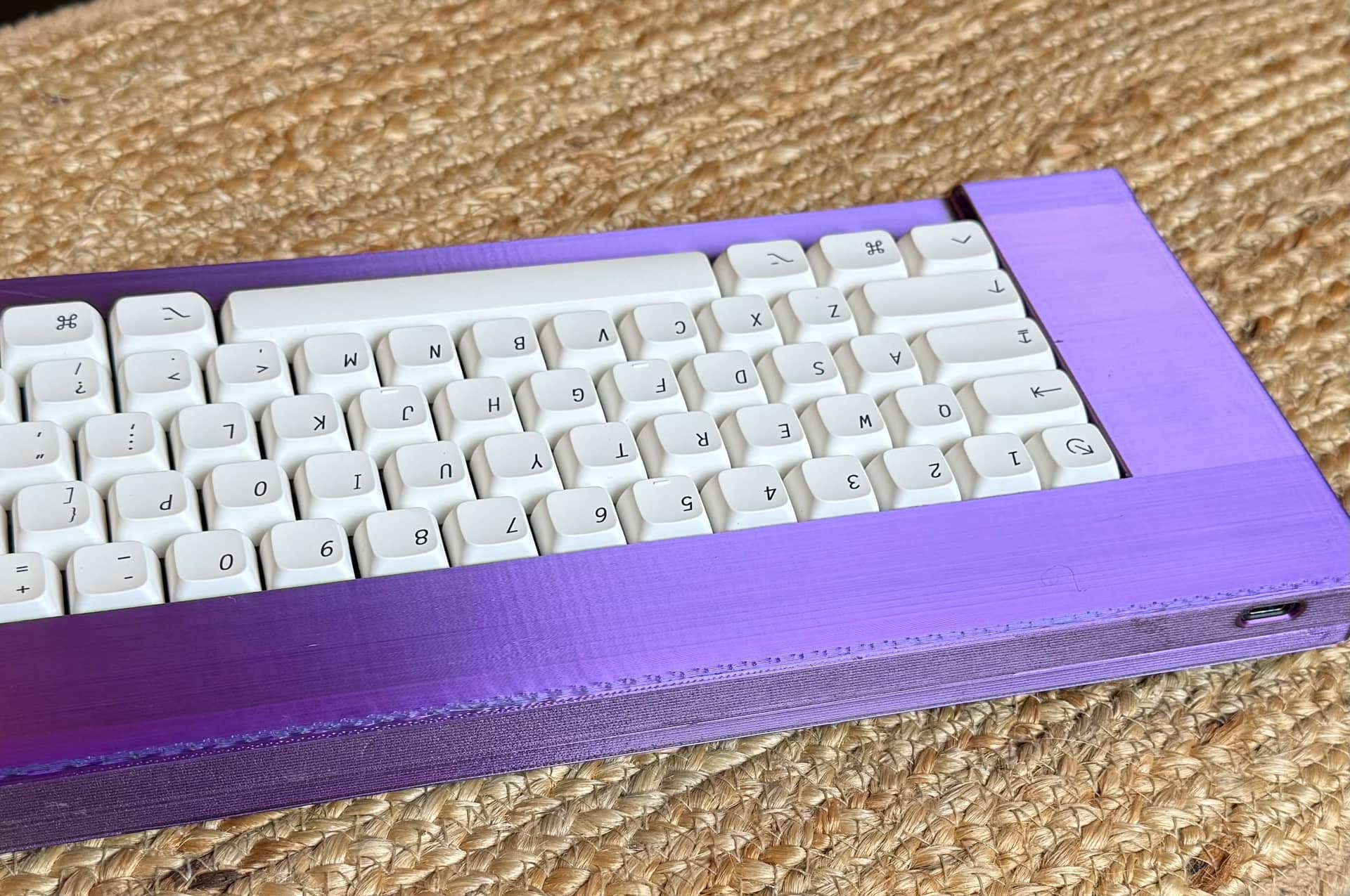
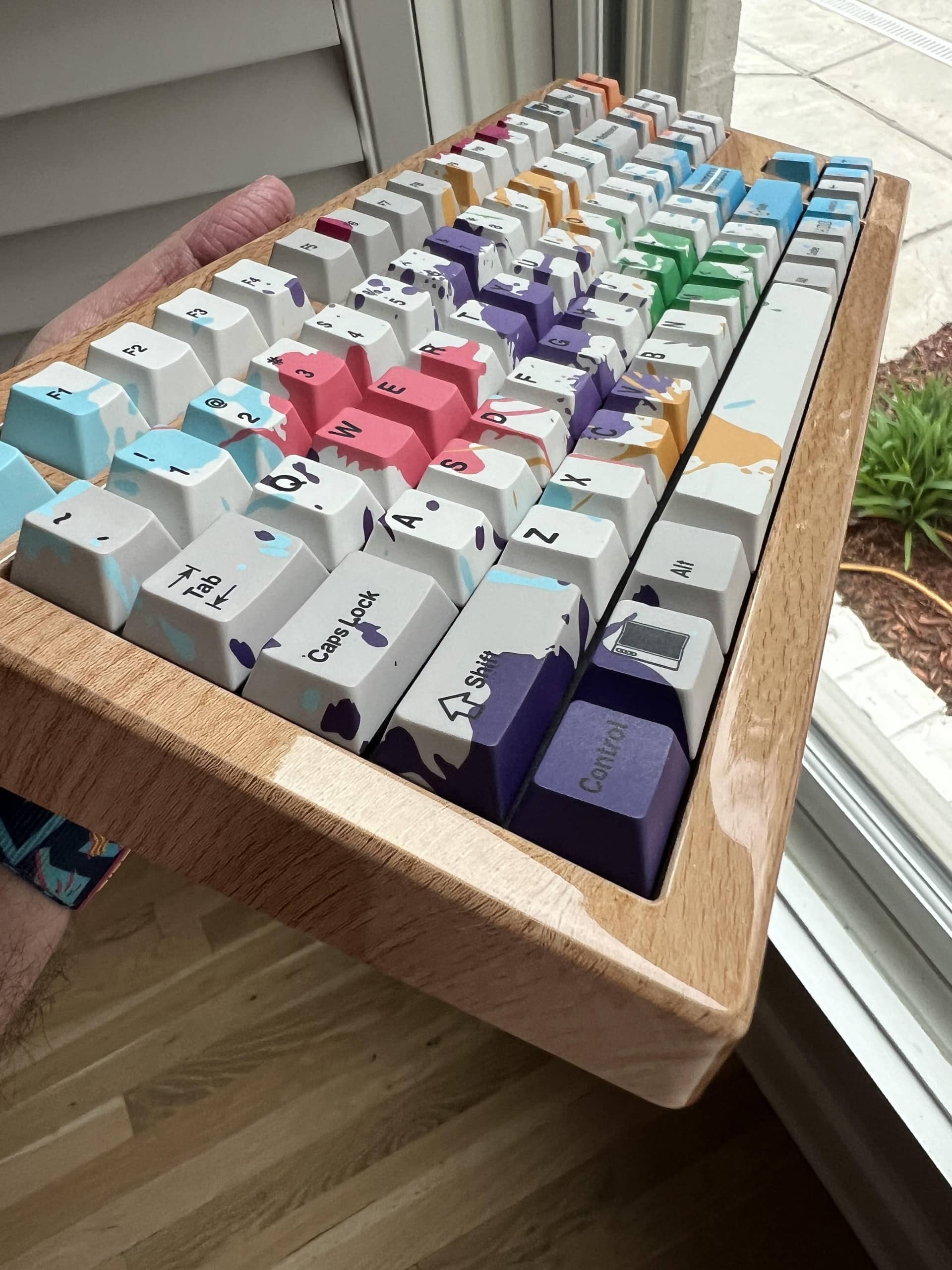
And it’s done, at least for now. I may add a pen-rail later, and maybe even reprint the case someday if the little (and the big) imperfections in this one rankle, but I wanted a shiny purple Mac Kishsaver homage, and by god that is what this is! Bottom out is fairly firm, even with the gasket-ish mount, and MX tactiles generally seem to put the event so early in the force curve that I think I’m bottoming out harder than I do on my usual linear blacks or heavy clickies. This one would be quite the project to rebuild, and as one of my “specific purpose” builds I’m less worried about making it a daily driver, but it is interesting to learn what works and doesn’t for my own fingers. I might also try backing the case screws out just a bit, since that seems to help in some commercial boards.
This is probably the first time I’ve ever modified a print to add layer lines back. The front edges of the two cases didn’t align perfectly, and my efforts to mitigate that worked structurally, but not visually. I did a two-layer print based on the front face of each half and super-glued them on, more or less restoring the original texture, since the original prints were vertical.
ZMK firmware seems to be working very well, although MacOS doesn’t seem to like the Hold-tap I put on the CapsLock key. The actual layer shift functionality works fine though, so I just added a mapping in ZMK studio to give myself a backup. It was really serendipitous that some very user-friendly tools for ZMK started popping up just when I was diving into it. Pretty cool!
10 Likes
Wow!
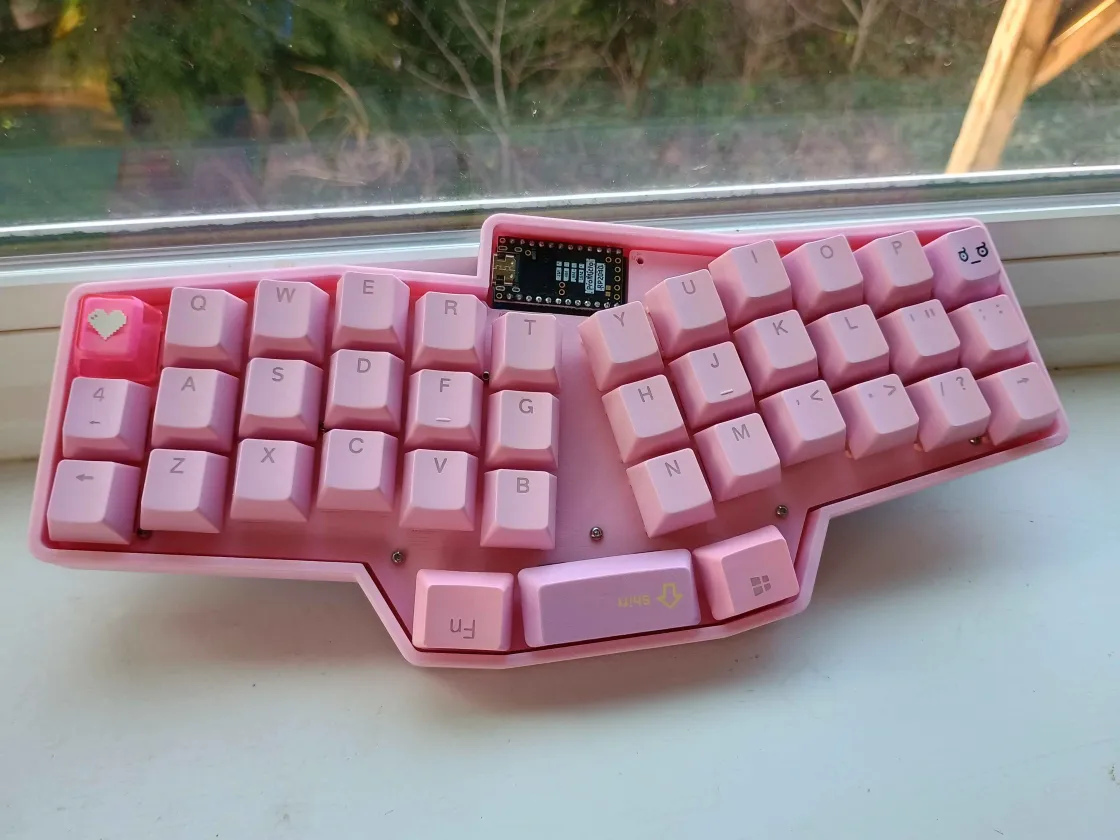
What is the stacked case Minivan with the button and speaker in the left side?
1 Like
Oh I got you. That’s his Blatherskite!
I always remember that’s one. It’s a looker.
3 Likes
Yeah pixelpusher is right. You’re not the first person to think it’s a speaker, maybe I should add one!
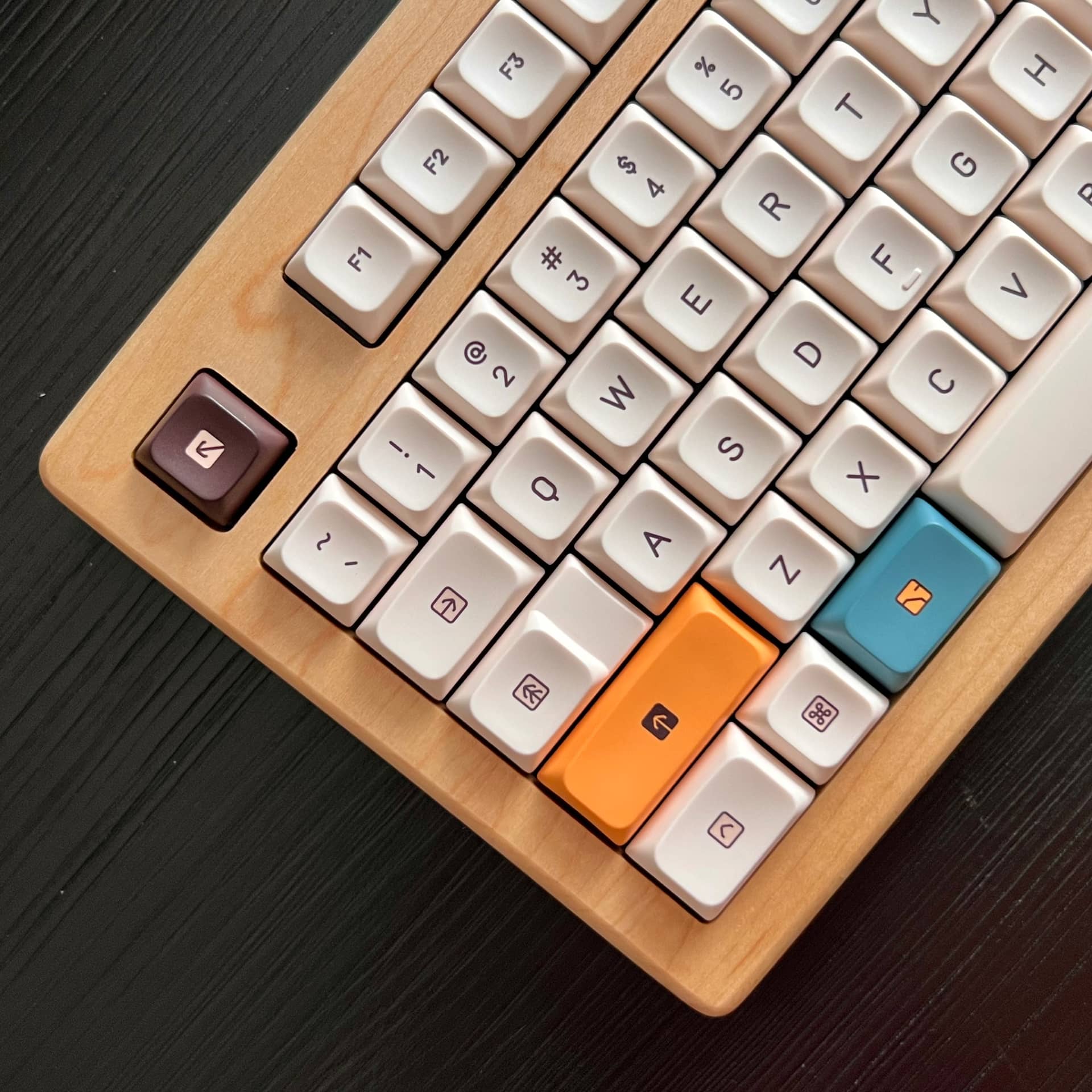
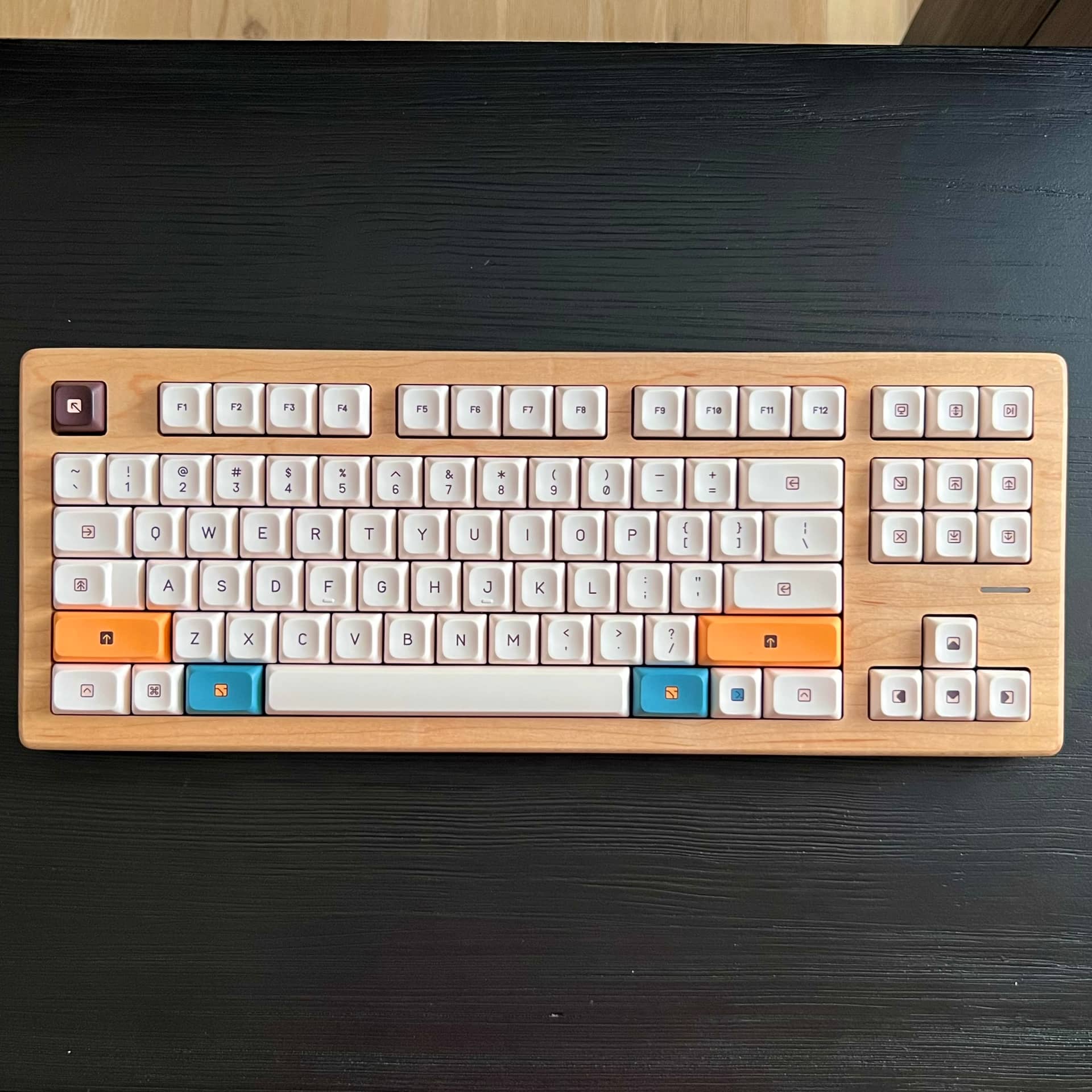
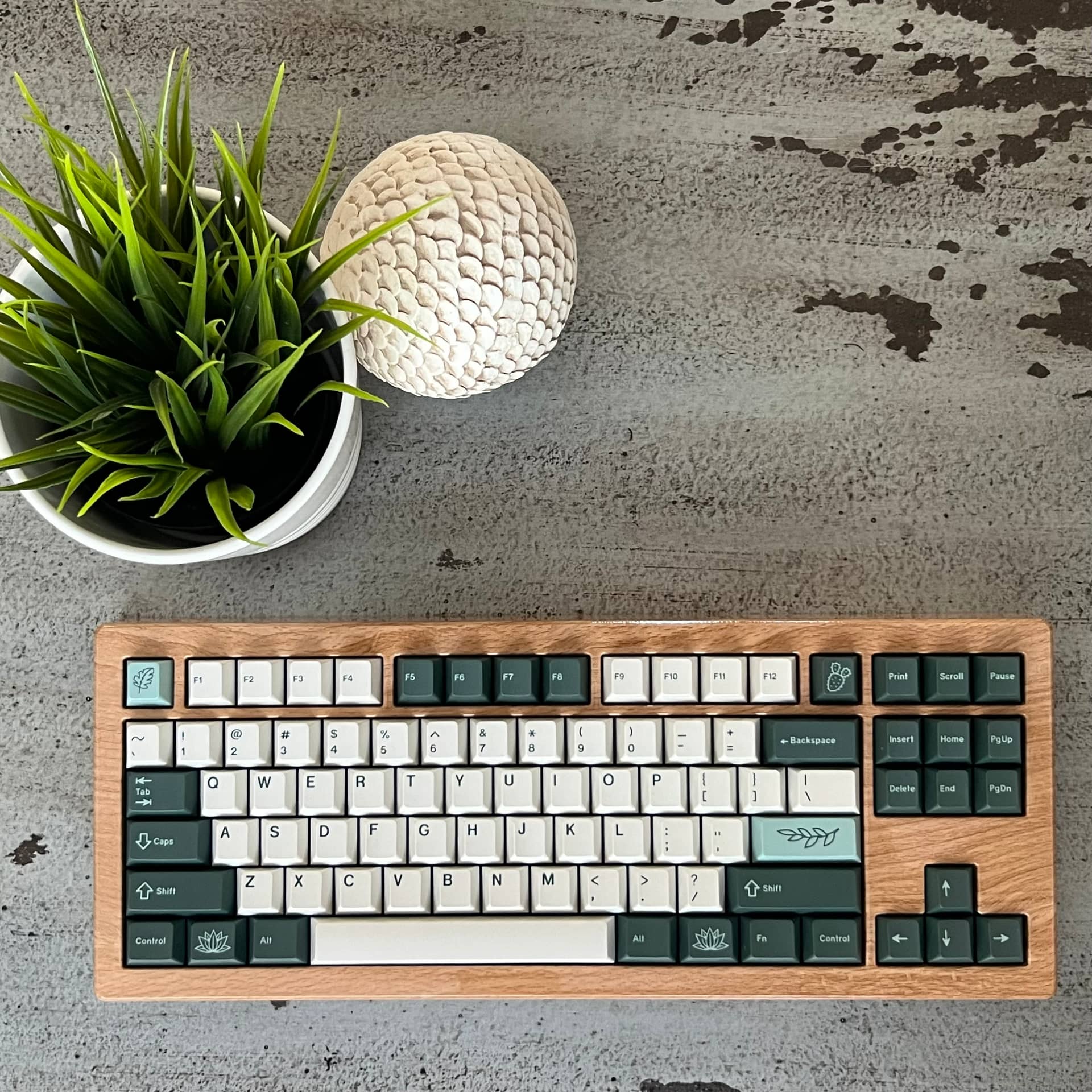
Posting one of my recent arrivals, PBS Modern Abacus. Pairs well with my Tree80 for more than one reason!
The warm tones go well with the natural maple. But also, it solved a problem. Because it’s so dry in my house (5-10% humidity) the wooden top shrinks enough that cherry profile caps start to rub on the cutouts, which have very minimal clearance to start.
These PBS caps work perfectly!
16 Likes
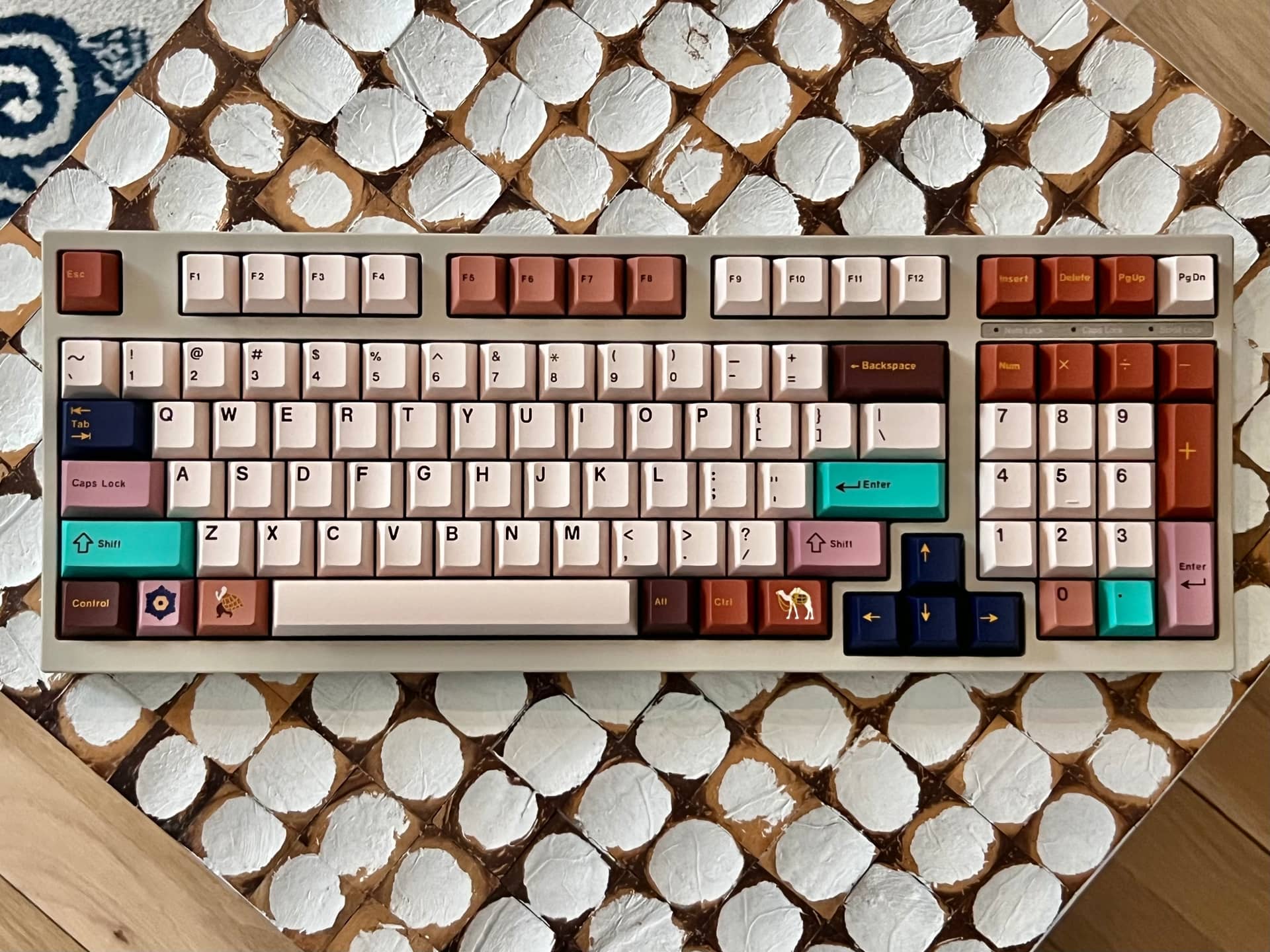
Have to wait for a day that’s not so cloudy to get better photos, but here is KKB Boundless Jataka on my rebuilt FC980m

12 Likes
That looks way more cohesive than it has any right to. This came out very well!
2 Likes
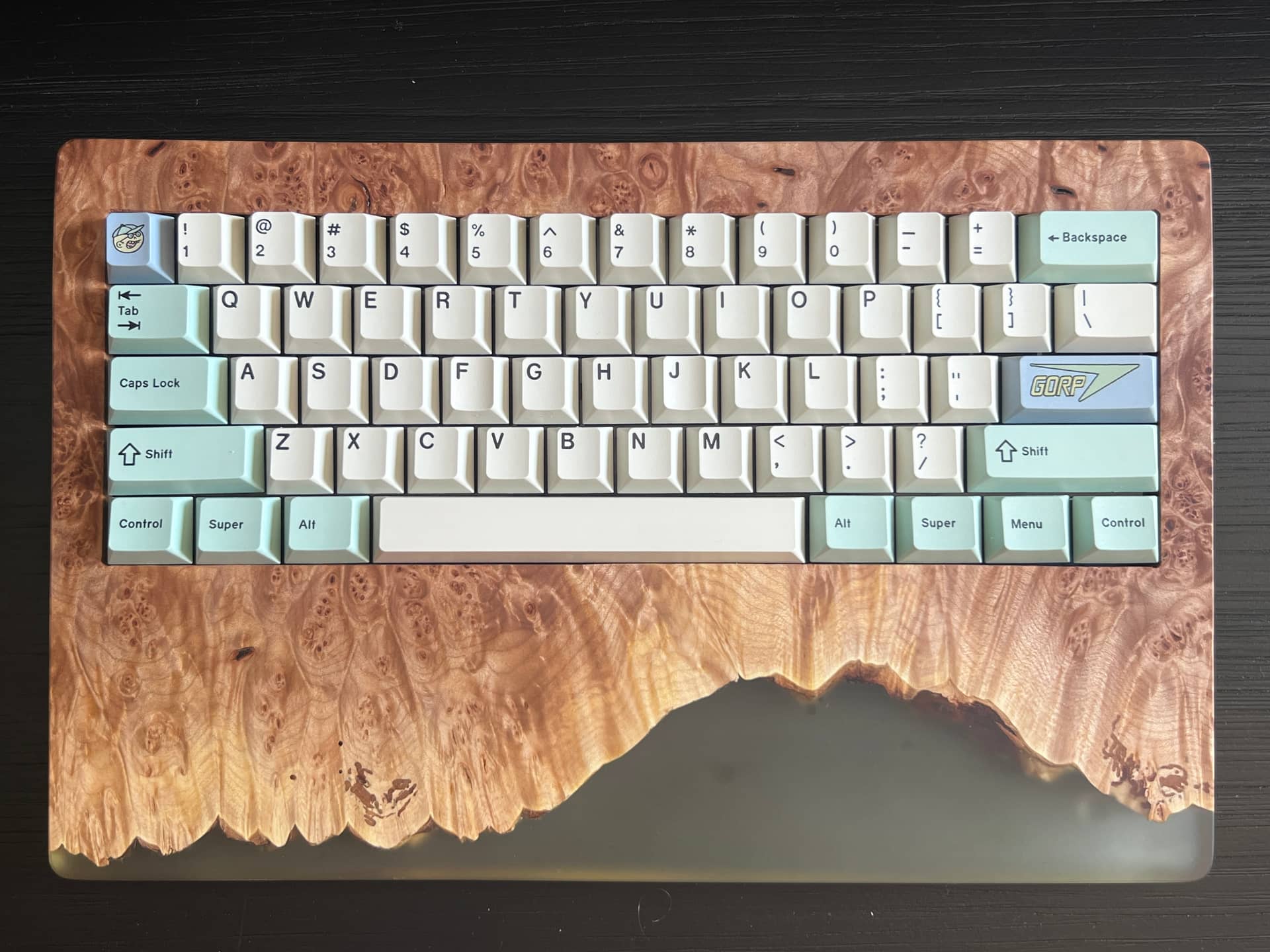
I’ve been needing to work on the stabilizers for this one a while so I got that done and donned it with a fresh new set of keycaps. GORP is one of my favorite sets of all time. I have the yellow alphas as well. They look pretty good on this board but I’ll stick with these base cream alphas for a bit
10 Likes
Messing around with my CSTM80.
Replaced the default weight with the heat treated steel option. It’s nice 
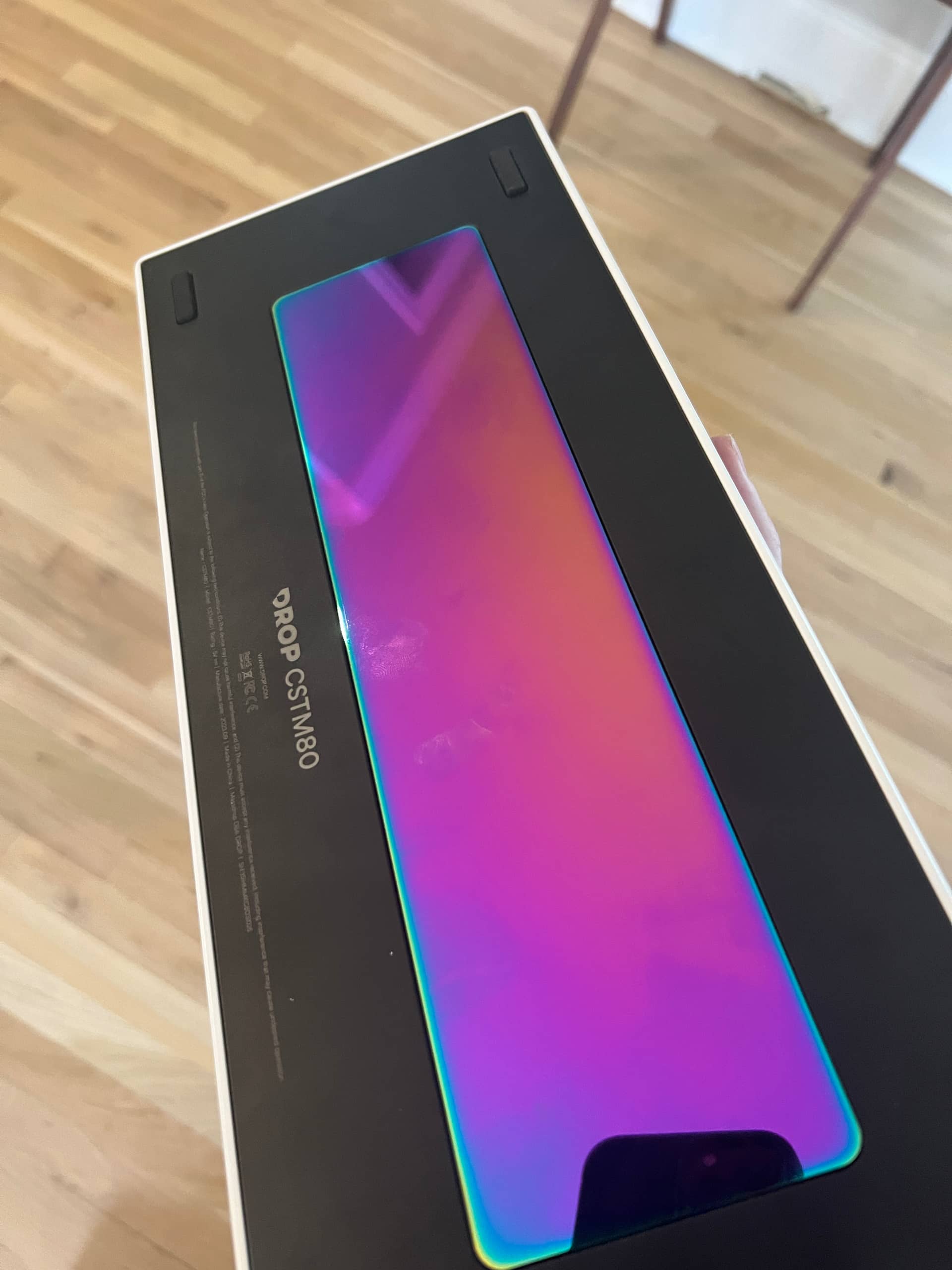
I picked up this top. Not exactly my style but I appreciate the fun aesthetic. I didn’t like the “over the top” look of the keycaps that match it on Drop so I decided to pair it with something else.
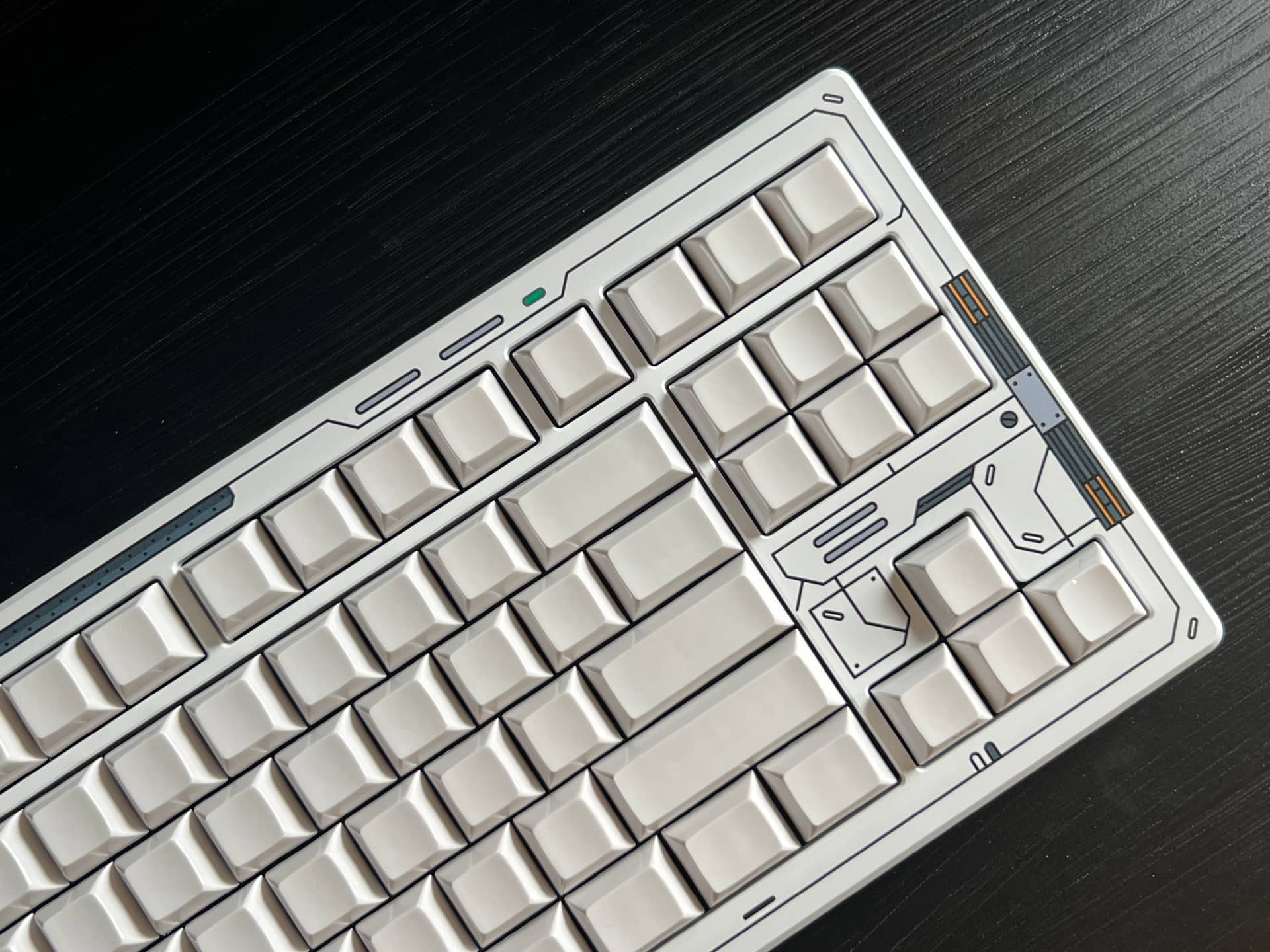
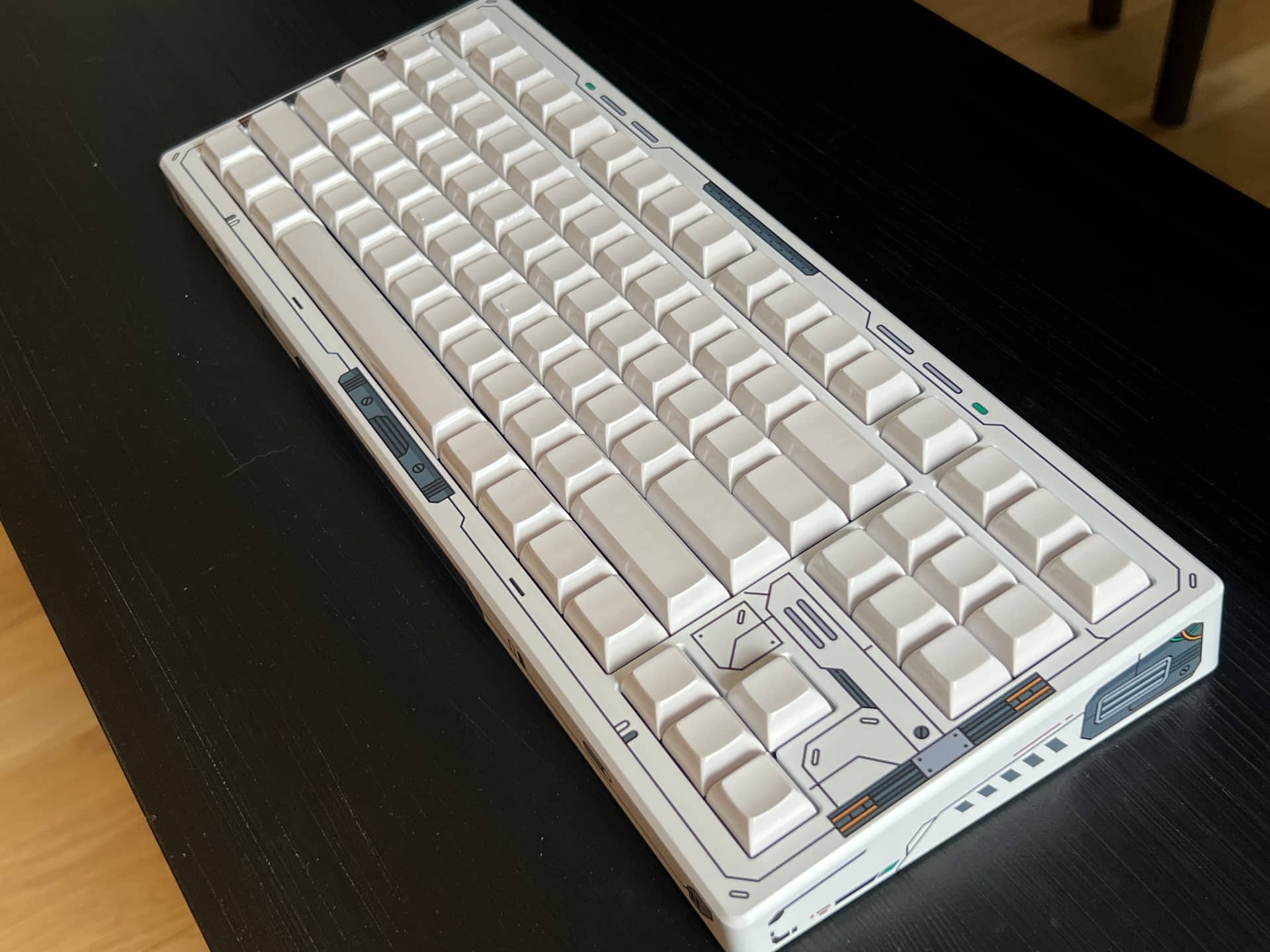
KAM glossy white blanks here. I like it but I wanted to try more looks with contrast.
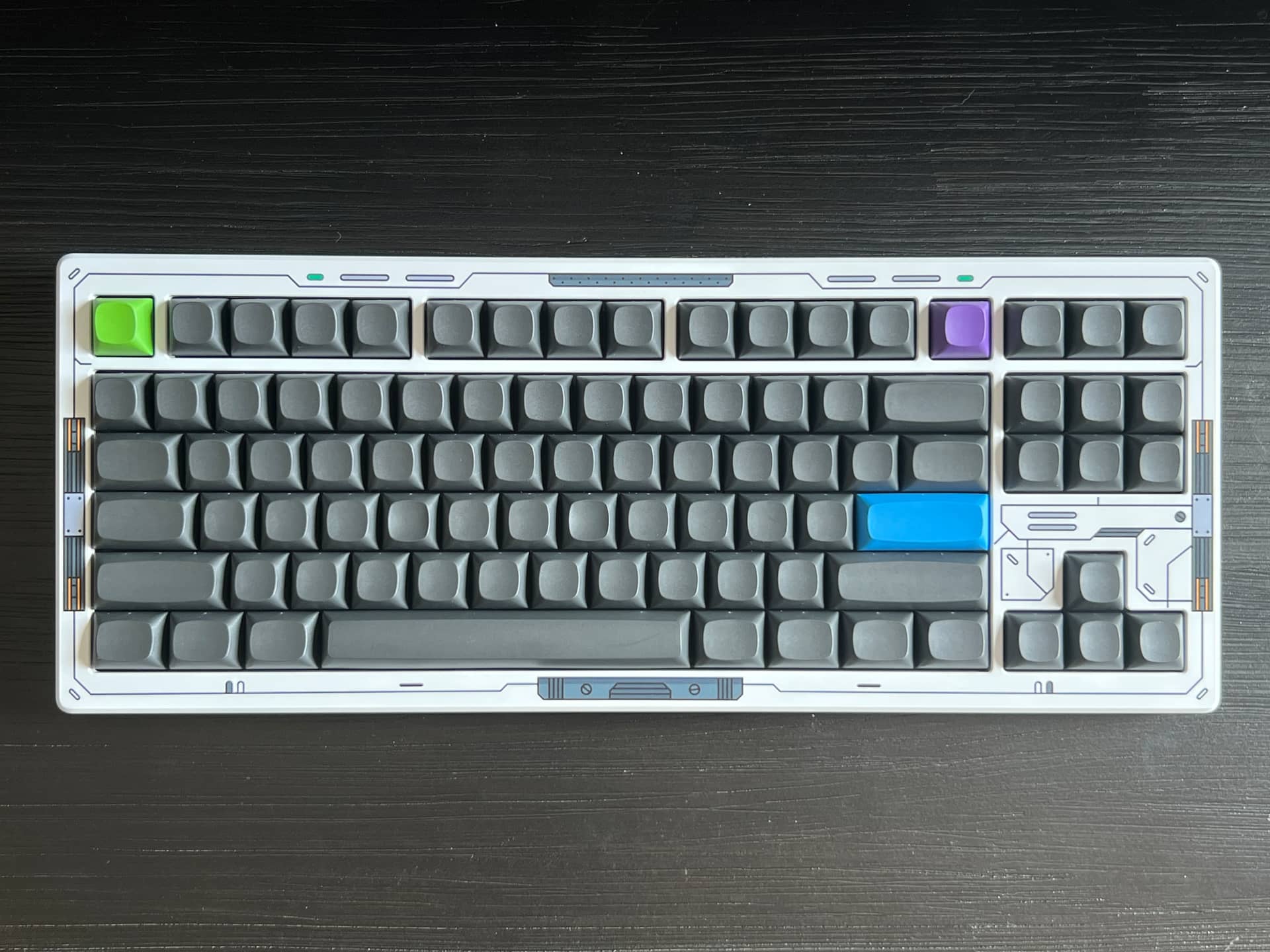
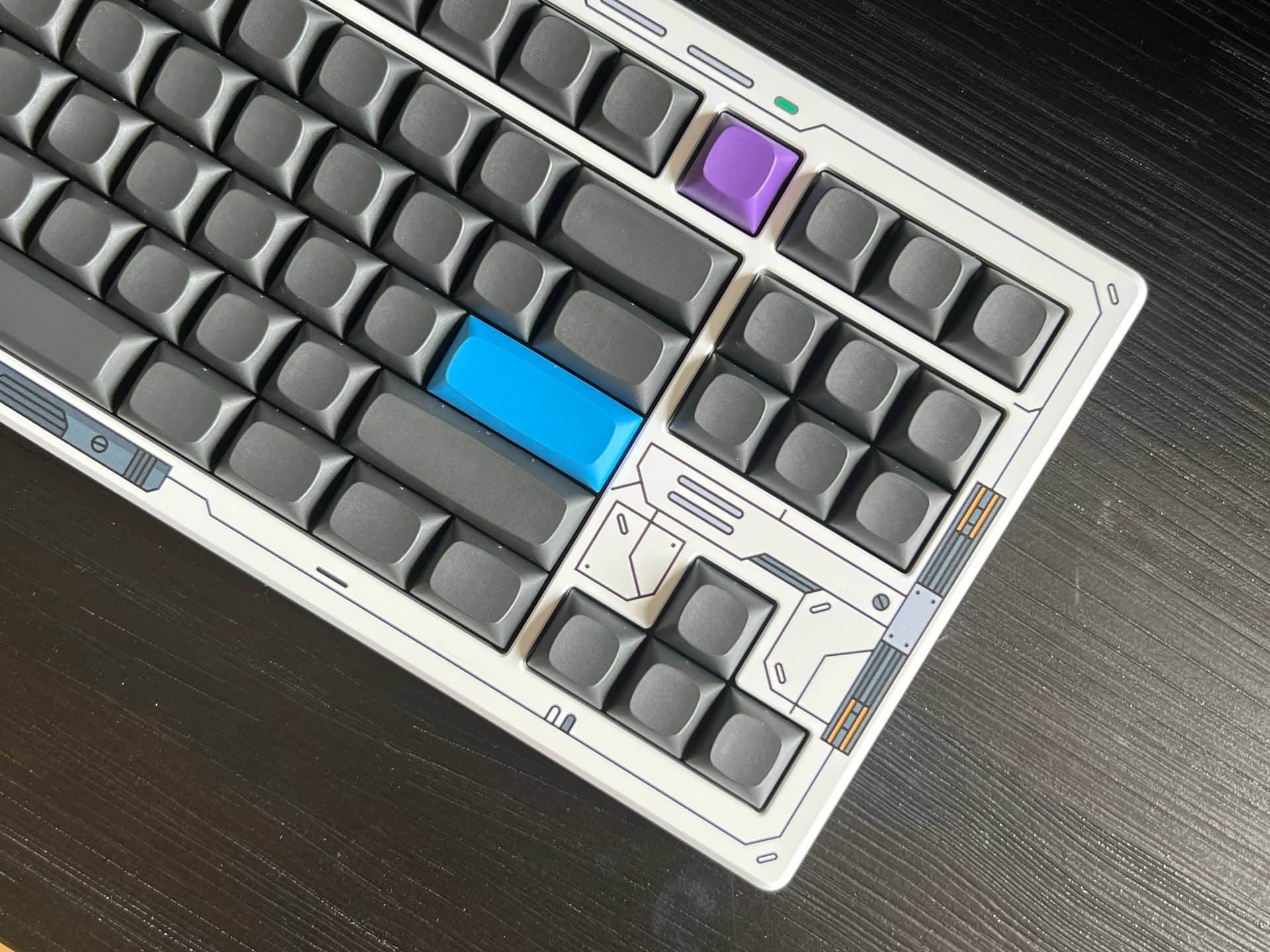
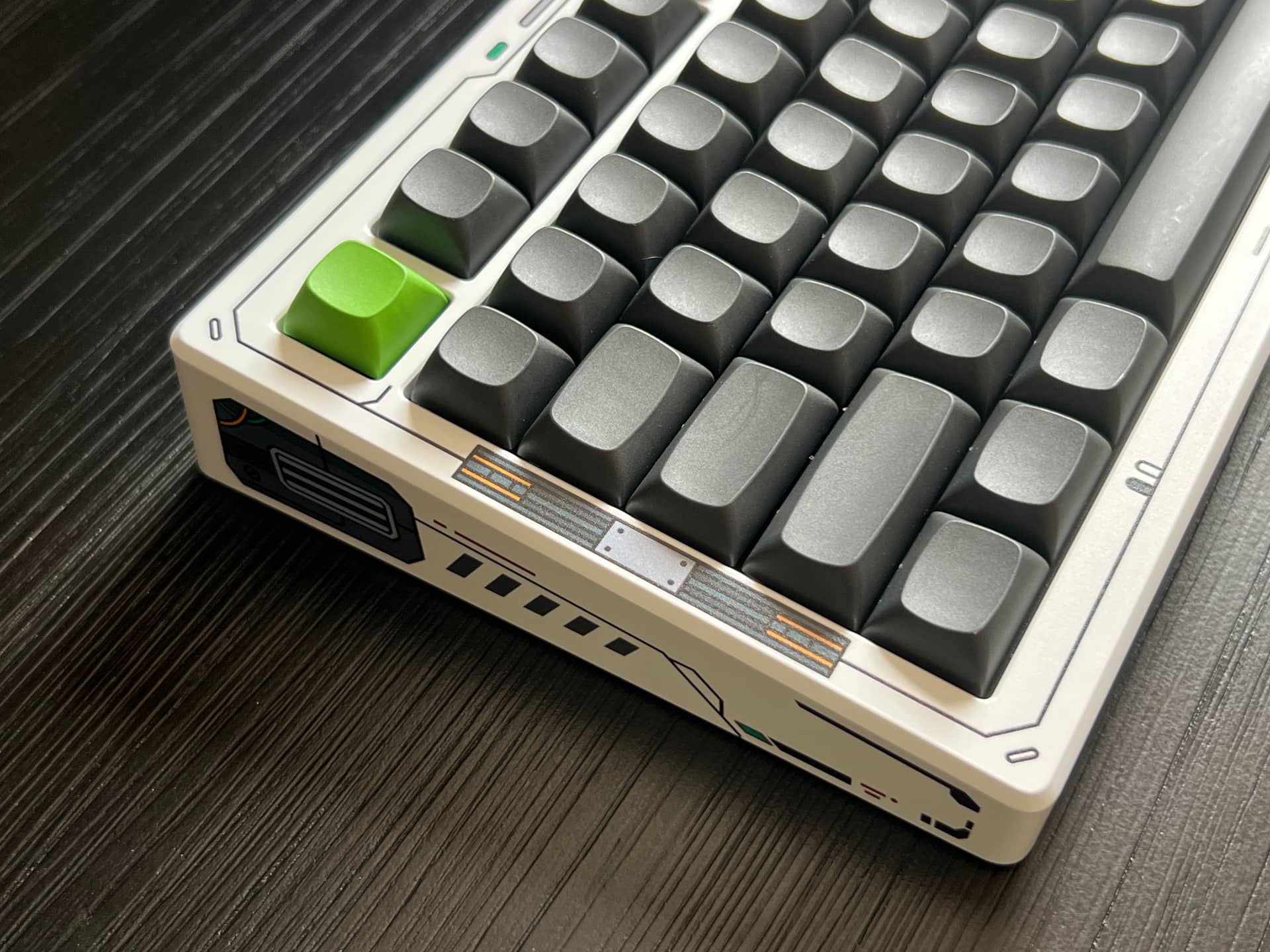
MTNU Graphite looks great
But I did want to try Simbiote just because they are so close thematically.
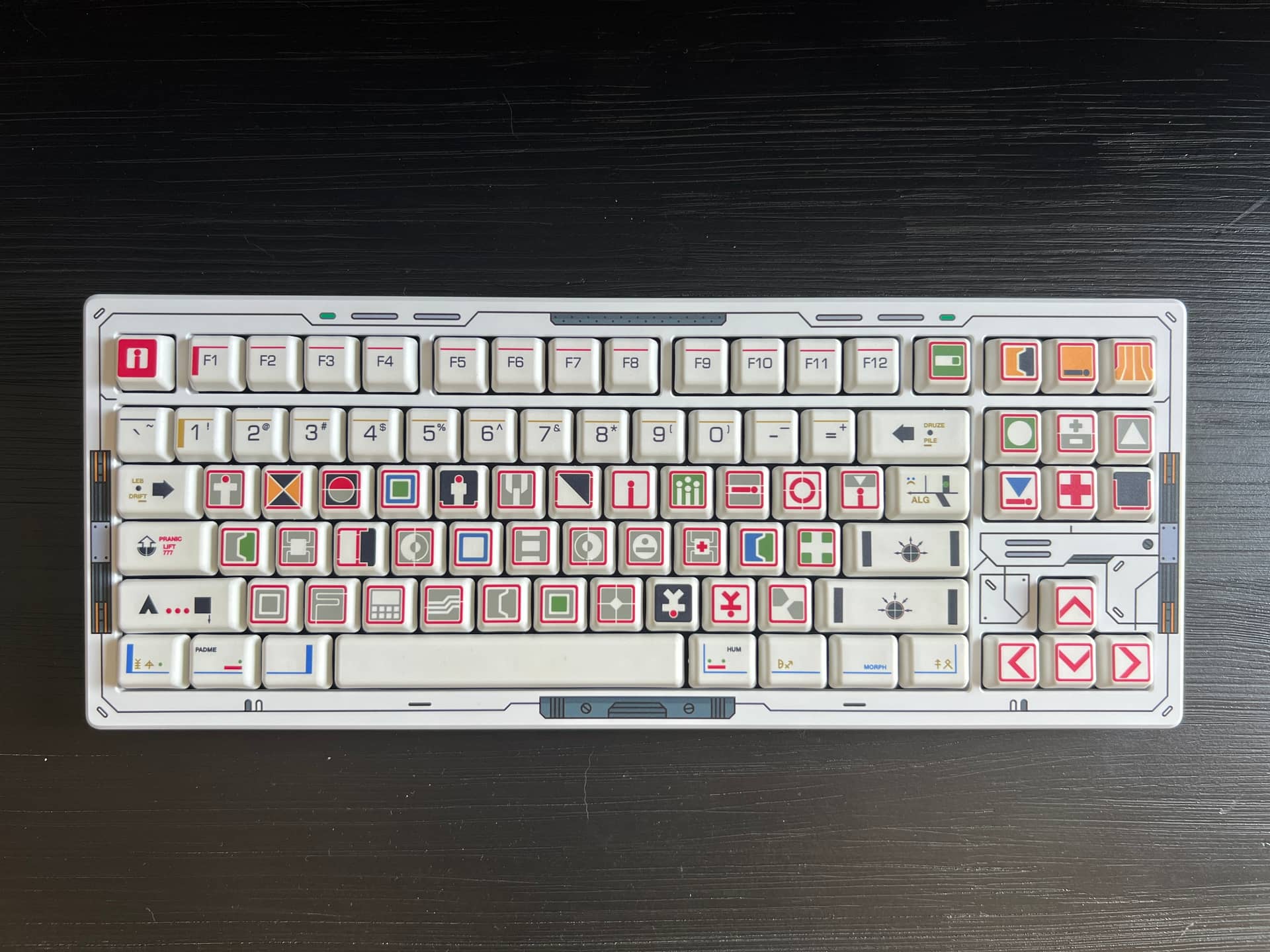
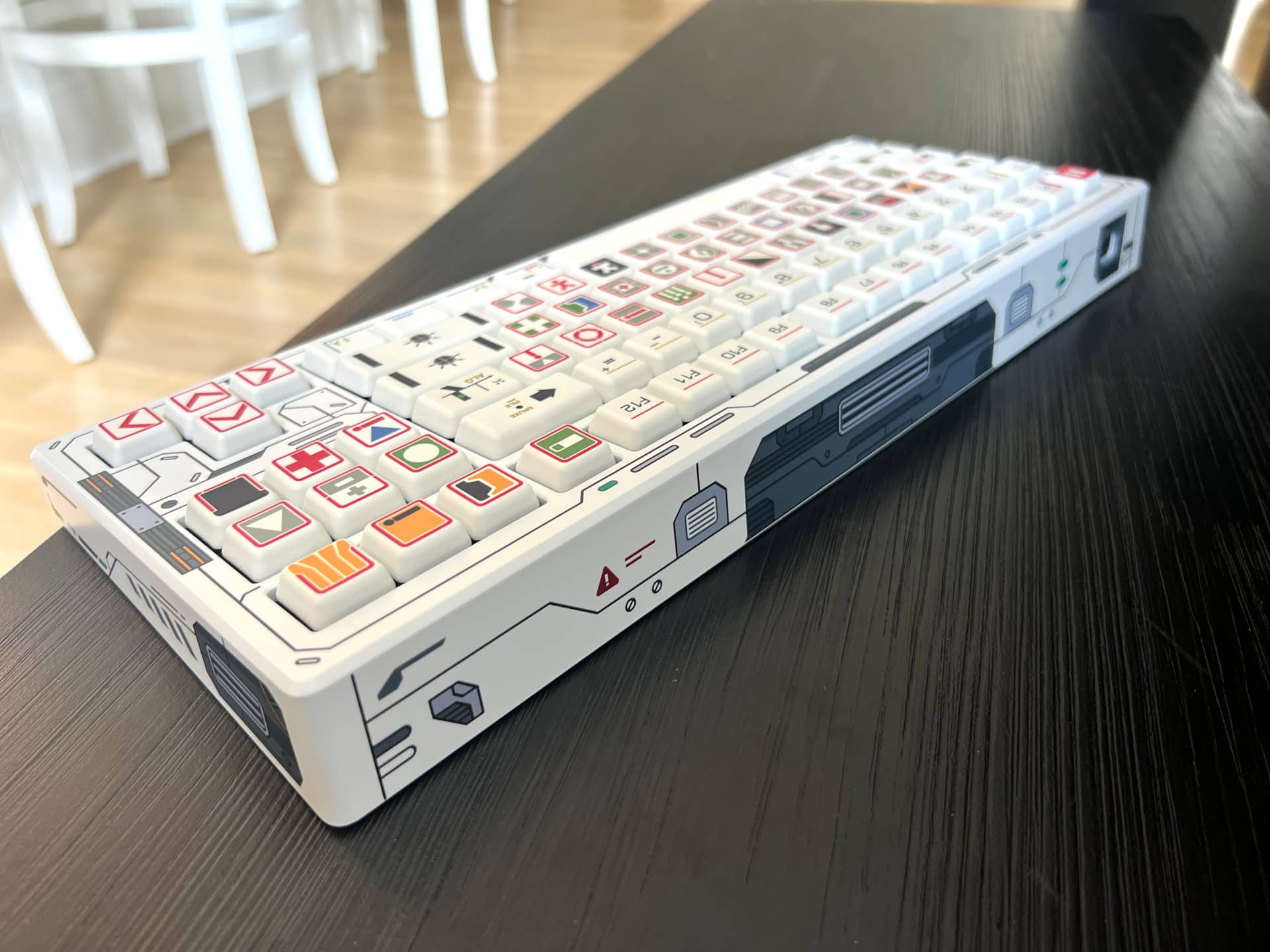
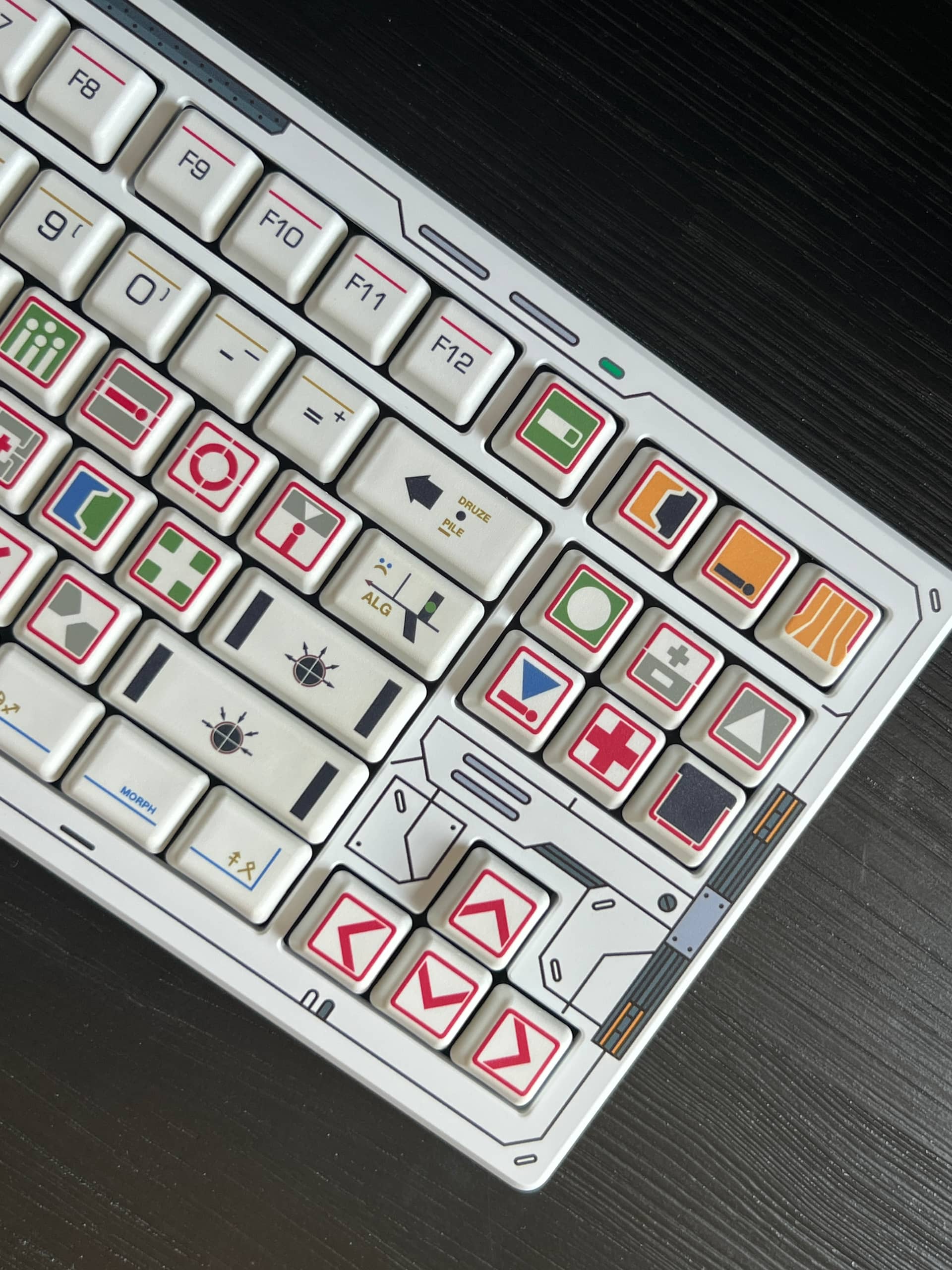
Yeah, it works but it’s really just too much for me.
But man, this has roller v2 linears in it, and G20 on these switches is remarkable. The good thing is that I can keep the keycaps on and just swap the top to something more simple like the silver aluminum option
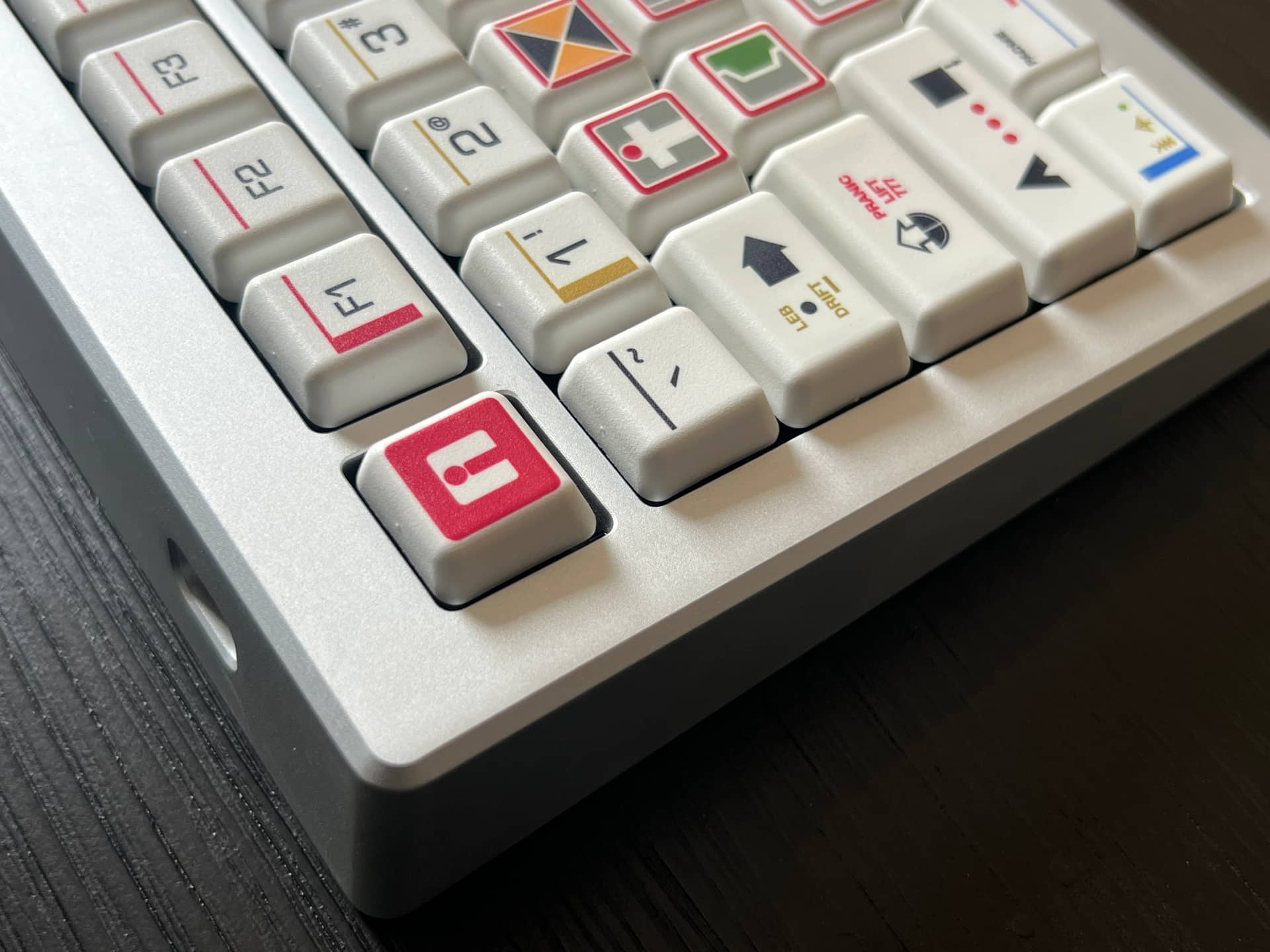
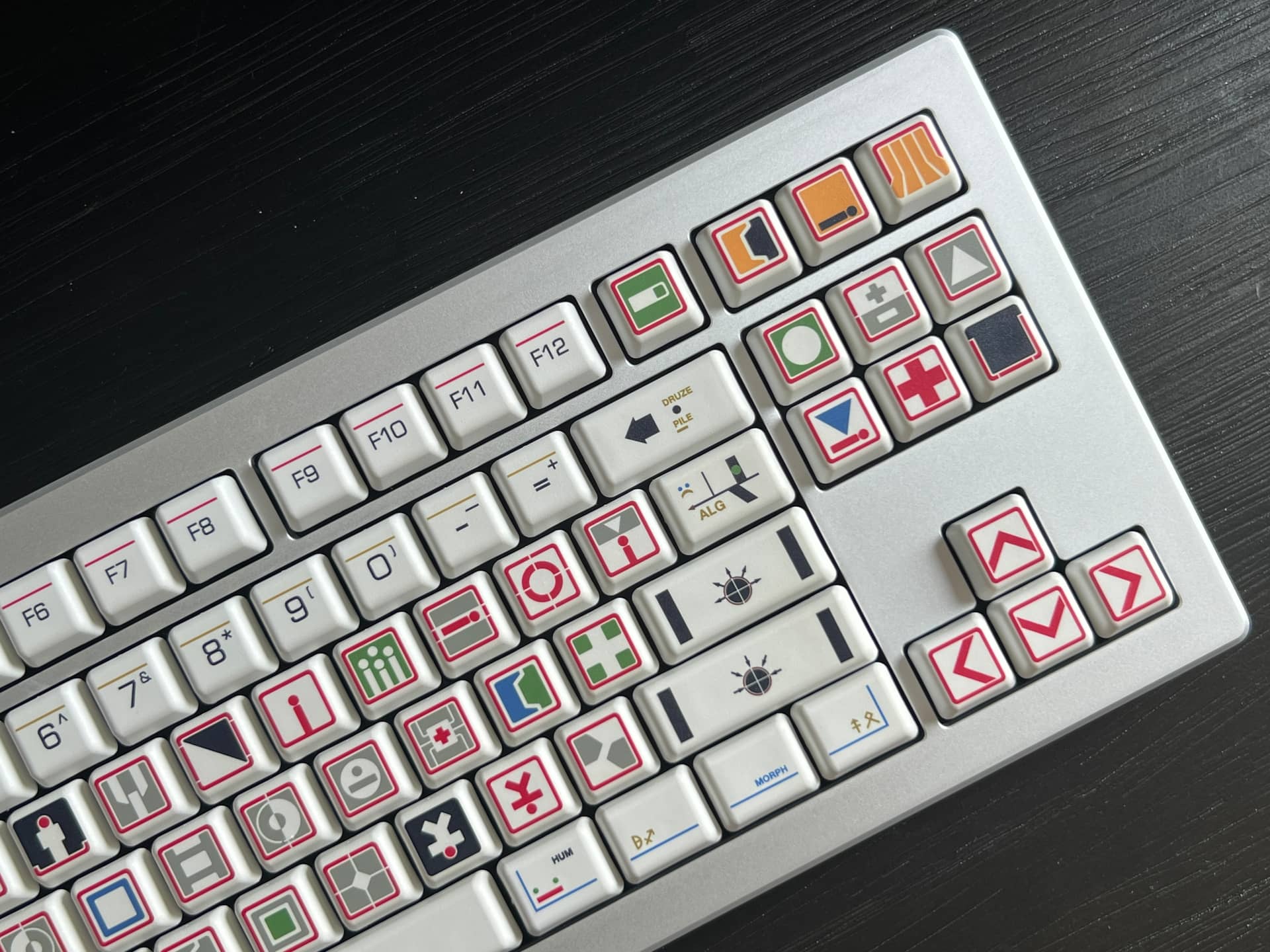
Remember, this is the same keyboard that I got a top custom hydro dipped in wood grain, too! So versatile
11 Likes
You’re going to town with your CSTM boards lolol.
1 Like
Hoping to pick up a few extra tops for cheap down the road (either on mechmarket or from corsair). I walk by this electrical box every day and I love the way it’s weather worn. I’ll have to take my phone to get photos of it. Pics:
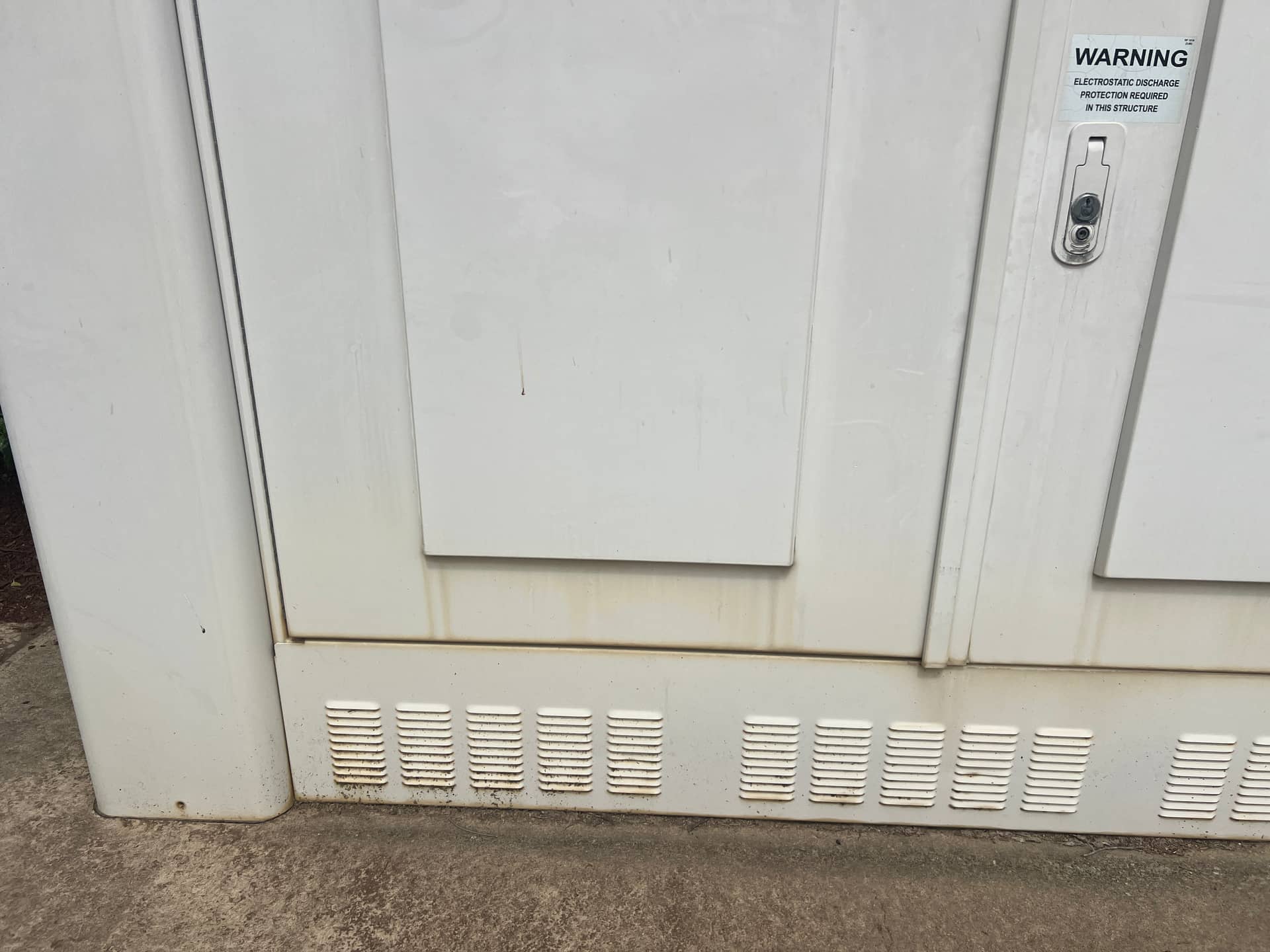
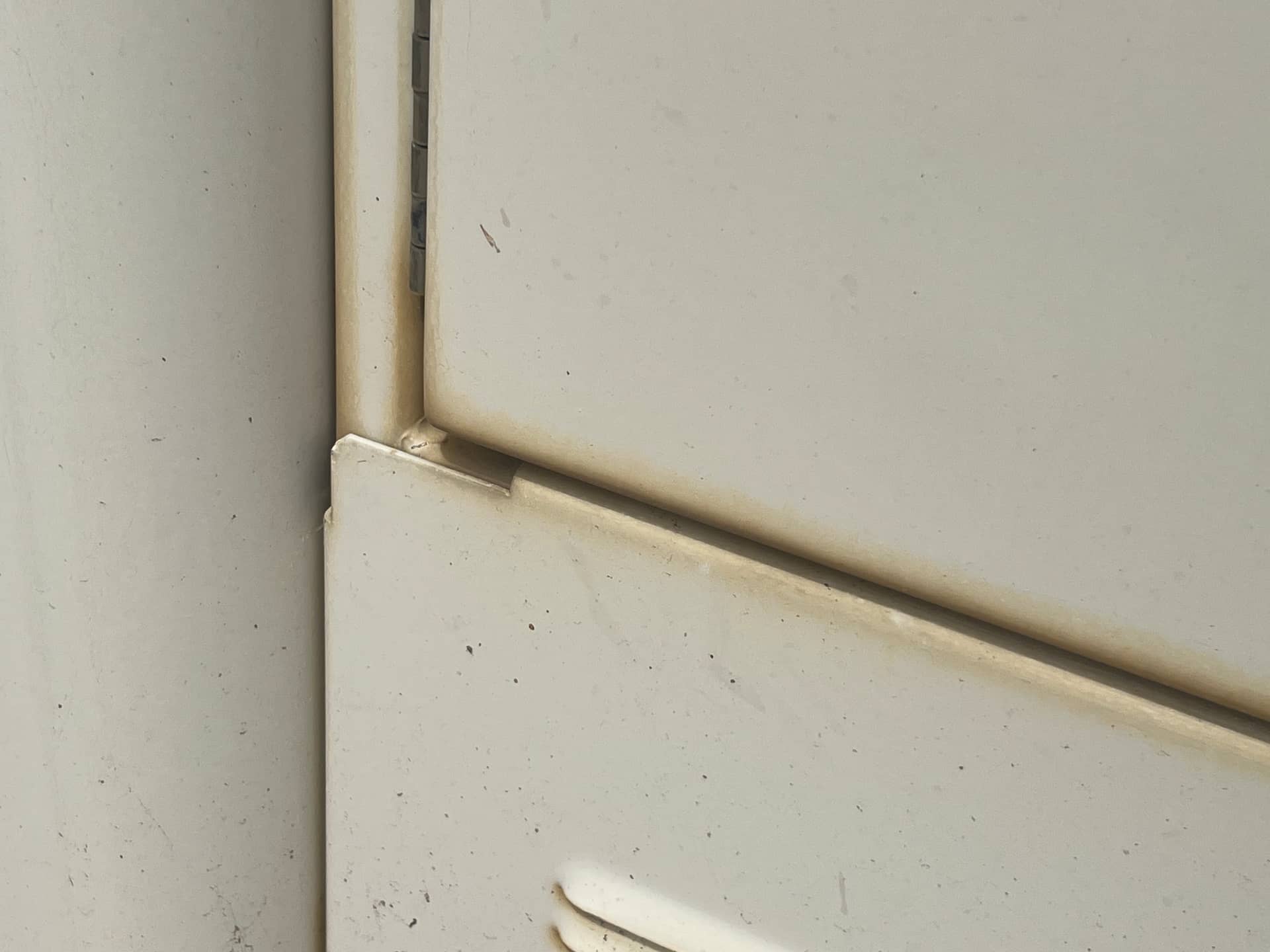
I was wanting to do a weathered/battered looking top. Either with paint layers and distress or perhaps the iron oxide powder trick for real rust.
I like how the possibilities of these boards get my creative juices flowing. Also, I’m seriously considering some G20 blanks for this build. G20 on roller linears is quite the typing experience for me. I’m currently typing on MTNU and it feels so clumsy in comparison. (Yes, I know this is not a common opinion  )
)
1 Like
I wonder how many custom builds are out there that have G20 caps on em.
PBS caps are so nice looking. I had the blanks from the initial drop but seeing this makes me want to get a legended set ASAP.
Don’t forget you can design your own PBS at YUZU now!
I’m definitely going to do this. Just have to find the right reason and inspiration
4 Likes
awesome!
yes, seems like a no brainer but gotta have a great idea if I’m going to put the work in
2 Likes