Bold
2 Likes
 You’re a week late on this one!
2 Likes
Still own one of these too. Nothing quite like it. Nice and flexible with a good thump on bottoming out.
1 Like
A classic. One of the only scissor switch keyboards I enjoy typing on.
1 Like
Ah, this went over my head  . What’s this mean?
1 Like
I think he’s calling your use of an apple keyboard an april fools joke
5 Likes
Haha, I see. Thanks @Dr.Doof 
2 Likes
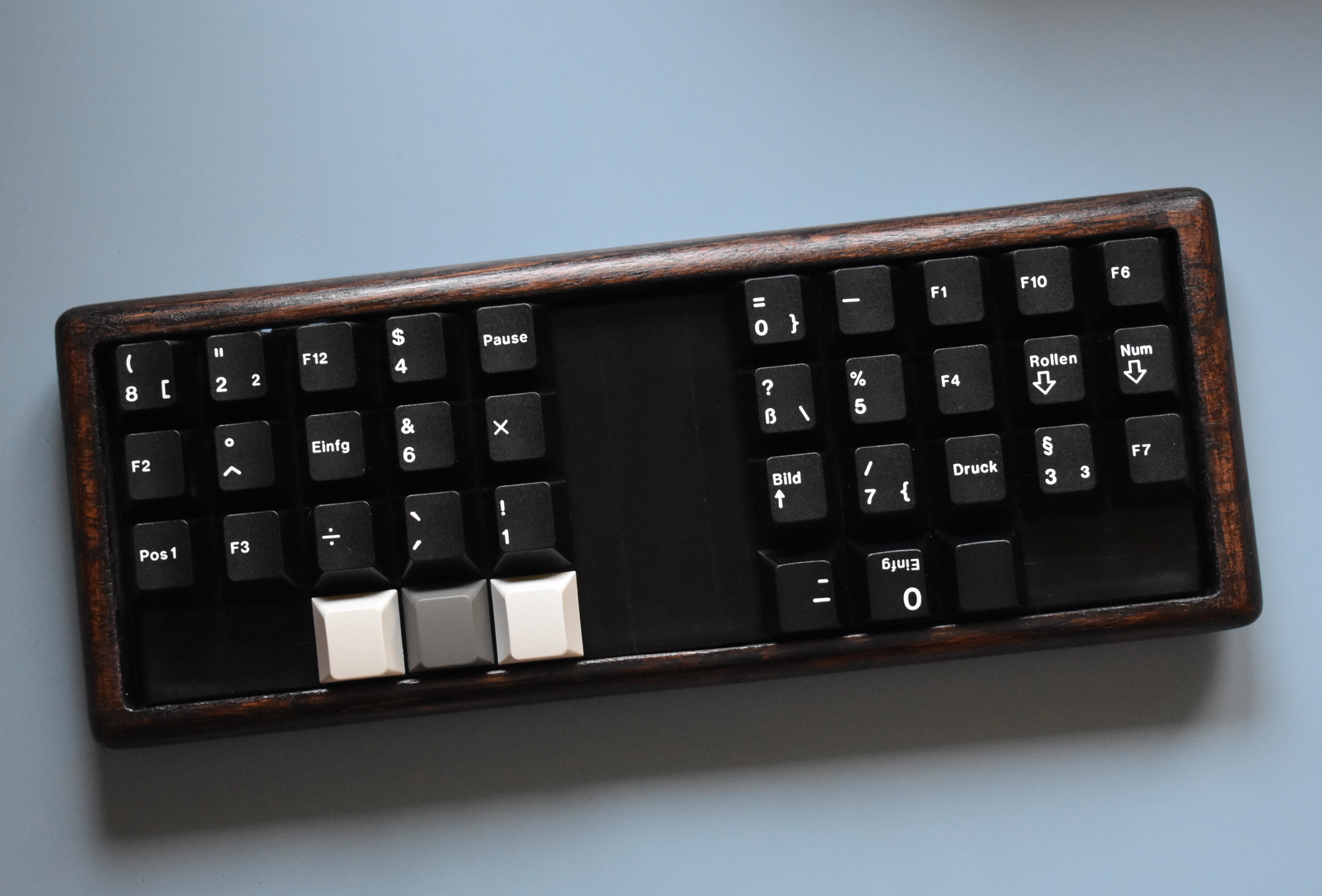
This is my oddball Planck I bought not too long ago. I think it’s finally “done”. I think it looks better than the following description sounds haha.
- Zebra wood case, mounting holes drilled out so stand offs float, pcb mounted on 6 bumpons and double sided foam tape to improve sound and feel, stained with some dark poly combo
- Alu plate is covered with note cards/electrical tape where not in use
- Gazzew U4Ts filmed (desk keys, for sound) and lubed (205g0)
- GMK WoB ISO-DE R3 caps for uniformity and fun ledgends, also three OG Spacekeys
16 Likes
Had one, back in time, not that bad at all to be honest ! Still have one on the Mac Mini of my parents and they like it.
1 Like
Nice! This is what Mondrian is for?
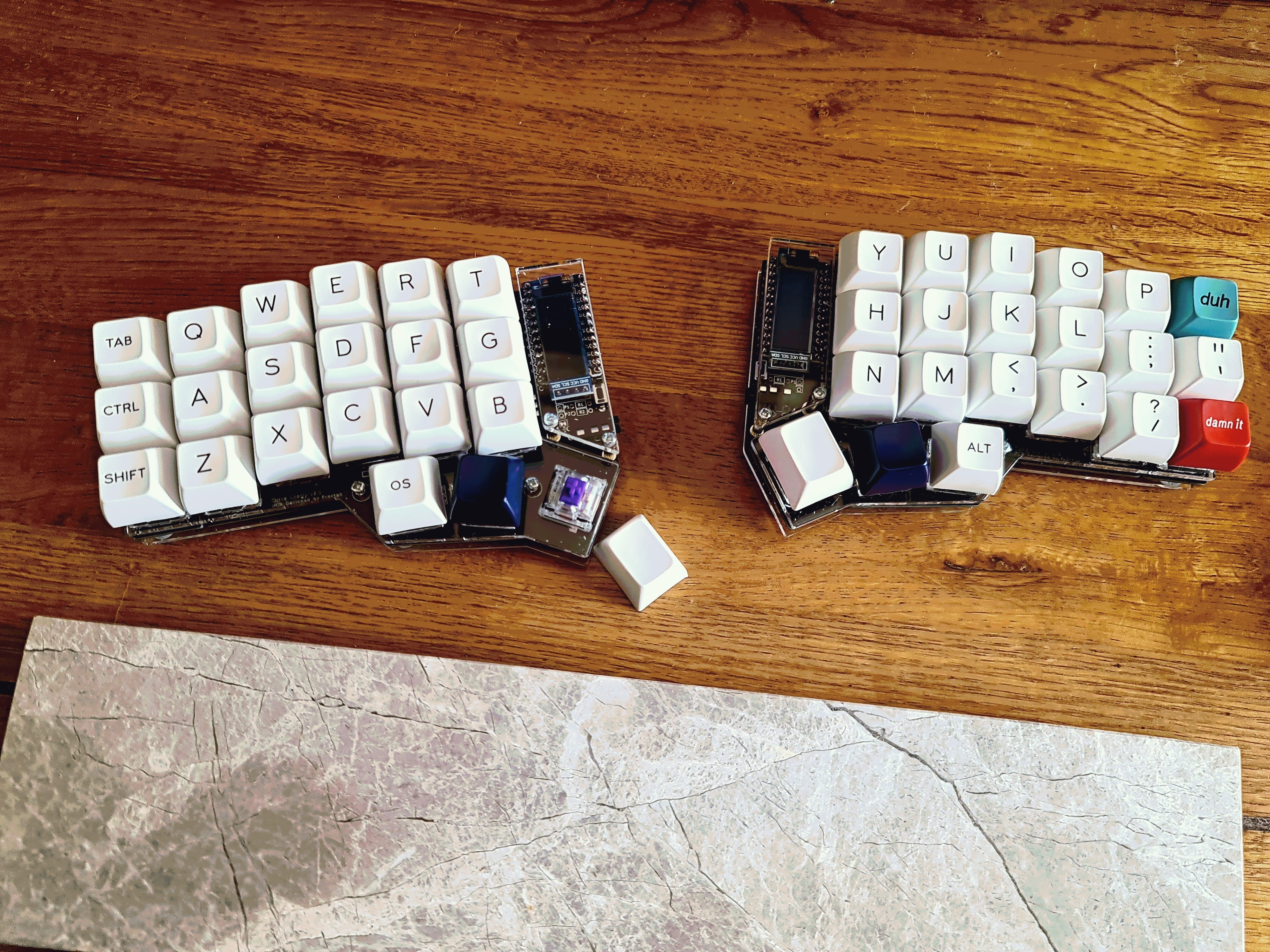
This is my Corne kit that I’d finished soldering today, just having a play about to try and get a layout that I’m happy with.
- Hotswap Corne kit from Mech Boards UK
- Zealios v2 65g lubled & filmed
- SA Ice Caps along with a couple of novelty keys
11 Likes
I always love seeing the SP “damn it” key in the wild. One day I will try a split ergo like the Corne! Looks amazing.
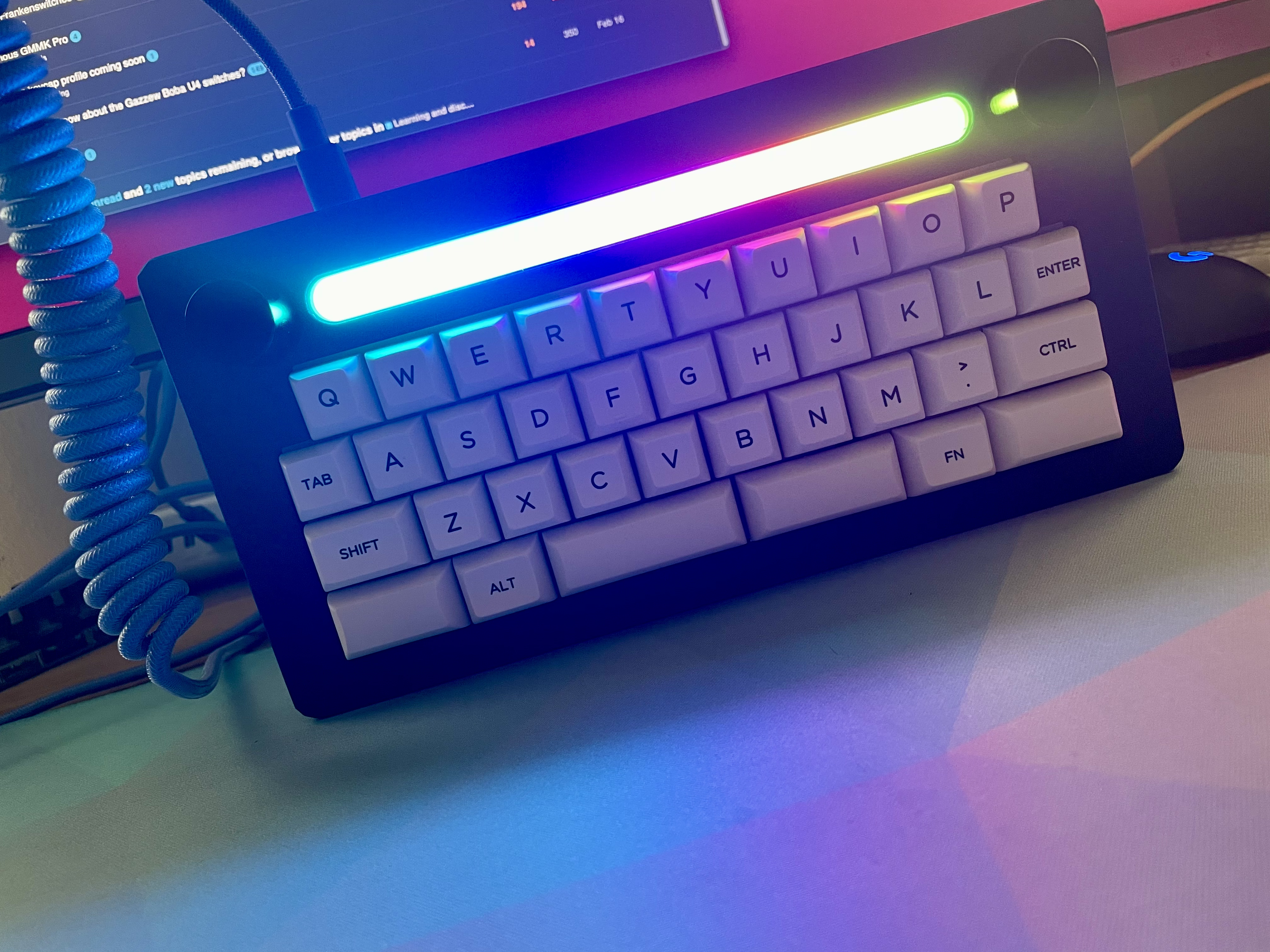
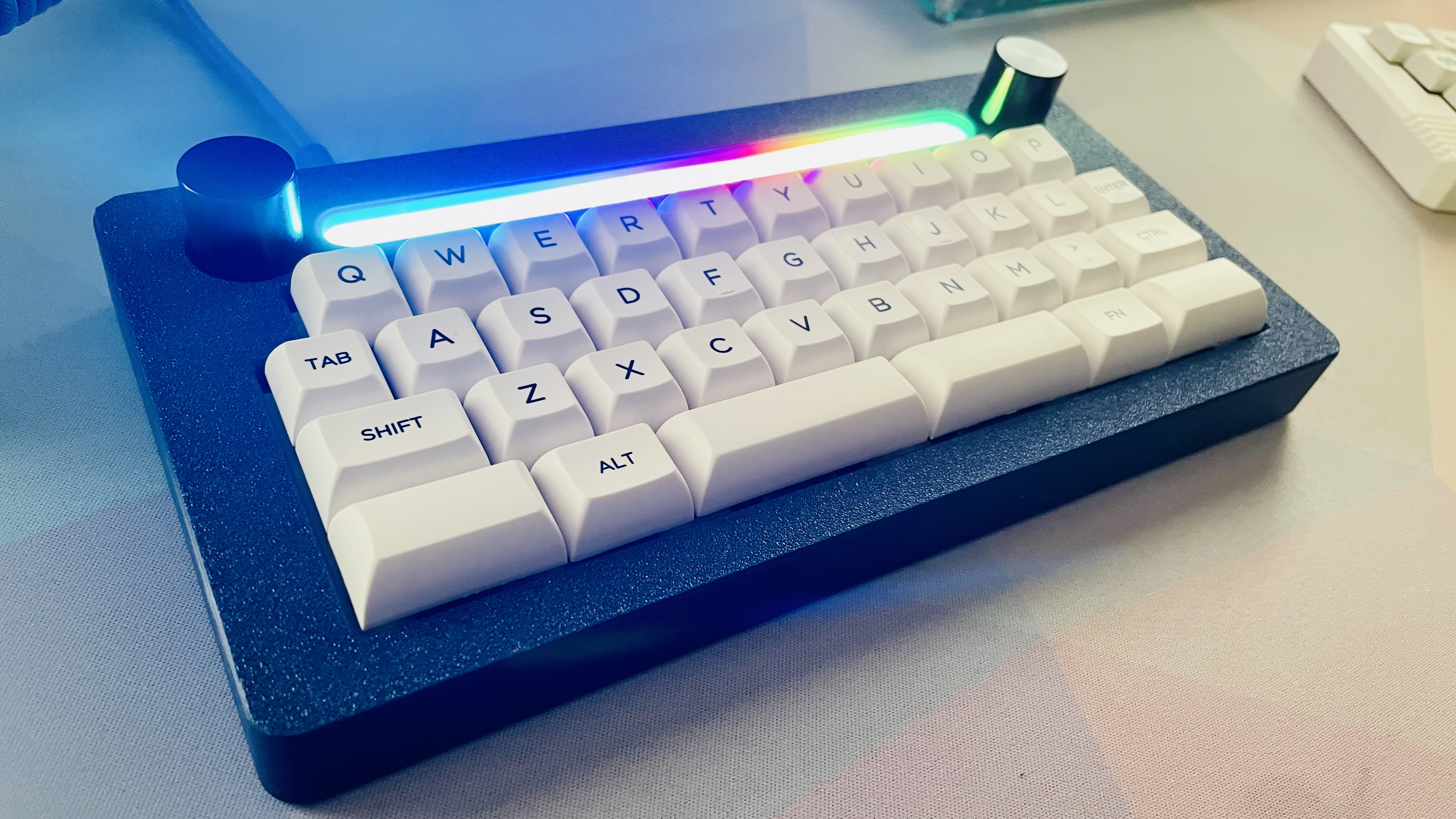
I put together my Karina last night. The RGB on this thing is ridiculous.
20 Likes
Recklessly beautiful.
2 Likes
Thanks! Could be! I’m just at the point where I have more boards than keycaps lol and I think that set is very nice looking (and I don’t have any light sets either).
3 Likes
I think I need a manual to understand what I’m looking at. (genuinely curious how it works)
2 Likes
Your Etch A Sketch is burning my eyes through the monitor.
3 Likes
I prefer to think of it as a Cylon.
Haha, well let’s see. I just didn’t install several switches and covered those spaces up. Typing seems more comfortable the further apart my hands are; wide shoulders I guess. My qmk configuration is pretty funky with home row modifiers (a when tapped, ctrl when held etc) and space/backspace/raise/lower on the thumb buttons. Esc, tab, and del are all combos that actuate when two keys are pressed at the same time.
It took some work, but I’m back up to speed (topping out at 108 on monkeytype  ).
).

3 Likes
Check out Miryoku, a popular layout that only requires 36 keys: qmk_firmware/miryoku.org at miryoku · manna-harbour/qmk_firmware · GitHub
Change the alphas to have QWERTY equivalents, and I have this layout on a few boards. It’s actually super comfy once you get used to the home row modifiers.
1 Like